clearout
  • Products
    • Email Verifier Verify emails addresses individually, in bulk or through API, with 99% accuracy
    • Email Finder Find individual or bulk emails by entering the person & company name or domain
    • Form Guard IconForm Guard Protect your forms from spam, bots, and invalid submissions with real-time email, phone, and name verification.
    • Prospect SQL/MQL list building with high levels of personalization, real-time data enrichment and prospect search
    • Clearout For SheetsVerify email addresses directly on Google Sheets with Clearout for sheets add-on
    • Prospect – LinkedIn Chrome ExtensionBuild verified, targeted prospect lists directly from LinkedIn profiles
    • ClearoutPhoneValidate phone numbers across 240+ countries in bulk, quick or real time validation
    • Free Tools
    • Disposable Email Checker
    • Reverse LinkedIn Profile Lookup Tool
    • Reverse Email Lookup Tool
    • Email List Cleaner
  • Resources
      DEVELOPERAPI iconAPI
      Clearout APIs are structured around REST and JSON
      Webhooks iconWebhooks
      Capture real-time events in your application workflow
      Form Guard iconForm Guard
      Real-time form validation to keep bad contacts out of your CRM
      KNOWLEDGE BASEGetting started iconGetting started
      Sending campaigns without bounces is made simple
      FAQ iconFAQ
      Easily find answers to services, security and common questions
      USE CASESLead Generation iconLead Generation
      Learn how professionals generate quality leads
      GUIDESPricing arrow iconTransparent & flexible pricing to support pay-per-use or recurringCompare Email Verification Tools arrow iconAI-powered email verification with 99%+ accuracy, real-time validation, and transparent risk scoringCompare Email Finder Tools arrow iconPre-verified B2B email addresses with confidence scoring, find real person email, not role-based addressBLOGSEmail Verification ToolsFind Anyone’s Email Address
      Most Accurate, Fast & Free Ways
      Form Validation
      Importance, Ways & Best Practices
      View All Blogs
  • Pricing
  • Integrations
  • Enterprise
  • Login
Try it free Book a 1-to-1 demo
Akanksha Mishra / February 25, 2026 February 25, 2026

B2B Email Marketing Automation Workflows (By Use Case)


B2B Email Marketing Automation Workflows (By Use Case)

B2B email marketing isn’t just about running campaigns anymore. Today, it’s built around automation workflows that support longer and more complex buying journeys. Buyers now expect emails that feel timely, relevant, and tailored to their role. Because of this, manual outreach and generic email sequences simply don’t scale the way they used to.

The 2025 B2B industry report shows that 72% of B2B organizations are already using email marketing automation to nurture leads, support sales follow-ups, and keep customers engaged. But automation alone isn’t enough. It only works well when workflows are built around real business needs and backed by accurate lead data.

This article breaks down B2B email marketing automation workflows and real email automation workflow examples by use case. You will also get to know how automation can assist in every step of the purchasing process when supported by the right lead information.

Table of Content


‣ What Is a B2B Email Marketing Automation Workflow?
‣ B2B Email Automation vs B2C Email Automation
‣ Core B2B Email Automation Workflows by Use Case
‣ Tools for B2B Email Workflow Automation
‣ How Clearout is a great fit for your B2B email automation stack?
‣ Top Techniques for Efficient B2B Email Automation Processes
‣ Final Takeaways
‣ FAQs

What Is a B2B Email Marketing Automation Workflow?


B2B workflow icon

In B2B, email automation isn’t about sending more emails. An automation workflow is what handles that in the background. Follow-ups are triggered when someone shows interest. A form submission, a demo request, or even an email open is basically your cue that someone’s paying attention.

That small action signals your system to send the next message at the right moment automatically, without any manual follow-up needed. This approach helps maintain continuity during extended buying processes where decisions are shared across teams.

Key Components of an Email Automation Workflow


  • Logic of segmentation: Basic information like job role, company size, industry, funnel stage, and previous interactions is used to sort out the contacts.
  • Automated email sequence: With such logic filters, emails are automatically sent in a sequence. The messages can be educational, transactional, or sales activity-related.
  • Rules of decision: Did they open the email? Click a link? Reply? Go quiet?

B2B Email Automation vs B2C Email Automation


DimensionB2B Email AutomationB2C Email Automation
Buying trigger Business problem, budget approval, internal alignment Individual need, impulse, or personal preference
Decision makers Multiple roles (user, influencer, approver, buyer) Single consumer
Workflow goal Move accounts through stages (MQL → SQL → Opportunity) Drive immediate action (purchase, repeat order)
Email Content Use cases, ROI, implementation details, proof Offers, promotions, product highlights
Timing logic Behavior + intent signals over weeks or months Short, time-based sequences
Data tolerance Low invalid emails break sales handoffs Higher occasional churn is acceptable

In B2B, one invalid or unreachable email can steal a deal, misroute a lead, or waste sales effort. That’s why lead quality and email verification are not optional layers in B2B email workflow automation; they directly affect pipeline movement and revenue forecasting.

Core B2B Email Automation Workflows by Use Case


B2B email automation works best when each workflow is built around a specific business need. The following section covers key automation workflows by use case and shows where lead quality, form validation, and email verification influence overall performance. Clearout provides accurate data with these tools to directly support better workflow outcomes.

1. Lead Capture Workflow: Convert Form Submissions Into Leads


Difficulties


  • Fake, invalid, mistyped, or gibberish email addresses
  • Disposable or role‑based emails entering the CRM
  • Sales teams following up on unreachable contacts

Workflow Structure


  • Trigger: Website form submission (ebook, demo, webinar)
  • Step 1: Do form-level email validation in real-time using Clearout Form Guard. This is used to identify invalid, disposable, catch-all, role-based, and risky email addresses before entering the CRM.
  • Action: Validated leads are automatically sent to your CRM or marketing automation platform, and the status of verification is added. Only qualified and reachable contacts are what your sales teams get.

Result


Clean data from day one. No follow-up on dead addresses. Higher conversion rates because outreach reaches real prospects.

2. Educating Prospects Over Time


When to Use


  • Long consideration cycles
  • Multiple decision‑makers
  • High‑value or complex products

Content Sequencing by Funnel Stage


  • Top of funnel: Industry knowledge, educational blogs.
  • Middle of funnel: Use cases, comparative guides, webinars.
  • Foot of the funnel: Case studies, demos, ROI calculators.

Steps


  • Before Launch: List Validation

Before activating any nurturing sequence, validate your contact list using Clearout Email Validation.

This removes:
  • Invalid or inactive addresses
  • Spam traps and honeypots
  • High-risk domains
  • Temporary email addresses
Clean lists ensure your engagement metrics accurately reflect prospect interest rather than data quality issues.

  • Trigger: Lead is entering nurturing segment (downloaded content, attended webinar, met lead score threshold)
  • Email Sequence: Behavioral-follow up depending on interest:
    • Opened but not clicked - Send related content.
    • Bring more in-depth coverage.
    • Pass to the re-engagement sequence.
  • Sales Handoff: On the achievement of a good engagement threshold (e.g., 3 email openings + 1 content download), you can get a complete engagement.

Result: Accurate engagement metrics, safeguarded sender trust, and emails that hit authentic prospects.

3. Sales Follow‑Up Workflow: Supporting Sales Teams With Prompt Communication


Common Scenarios


  • Post‑demo follow‑ups
  • Post‑meeting summaries
  • No‑response sequences

Aligning Emails With Intent Signals


  • Demo attended → pricing and next steps
  • Proposal sent → reminder and value recap
  • No response → timed, polite nudges

4. Account‑Based Email Process: Reaching Purchasing Committees


How ABM Workflows Differ


  • Multiple contacts per account
  • Role‑specific messaging
  • Coordinated timing across stakeholders

Maintaining Accuracy at Scale


ABM relies on precise contact data across departments.

5. Customer Onboarding Process: From Enrollment to Product Acceptance


Key Onboarding Emails


  • Welcome and setup instructions
  • Feature highlights
  • Usage tips and milestones

Trigger‑Based vs. Time‑Based Onboarding


  • Trigger‑based: Actions inside the product
  • Time‑based: Scheduled education

At Point of Signup: Real-Time Validation


Customer onboarding starts at account creation. Clearout Form Guard validates email addresses during signup, ensuring:

  • Customers enter working email addresses
  • Activation emails reach actual inboxes
  • No onboarding messages bounce
  • Product notifications and updates are deliverable

6. Re‑Engagement Workflow: Inactive Leads


Identifying Inactive Contacts


  • No opens or clicks
  • Long periods of inactivity

Re‑Engage or Suppress?


Sending to invalid emails harms deliverability.

However, Clearout Email Verifier can assist the teams in knowing which email contacts are working and safe to re-engage.

You can later segment as per the validation results. Check how many valid, invalid, and risky contacts are present. As per this data, launch re-engagement campaigns.

Tools for B2B Email Workflow Automation


In B2B marketing, email automation tools are no longer used just to send emails. They are expected to respond to user actions, group contacts correctly, and support sales and revenue teams as leads move forward. Below are the tools commonly used at different company sizes.

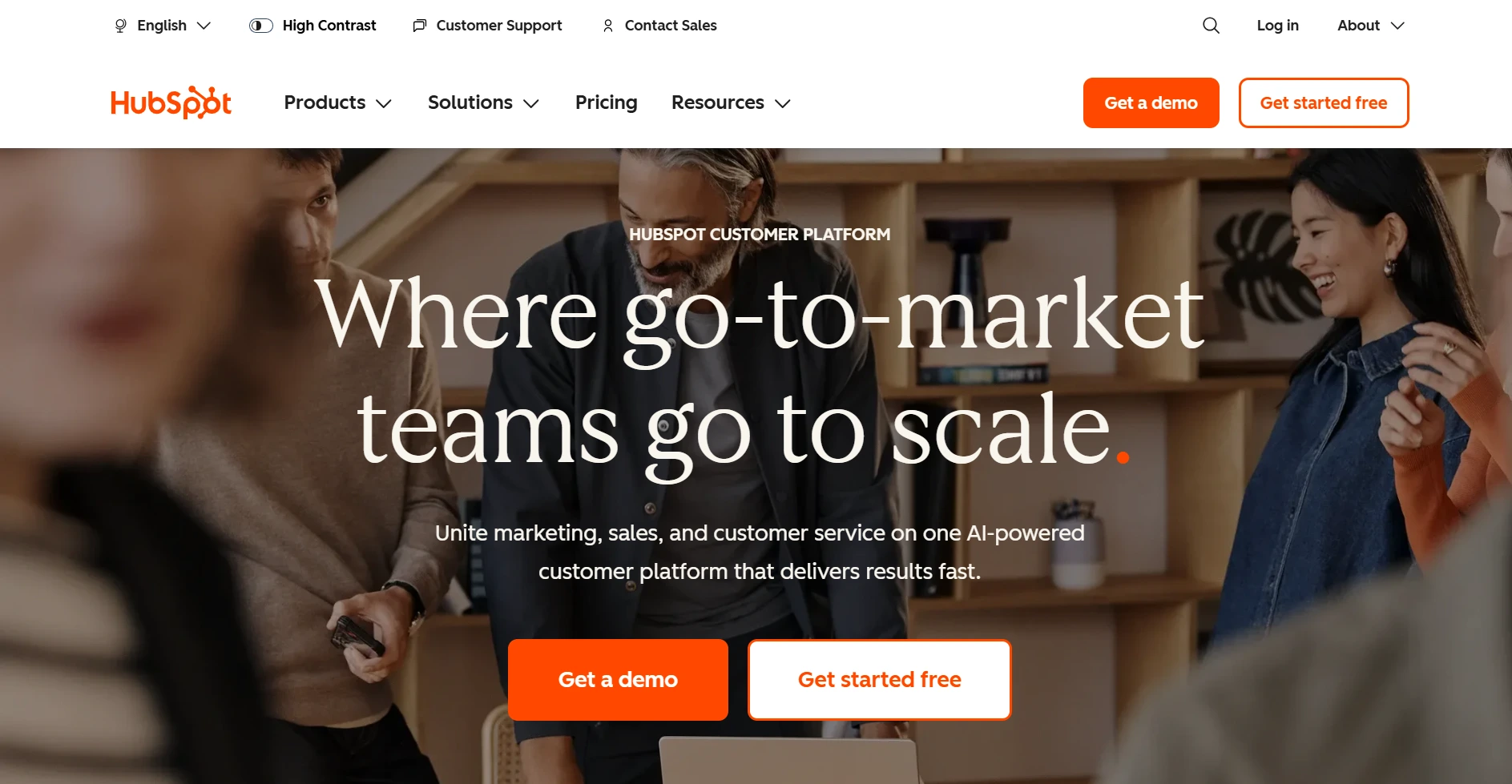
1. HubSpot Marketing Hub


Screenshot of HubSpot Marketing Hub homepage

Overview: As part of an integrated inbound platform that integrates CRM databases, workflow automation, segmentation, and reporting, HubSpot's Marketing Hub provides email marketing automation. Using unified customer records, it enables teams to create workflows with personalized rules and behavioral triggers.

Core Capabilities

  • Workflow builder that lets teams create and branch automations visually
  • Segmentation and personalization based on CRM data
  • Lifecycle reporting and revenue attribution
  • AI-assisted email content generation

Review from Practical Experience: HubSpot's CRM-native automation marketing workflows that are directly connected to contact, company, deal, and lifecycle properties are its strongest point when it comes to practical application.

This structure minimizes the requirement of having to synchronize data between different tools, which is important in the case of B2B teams with multi-layered campaigns. It involves one system that uses fewer moving parts to do contacts, automation, and reporting. Workflows become increasingly complicated, and less time is spent in teams correcting triggers.

Ideally Suited: Mid-to-large B2B teams and Marketing and sales on the same system.

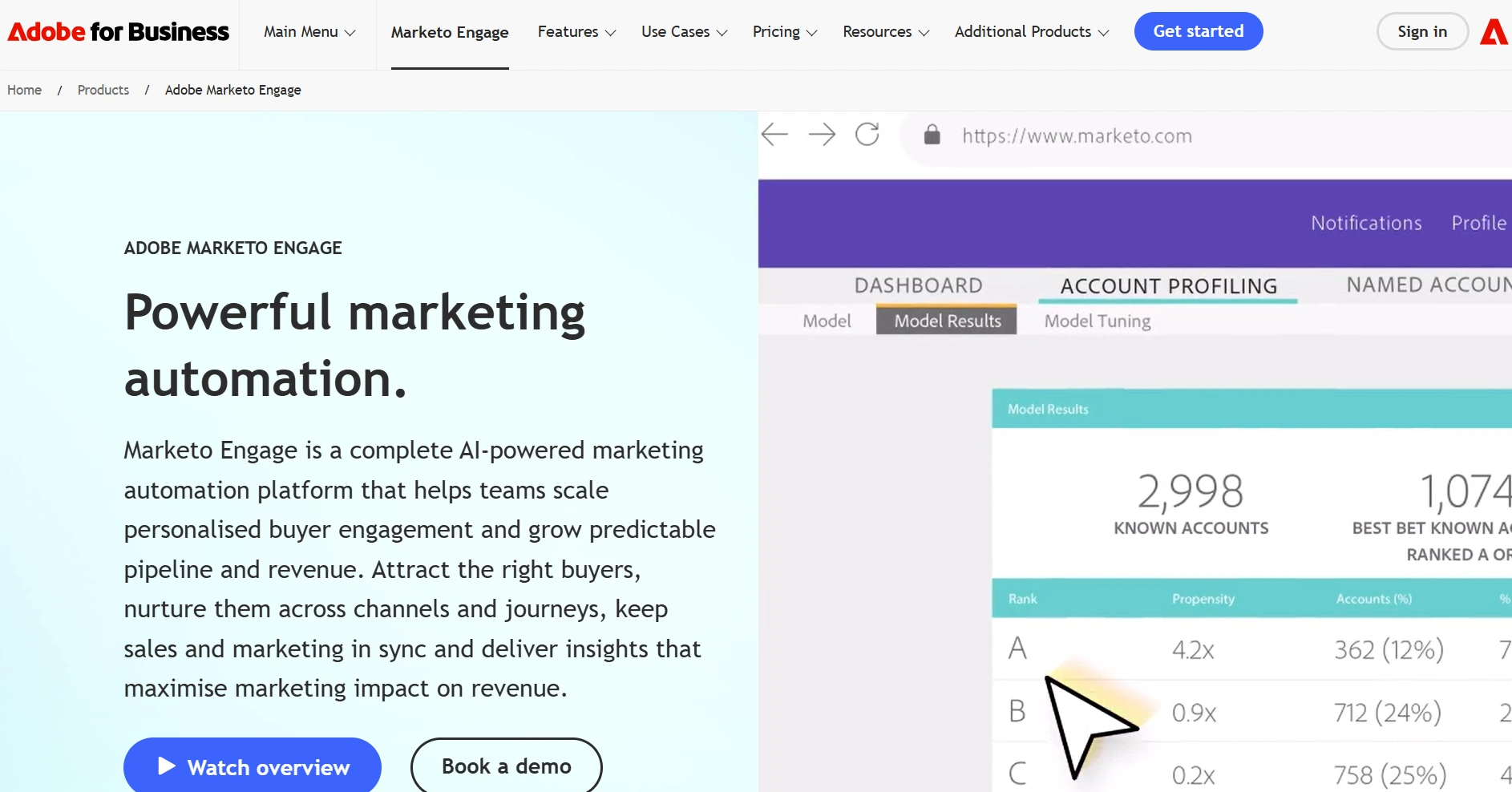
2. Marketo Engage (by Adobe)


Screenshot of Marketo Engage Home Page.

Marketo Engage is used by organizations running large and complex marketing programs. It covers behavioral tracking, account-based marketing, lead management, and more advanced email automation needs.

Core Capabilities

  • Sophisticated campaign management with multi-touch workflows
  • Behavioral and demographic segmentation
  • ABM orchestration across large account sets
  • Deep analytics and reporting dashboards

Review from Practical Experience: In practice, Marketo delivers robust automation logic capable of accommodating long B2B buying cycles and highly segmented audience strategies. The platform supports cross-channel engagement and complex nurture programs, including detailed drip campaigns. In practice, teams usually need dedicated operations support to manage it well, and implementation takes more effort at enterprise scale.

Ideal For: Large B2B organizations with established automation teams.

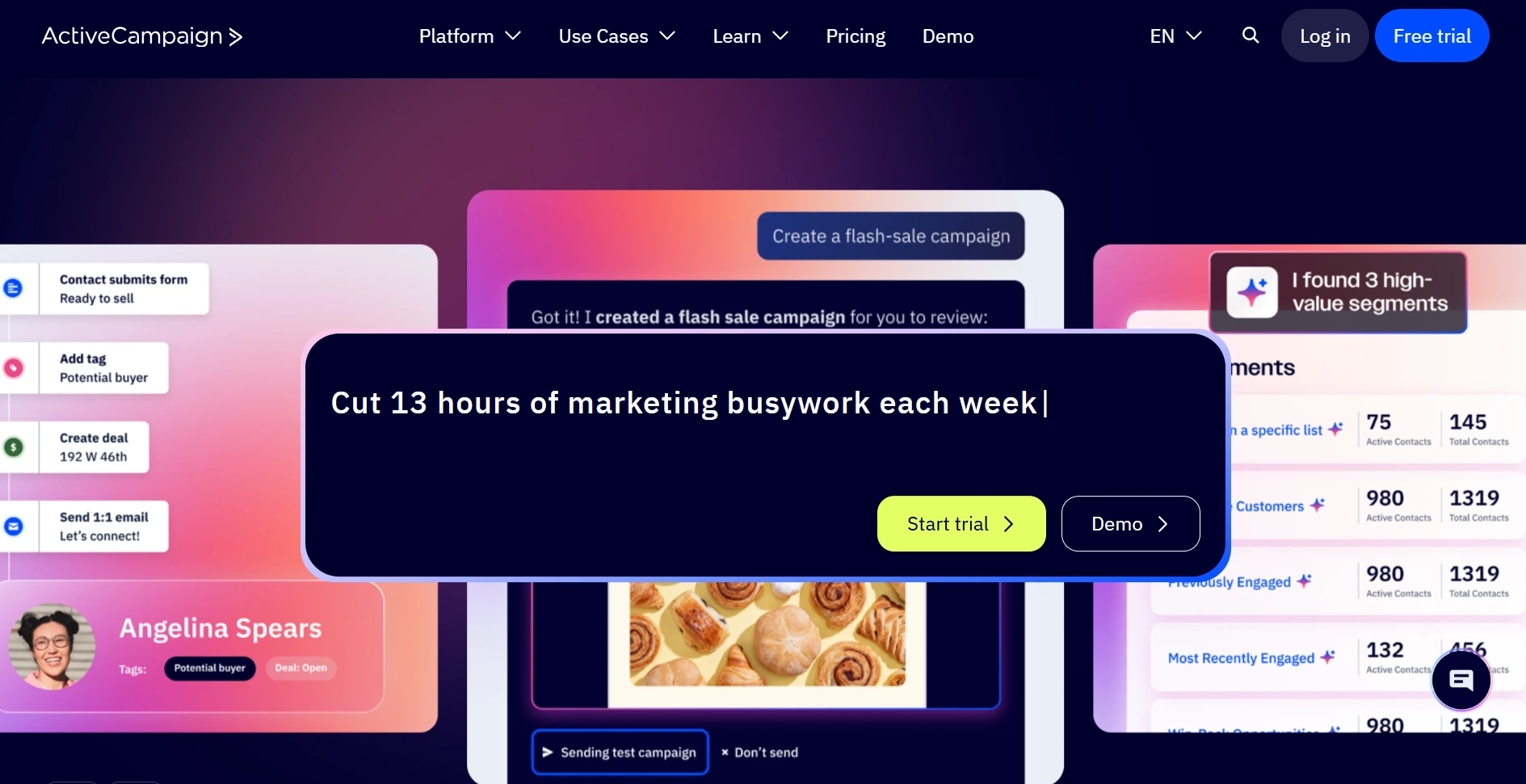
3. ActiveCampaign


Screenshot of ActiveCampaign Home Page.

ActiveCampaign is a software to operate on email journeys, which vary depending on how contacts are segmented, how they behave, and how they are scored.

Core Capabilities

  • Advanced automation builder with if/then logic
  • Lead scoring tied to engagement and behavior
  • Built-in CRM with deal tracking
  • Event and site-tracking based triggers

Review from Practical Experience: If you’re leading a B2B team and need advanced automation without the hassle and complexity of massive enterprise platforms, ActiveCampaign is worth considering. You get a visual automation builder that can handle all types of branching workflows, plus an integrated CRM, so you’re not left switching between multiple tools. Setting up things like automated follow-ups, lead nurturing, and scoring? Of course, if you want to create highly customized workflows, things can get more complex. But honestly, most teams won’t need to go that far right away.

Who is this for?:
B2B companies of mid-size that seek automation that integrates directly with Salesforce CRM.

4. Salesforce Pardot


Screenshot of Salesforce Pardot page.

Pardot is Salesforce’s platform for B2B marketing automation, helping teams manage lead generation, nurturing, and alignment between marketing and sales.

Core Capabilities

  • CRM-native automation tied to Salesforce records
  • Lead scoring and behavior-based triggers
  • B2B KPI reporting and pipeline influence metrics
  • Engagement Studio for drip sequences

Review from Practical Experience: In real use, Pardot’s value is most evident when Salesforce is already the system of record. Pardot and Salesforce integrate so seamlessly that whenever a prospect takes action, both marketing and sales teams are instantly in the loop. It’s more than just sharing data; they actually support each other in tracking accounts, triggering intelligent email follow-ups, and keeping everything updated as deals move through the pipeline.

Best For: Teams using Salesforce CRM who want their marketing and sales to actually communicate with each other.

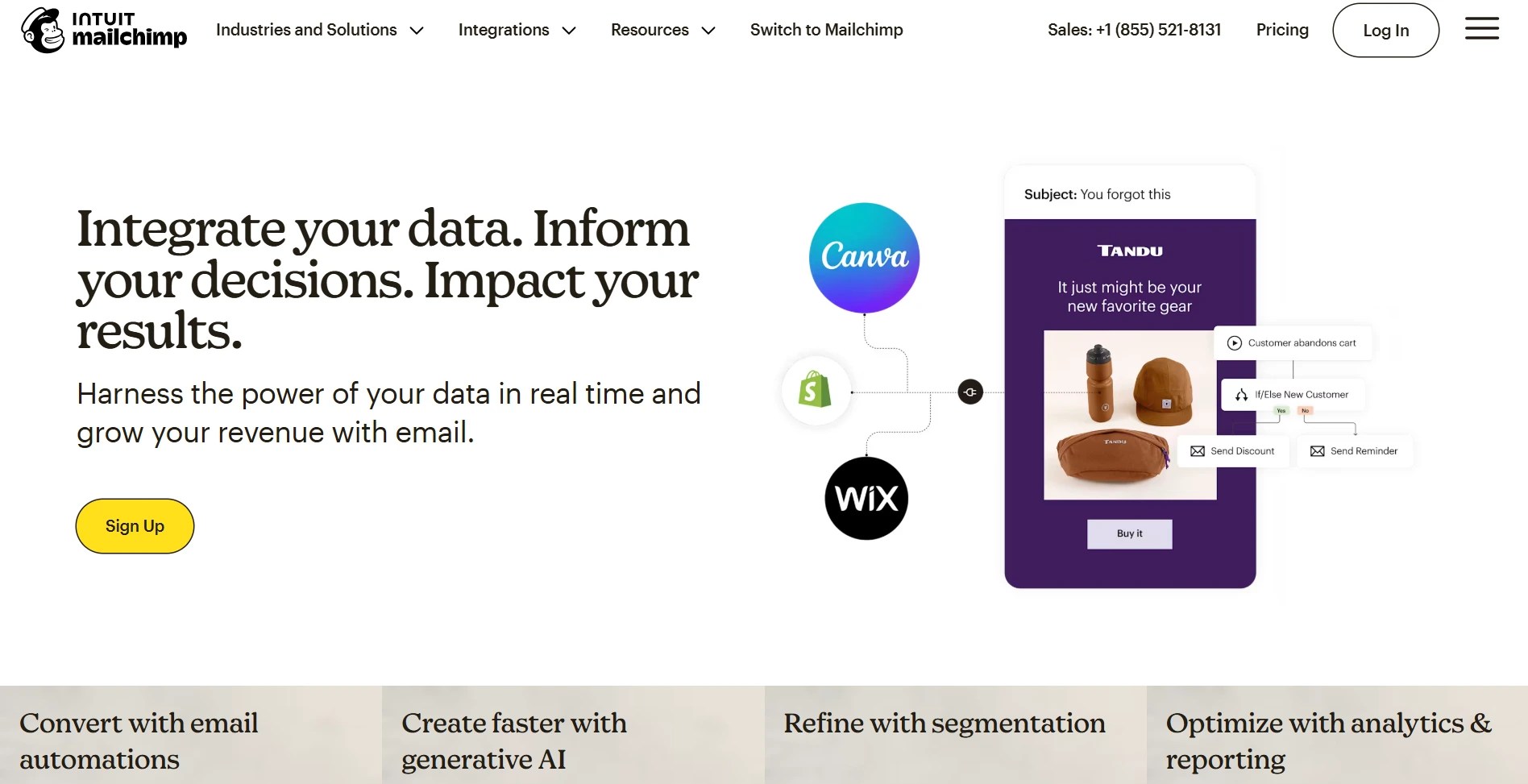
5. Mailchimp


Screenshot of Mailchimp Home Page.

Mailchimp is simply the first thing that will come to mind when it comes to email marketing and automation. It is easy to install, user friendly and you can easily create segments of your contacts or construct workflows with very little effort. Automation journeys can also be made ready, thus you do not need to build everything up.

Core Capabilities

  • Drag-and-drop email and journey builder
  • Pre-configured automation templates
  • Audience segmentation and basic behavioral triggers
  • Reporting dashboards

Review from Practical Experience: Mailchimp is great when you need to get started quickly. It’s ideal for teams launching their first automated campaigns or anyone handling simple B2B workflows. You won’t get the deep, advanced automations that larger platforms have, but you will get an interface that just works. Teams appreciate how fast they can launch campaigns and keep things moving. If you want to run basic nurture sequences or follow-ups and don’t want to deal with a heavy CRM, this is a strong choice.

Best For: Small and mid-sized B2B teams who want automation without any extra hassle.

How Clearout is a great fit for your B2B email automation stack?


Screenshot of Clearout Home Page.

B2B email automation only works well when your data is clean. When fake or invalid, gibberish, catch-all email addresses enter your system, it can disrupt lead routing, hurt deliverability, and skew engagement results. That’s why lead quality and form validation play an important role in automation performance.

Clearout helps improve data accuracy across key B2B automation use cases, especially during lead capture and list preparation. By validating email addresses before they enter workflows, teams can ensure automated emails reach real prospects and engagement metrics remain reliable.

Where Clearout Fits in Automation Workflows:


  • At Lead capture: Clearout’s Form Guard verifies email addresses in real time during form submissions. It helps keep clean lead data from the beginning by identifying invalid, disposable, role-based, and dangerous emails before they enter the CRM.

  • Before campaign launching: Teams may use Bulk Email Verifier as it will clean and validate contact lists before launching automated email campaigns. This enhances the delivery of emails, reduces the rate of bouncing emails, and ensures that the right people receive your nurturing emails.

  • Continuous database upkeep: The regular checks in the database remove inactive contacts to ensure the quality of your data and the effectiveness of your processes.


Core Capabilities


  • Real-time email validation at lead capture (Form Guard)

  • Bulk email verification for existing contact lists

  • Detection of invalid, disposable, catch-all, and risky email addresses

  • Multiple validation checks to support deliverability and sender reputation


Review from Practical Experience: Using Clearout made a big difference in managing email lists. You could instantly verify new leads and clean up old contacts, which reduced bounce rates and ensured campaigns reached real prospects. These outreach workflows were more dependable and assisted in ensuring that marketing and sales activities are concentrated on contacts that are actually relevant.

Best For: Marketing, GTM, and sales teams conducting outbound campaigns, account-based marketing or lead generation programs are needed prior to email automation.

Top Techniques for Efficient B2B Email Automation Processes


Successful B2B workflows aren’t about sending more emails. They focus on relevance, timing, and clean data. Teams that get consistent results design workflows around actual buying behavior and what works in practice. When automation matches intent signals and relies on accurate data, it helps grow the pipeline while keeping deliverability and engagement strong.

Best practices to follow:


  • Create workflows based on real buyer needs

  • Make sure your email data is clean before sending campaigns, using tools like Clearout to check email addresses.

  • Use real-time email validation at lead capture

  • Sort contacts by role, industry, and buying stage

  • Keep marketing and sales aligned

  • Use engagement and intent signals to guide workflow actions

  • Regularly clean and update contact data

  • Suppress inactive or risky contacts

  • Test and optimize workflows regularly


Final Takeaways


B2B email marketing automation delivers results when you build workflows that reflect real-world scenarios and support everything with reliable data. Having clean and verified email addresses is essential. They ensure your automated emails reach the right audience and keep things operating seamlessly from the first contact to the final sale.

Clearout makes this simple. It verifies email addresses before you launch a campaign. This way, your emails get delivered to real leads only, your engagement improves, and you don’t have to worry about wasted budget.

Try Clearout Today

FAQs


1. What is a workflow for B2B email marketing automation?
A B2B email marketing automation workflow is a structured sequence of emails triggered by user actions or data signals, designed to support lead nurturing, sales follow-ups, onboarding, and long buying cycles common in B2B environments.
2. How does email workflow automation improve lead nurturing?
Email workflow automation delivers relevant content based on a prospect’s behavior and stage in the funnel, allowing B2B teams to nurture leads consistently without manual effort while maintaining personalization.
3. What are examples of B2B email automation workflows?
Common B2B email automation workflow examples include lead capture and qualification workflows, lead nurturing sequences, sales follow-up automation, customer onboarding emails, and re-engagement campaigns for inactive leads.
4. Why is email verification important for automated email workflows?
Email verification ensures that automated email workflows are sent to valid, reachable addresses, reducing bounce rates, protecting sender reputation, and improving overall campaign performance.
5. How does Clearout assist B2B email workflow automation?
Clearout checks email addresses instantly during lead capture and can do bulk verifications before sending a campaign. This ensures you have quality data, smoother marketing and sales operations, and fewer problems later on.

Share this article

Recent Posts

25 Feb 2026
B2B Email Marketing Automation Workflows (By Use Case)

Explore the best Findymail alternatives in 2026. Compare the features, pricing, reviews, and why Cle ...

24 Feb 2026
How to Implement Gmail & Yahoo Authentication (2026)

Step-by-step guide to implementing Gmail and Yahoo authentication requirements in 2026. Explore how ...

18 Feb 2026
Why Your Emails Hit Gmail's Promotions Tab (and How to Fix It)

Explore why emails land in Gmail’s Promotions tab and how to fix it. Learn proven tips to move emai ...

16 Feb 2026
WPForms Spam Protection: Features, Limitations & Alternatives

Explore how WPForms spam protection works, its limitations, and the best way to prevent fake, dispos ...

13 Feb 2026
Top 5 Findymail Alternatives Compared in 2026

Explore the best Findymail alternatives in 2026. Compare the features, pricing, reviews, and why Cle ...

Clearout's

Form Guard

Validate email, phone & name on any forms!

  • Real signups only
  • Verified emails
  • Valid phone numbers
  • No fake names
  • Cleaner CRM
  • No devs needed
Try for Free Now

Email Verification, Email Finding Form Guard & Prospecting Service

Expand Your Reach By Finding & Verifying Ideal Prospects.

Sign up & get 100 free credits

No Credit Card required

Create Free Account
Company

Why Clearout?

Pricing

Contact Us

Careers

Press

Enterprise

Sitemap

FAQ

Status

Products

Email Verifier

Email Finder

Form Guard

Prospect

LinkedIn Email Finder

Reverse Lookup

Google Sheets Add-on

WordPress Plugin

ClearoutPhone

What's New?

Resources

Integrations

HubSpot

Team Account

API

Compare Email Verifier

Compare Email Finder

Compare Prospecting

Use Cases

Blog

Help

Legal

Privacy Policy

Terms

DPA

Security

Trust Center

Certification

ISO 27001/2022

SOC 2 Type 2

GDPR

Partnership

HubSpot Certified

Affiliates

Partners

Clearout for browser

⚡ Supercharge Your Prospect Research with Clearout's LinkedIn Chrome Extension - Find and Verify Emails with Confidence!

Clearout Chrome extension

clearout
© 2026 Clearout Inc. All Rights Reserved. Powered by Clearout.
Auto Credit Replenishment is here! Your credits can now recharge automatically. Learn More ➞
X