

- Products
- ResourcesDEVELOPER

 API
API
Clearout APIs are structured around REST and JSON Webhooks
Capture real-time events in your application workflow Form Guard
Real-time form validation to keep bad contacts out of your CRMKNOWLEDGE BASE Getting started
Sending campaigns without bounces is made simple FAQ
FAQ
Easily find answers to services, security and common questionsUSE CASES Lead Generation
Learn how professionals generate quality leadsGUIDESPricing Transparent & flexible pricing to support pay-per-use or recurringCompare Email Verification Tools AI-powered email verification with 99%+ accuracy, real-time validation, and transparent risk scoringCompare Email Finder Tools Pre-verified B2B email addresses with confidence scoring, find real person email, not role-based addressBLOGSEmail Verification ToolsFind Anyone’s Email Address
Most Accurate, Fast & Free WaysForm Validation
Importance, Ways & Best PracticesView All Blogs - Pricing
- Integrations
- Enterprise
- Login


10 Best CRM Software Tools for 2026 (Top Picks & Pricing)
However, in 2026, the CRM has changed. What worked even a few years ago feels slow now. You expect smart AI insights, clean mobile access, strong integrations, and data that actually helps you decide what to do next. These are no longer “nice extras.” They are basic expectations if you want your team to move fast and stay competitive.
That creates another problem though. With more than a thousand CRM tools out there, picking one feels overwhelming. Do you choose the big brand everyone knows, the cheaper option that fits your budget, or a niche tool that promises to “get” your business?
That is exactly why this guide exists. We did the heavy lifting for you. We tested, compared, and ranked the 10 best CRM software tools for 2026 based on what actually matters in real life.
Features, pricing, ease of use, integrations, and how teams perform when they use them daily. If you want a CRM your team will actually adopt and use, you are in the right place.
Table Of Content
What Makes a CRM "Best" in 2026?
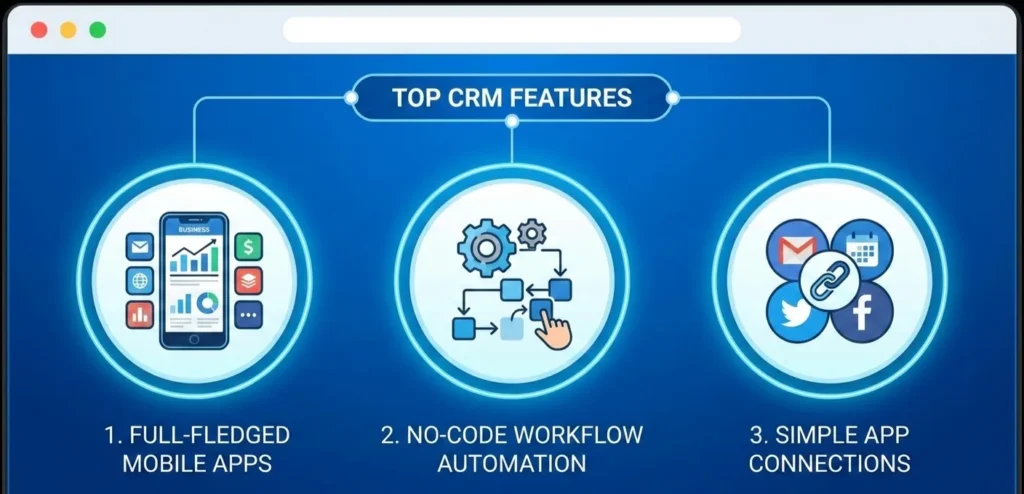
- Full-fledged mobile applications:Your salespeople can update the deals, make calls, and follow-up everywhere.
- Automation of no code workflow:Automate the process of follow-ups, creating tasks, and moving deals without the involvement of a developer.
- Simple connections with favorite applications:Compatible with email, calendar applications, marketing applications, customer support applications and accounting packages.
What Are The Best CRM Software Tools for 2026?
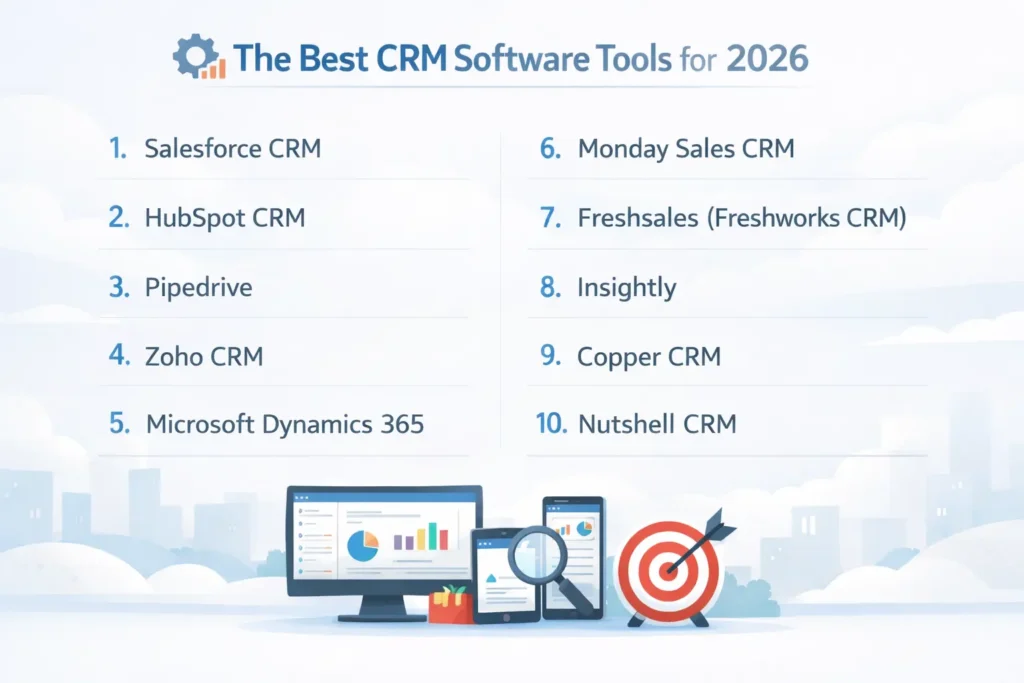
| CRM Tool | Best For | Ease of Use | AI Capabilities | Mobile App Quality | Customization Level | Pricing Starts At (2026) |
|---|---|---|---|---|---|---|
| Salesforce CRM | Large enterprises with complex needs | Low (steep learning curve) | Very strong (Einstein AI) | Excellent | Very high | $25/user/month |
| HubSpot CRM | SMBs aligning sales & marketing | Very high | Strong | Excellent | Medium | Free |
| Pipedrive | Sales-driven teams | Very high | Moderate | Excellent | Medium | $14/user/month |
| Zoho CRM | Budget-conscious teams | Medium | Strong (Zia AI) | Good | High | Free |
| Microsoft Dynamics 365 | Microsoft-first organizations | Low to medium | Strong | Good | Very high | $65/user/month |
| Monday Sales CRM | Visual, workflow-focused teams | High | Moderate | Good | High | $12/user/month |
| Freshsales | Growing teams wanting AI insights | High | Strong (Freddy AI) | Excellent | Medium | Free |
| Insightly | Agencies & service businesses | Medium | Limited | Fair | Medium | $29/user/month |
| Copper CRM | Google Workspace users | Very high | Limited | Good | Low | $29/user/month |
| Nutshell CRM | SMBs wanting simplicity & support | Very high | Limited | Good | Medium | $19/user/month |
1. Salesforce CRM
Key strengths
- Einstein AI
The AI engine of Salesforce helps your team determine where to target. It ranks deals, flags potentially risky deals, and extrapolates information on historical data. Einstein can also estimate the probability of making a deal very well in 2026 and this will assist sales leaders to better plan.
- AppExchange ecosystem
Salesforce has integration with nearly everything. There are thousands of apps that you can add without changing platforms to add billing, support, forecasting, compliance, or industry-specific apps.
- Advanced analytics
Salesforce has good reporting and visual dashboards because of the embedded Tableau integration. It allows digging into the data related to the pipeline, performance trends, and revenue forecasts without the use of the independent BI tools.
Limitations
- Steep learning curve
he use of Salesforce may be initially overwhelming. Developing most teams requires formal training and sometimes it may take weeks before the users are comfortable using it in their day to day lives.
- High pricing
Salesforce is the most costly CRM in the market. Prices grow rapidly with the number of users, automation, or features. In smaller teams the payoff might not necessarily be worth the expenditure.
Pricing (2026)
- Free Suite: $0 per user per month
- Starter Suite: $25 per user per month
- Professional: $100 per user per month
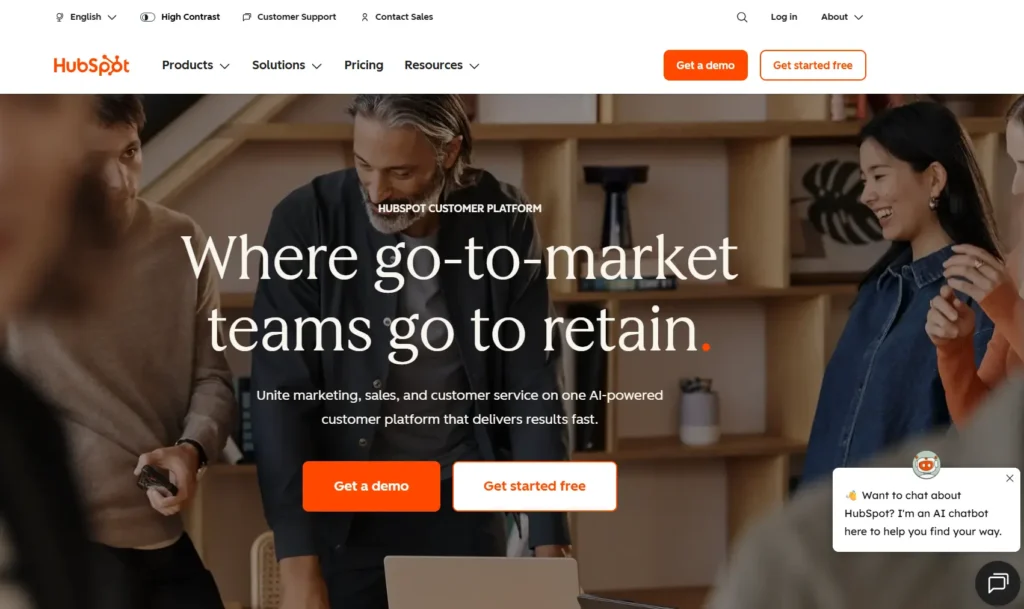
2. HubSpot CRM: The Free-to-Start Champion
What people love about HubSpot
- A free plan that helps
It is no watered-down trial. None of it costs you a cent in the management of contacts, deal tracking, meeting scheduling, and basic reporting. In the case of small teams, such is sufficient to operate their sales process.
- Sales and marketing finally talk to each other
HubSpot will enable one to see the past activity of a lead before sales contacts him. You are aware of which emails they read, which pages they went to and what they were interested in. That makes dialogues more pertinent and less embarrassing.
- Anyone can use it
In a few days, most teams become familiar with HubSpot. You do not require spending hours in training or having a special administrative officer just to start with. It is clean, uncomplicated, and rational.
- Content tools built right in
You can create landing pages, blogs and even your own site within HubSpot. All of this links to your CRM, and thus personalization does not happen as an imposition.
Where HubSpot can fall short
- It gets pricey as you grow
The free plan is excellent and then when you reach advanced levels, the prices may increase rapidly. This applies more so once you combine sales, marketing and support tools.
- Unsuitable to be high customized
HubSpot is an application that can be followed best when you adhere to its structure. When your business requires highly custom processes or logic, you will be a little bit restricted.
Pricing (2026)
- Free: $0 for unlimited users
- Enterprise: $75 per user per month
- Professional: $45 per user per month
3. Pipedrive
What works really well
- A pipeline you can understand
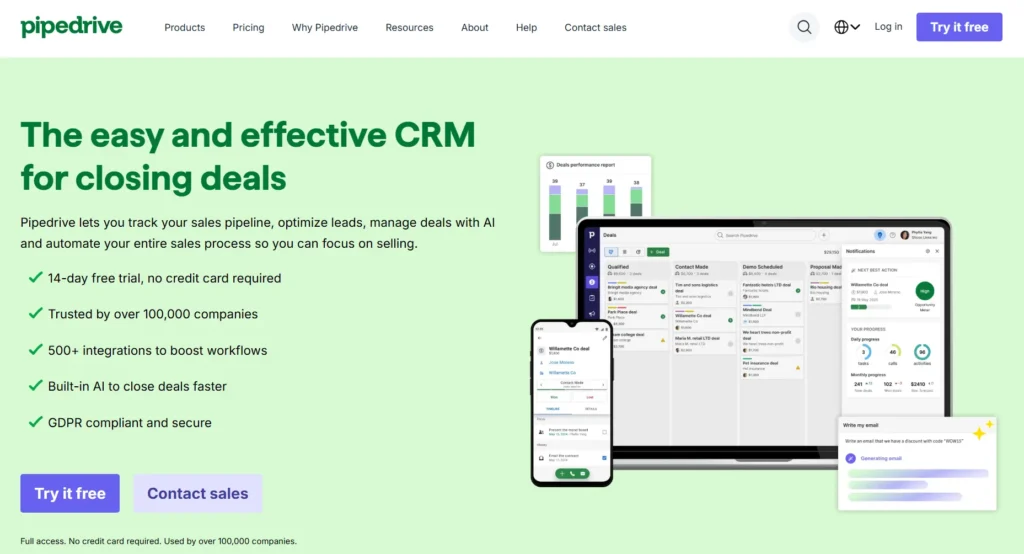
A drag-and-drop pipeline of Pipedrive is the reason why many teams become its clients. You can easily view the position of all deals, their value, and the next stage that should be done. When you have to sell other merchandise or operate in other regions, you can establish separate pipelines in minutes.
- Focus on actions
Pipedrive is constructed on the daily activities of the reps. Meetings, calls, follow-ups and emails are on the forefront. It is easy to identify the gaps in the activities by managers before it becomes too late.
- Helpful AI without the noise
In a few days, most teams become familiar with HubSpot. You do not require spending hours in training or having a special administrative officer just to start with. It is clean, uncomplicated, and rational.
- Content tools built right in
The inbuilt AI assistant proposes the follow-up actions, points out deals that appear risky and proposes the most appropriate timings to contact in accordance with historical behavior. It does not interfere with your work.
- Strong mobile experience
This will be welcomed by sales reps who spend a lot of time on the road. The app is virtually identical to the desktop one, and that is why it is very fast and painless to update deals or record activity.
Where it falls short
- Not made for marketing teams
Pipedrive is sales-first. In case you require email campaigns, lead nurturing or advanced automation, you will be dependent on integrations.
- Reporting stays fairly simple
You receive the fundamentals, yet you do not get deeper custom reports and sophisticated analytics as bigger platforms do.
- May feel light for complex B2B sales
Pipedrive may not provide you with enough flexibility and details in case your sales processes take a long time and include numerous participants.
Pricing (2026)
- Lite: $14 per user per month
- Growth: $24 per user per month
- Premium: $49 per user per month
- Ultimate: $69 per user per month
4. Zoho CRM: The Value-Packed Alternative
What makes Zoho a strong choice
- Everything in one place
Zoho CRM is pre- loaded with features. You receive sales automation, entry-level products promotion, analytics, tracking social media, and customer support options immediately. These would be additional fees with several CRMs.
- Completely compatible with the Zoho ecosystem
This is a huge win in case you are already using Zoho apps. Zoho CRM is integrated with email, accounting, human resource, projects and support tools within the Zoho family. The high cost is not necessary to run most of your business in just one ecosystem.
- Zia AI helps you stay ahead
The AI assistant in Zoho will examine trends in your data and come up with valuable insights. It may propose workflows, point out the unusual activity, autopilot emails, recap meetings, and even alert you when customers are likely to churn.
- Customizable without heavy tech work
The inbuilt AI assistant proposes the follow-up actions, points out deals that appear risky and proposes the most appropriate timings to contact in accordance with historical behavior. It does not interfere with your work.
- Strong mobile experience
Fields, modules and workflows can be customized to suit the team. A major part of this does not require the developers and this is time and money saving.
Where Zoho can feel less polished
- The interface feels dated
Zoho is a functional application that does not seem as modern or smooth as HubSpot or Pipedrive. There are users who require time to get acquainted.
- Third-party integrations vary in quality
Zoho integrates with many external tools like Clearout for email validation.
- Support depends on your plan
Plans on the lower levels are occasionally coupled with slower reaction time. The higher plans are better supported.
Pricing (2026)
- Free: $0 for up to 3 users
- Standard: $14 per user per month
- Professional: $23 per user per month
- Enterprise: $40 per user per month
- Ultimate: $52 per user per month
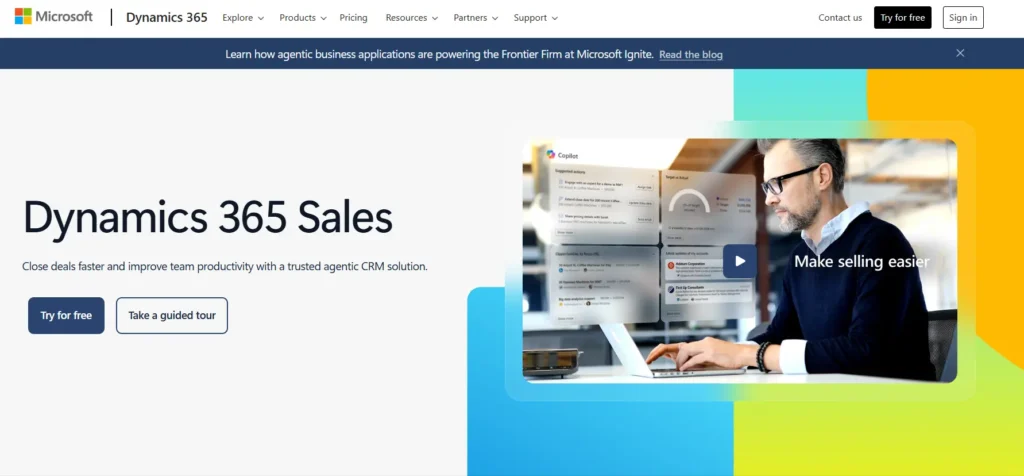
5. Microsoft 365
What Dynamics 365 does really well
- Investigative LinkedIn intelligence
Since Microsoft is the owner of linkedIn, the Sales Navigator information will flow directly to CRM. Right within your records, you can see job changes, company updates and mutual connections. Outreach is more personal and timely with that additional context.
- AI that supports real selling
Dynamics 365 leverages AI scoring of leads, risk of deal identification, as well as proposal of talking points. It analyzes emails, meetings and previous communications in the Microsoft tools to enable the reps to appear more prepared.
Where it can slow you down
- Setup takes real effort
This is not a plug-and-play CRM. The majority of teams require the assistance of Microsoft partners in the workflow, permission and integration configuration. That increases the initial time and cost.
- Pricing is not simple
The licensing offered by Microsoft may be confusing. The cost can be subject to large increments with the number of users, features, and use of Power Platform.
- Learning curve is real
Although your team may be familiar with Microsoft products, Dynamics 365 is also not learned immediately. It is also more powerful than intuitive, in particular, in comparison to such tools as HubSpot or Pipedrive.
Pricing (2026)
- Professional: $65 per user per month
- Enterprise: $105 per user per month
- Dynamic: $150 per user per month
6. Monday Sales CRM: The Visual Workflow Winner
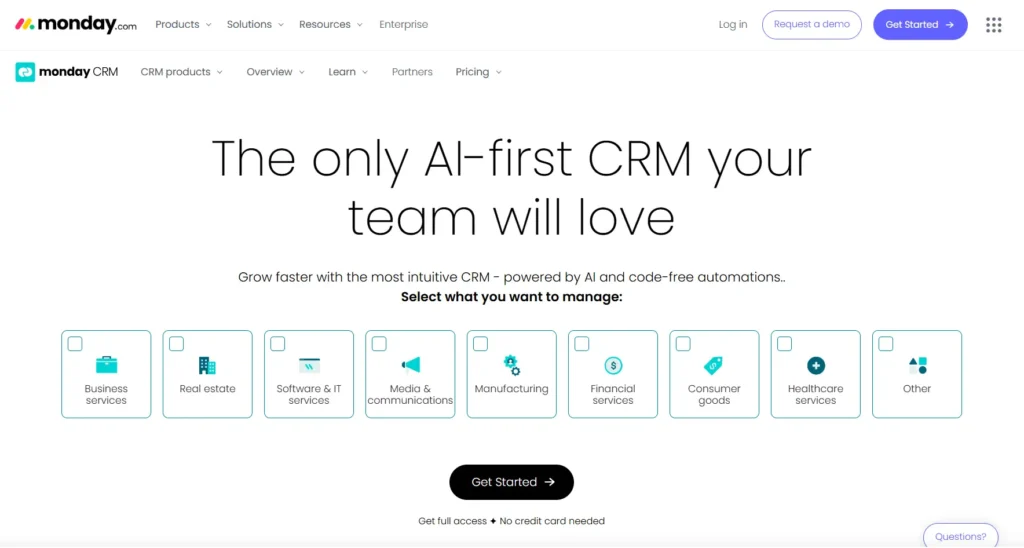
Strengths Of Monday.com
- Highly Visual Views
The most significant strength of Monday is its customizable interface. Your pipeline can be either a Kanban board, calendar, timeline or chart, or a simple list. This means that various teams can work in the format of their choice easily.
- No-Code Automation
It is easy and user-friendly to have automations. Having a drag-and-drop builder, the non-technical people can create workflows to move deals, notifications, and create tasks without the need to engage IT.
- Ready-to-Use Templates
The site has diverse CRM templates across various industries and sales applications. It saves on time in setting up and enables teams to start within a short time.
Limitations
- Not a Purpose-Built CRM
Monday began as a work management application. Due to this, part of the features of CRM such as extensive lead scoring and intense sales forecasting are not as developed as in specialized CRMs.
- Reporting Can Feel Limited
Reporting has been enhanced but advanced analytics usually involve workarounds or integrating with third parties.
- Prices Increase with the advanced features
A lot of CRM-specific features are by default found only in upper levels of the plan therefore increasing the cost of the platform with more requirements.
Pricing (2026)
- Basic: $12 per user per month
- Standard CRM: $17 per user per month
- Pro CRM: $28 per user per month
- Enterprise: Custom pricing
7. Freshsales (Freshworks CRM): The AI-Forward Contender
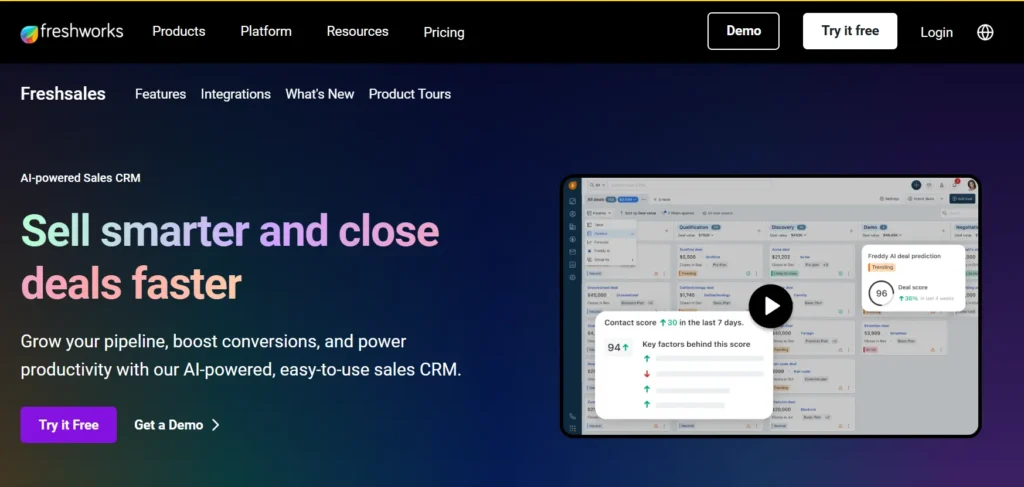
Key Strengths
- Freddy AI Assistant
The AI, Freddy, assists Freshsales in making sales teams work smarter, providing deal insights, customer scoring, next-best-action and conversation intelligence.
- Built-In Phone and Email
Freshsales has in-built calling and email with call recording. That eliminates the use of various tools and all communications are automatically recorded in the CRM.
- Unified Customer View
The platform also provides a unified perspective of every customer, which combines sales activity with support tickets, marketing interaction, and product usage when linked to other Freshworks tools.
- Easy-to-Use Interface
The interface of Freshsales is generally well received as clean and intuitive. It is as easy to use as HubSpot since teams can be launched in the shortest time possible with minimal training.
Limitations
- A Smaller Integration Ecosystem
Freshsales does not have as many third-party integrations in comparison to such platforms as Salesforce or HubSpot. There may be unsupported niche or highly specific tools.
- Little Customization of Complicated Processes
Although it suits most businesses that are growing, Freshsales might seem like a constraint to organizations whose sales processes are complex.
- Shorter Track Record
Even though it is quite mature, Freshsales currently lacks the history of the enterprise of older CRM systems, and some larger companies might be afraid of that.
Pricing (2026)
- Free: $0 for up to 3 users
- Growth: $9 per user per month
- Pro: $39 per user per month
- Enterprise: $59+ per user per month
8. Insightly: The Project Management CRM Hybrid
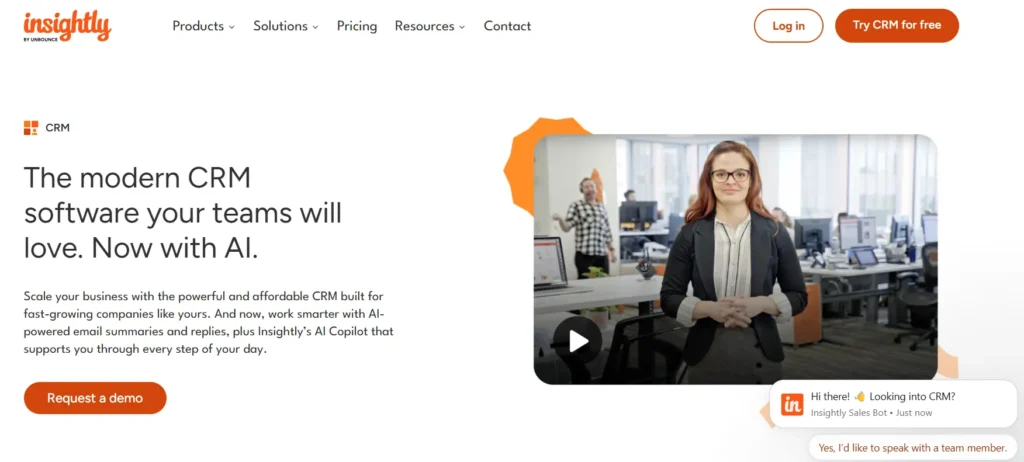
Key Strengths
- CRM and Project Management One Flow
Insightly makes sales opportunities tied to project execution. Projects may be generated automatically when a deal has been closed with its set of tasks, timeline and team members assigned.
- Effective Relationship Mapping
The site allows one to easily view connections among contacts, companies and opportunities. This can be of great use in B2B selling where there are more than one stakeholders in the decision-making process in buying.
- The Automation of Workflow among and between Teams
The platform also provides a unified perspective of every customer, which combines sales activity with support tickets, marketing interaction, and product usage when linked to other Freshworks tools.
- Easy-to-Use Interface
The workflow engine of Insightly automates both sales and delivery workgroups. This minimizes paper handoffs and ensures that everyone is on track at deal close to project completion
Limitations
- Steeper Learning Curve
Since it is a hybrid of CRM and project management, there is more to learn than the relatively simple sales-only CRM.
- Limited Mobile Experiences.
The mobile application may be used, but it has fewer features compared to such competitors as Pipedrive or Salesforce.
Pricing (2026)
- Plus: $29 per user per month
- Professional: $49 per user per month
- Enterprise: $99 per user per month
9. Copper CRM: The Google Workspace Native
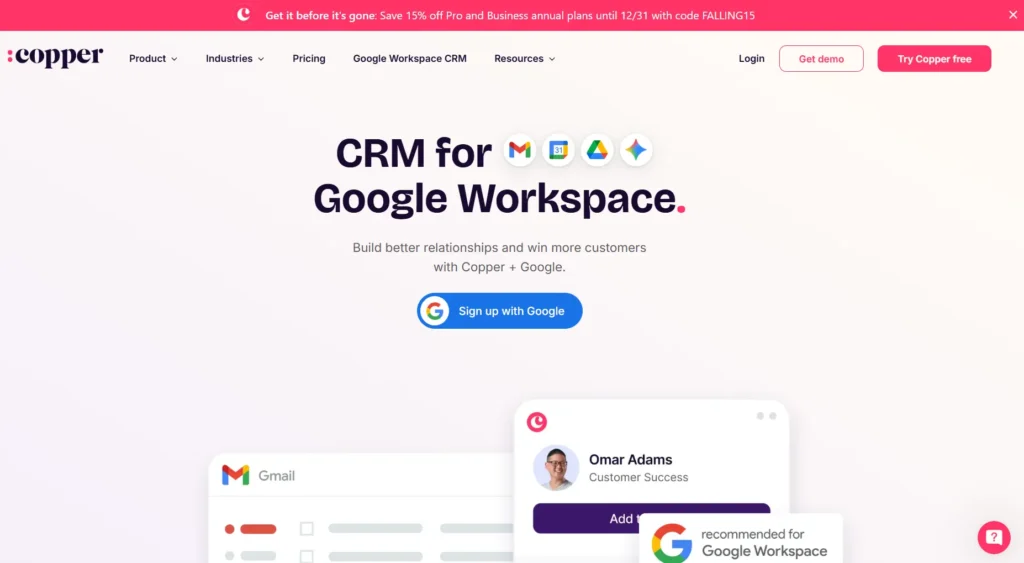
Strengths Of Copper
- Native Gmail Experience
Copper is an in-app feature of Gmail and not an app. The ability to contact, deal, and work on tasks without swapping your inbox saves a lot on context switching.
- Automatic Data Capture
The service automatically tracks Google Workspace email and calendar as well as contacts. This eliminates a lot of the manual data entry that slows down the adoption of CRM.
- Google Drive Integration
Contacts and opportunities are automatically connected to files that are stored in Google Drive. This ensures that documents are arranged without redundant uploading or manual connection.
- Fast and Simple Setup
Copper has been associated with rapid onboarding. Numerous teams can begin to work on it productively in several hours of installation.
Limitations
- Closely bonded with Google Workspace
The best value is provided by Copper in case you use Gmail and Google applications at the heart of your work. The benefits of the team are constrained in case your team is utilizing different email platforms.
- Poor Advanced CRM Features
It is focused on simplicity, which implies less sophisticated automation, reporting, and customization opportunities offered than enterprise CRMs.
Pricing (2026)
- Basic: $29 per user per month (minimum 3 users)
- Professional: $69 per user per month
- Business: $134 per user per month
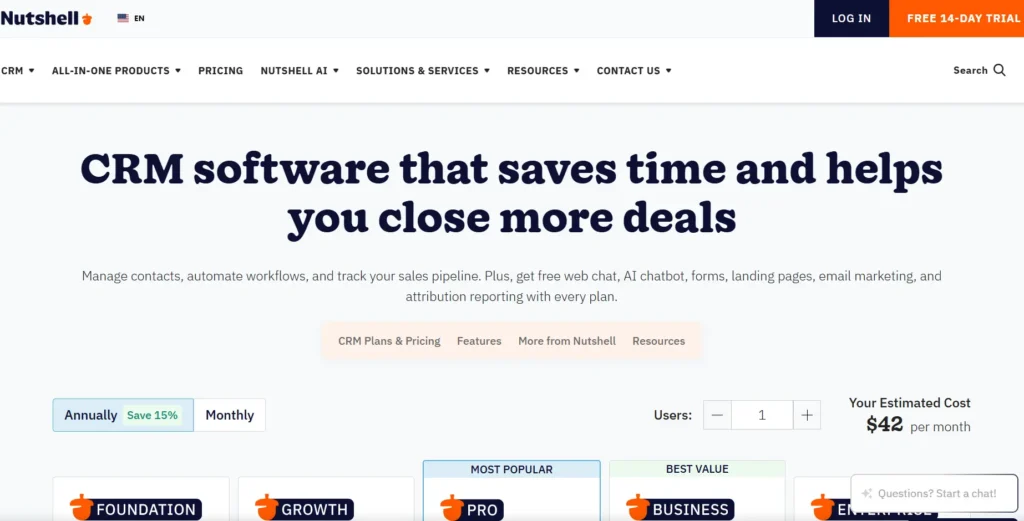
10. Nutshell CRM: The User-Friendly All-Rounder
Key Strengths
- Customer Support Excellence
Some of the biggest strengths of Nutshell include customer support. There is responsive assistance with teams over the phone, chat, and email, and implementation support is covered with all the plans.
- Built-In Marketing Tools
Normal plans comprise email marketing and drip campaigns, as well as landing pages. This eliminates the use of expensive marketing extensions or third party tools.
- Unambiguous and Deterministic Pricing
The prices of Nutshell are clear, and there are no hidden charges or non-understandable levels. This simplifies long term planning and budgeting.
Limitations
- Limited "Wow" Factor
Nutshell has not developed AI or extensive personalization of others on more extensive platforms.
- Minor Marketplace of Integration
Although it can be connected with such popular tools as Slack, Mailchimp, and QuickBooks, the ecosystem does not provide as many services as large CRM providers.
- Unsuitable to Scale to Enterprise
Nutshell may eventually become outgrown in large organizations that have complicated workflows, and require a more sophisticated CRM.
Pricing (2026)
- Foundation: $19 per user per month
- Business:$67 per user per month
- Enterprise: $89 per user per month
How to Choose the Best CRM Software for Your Business?
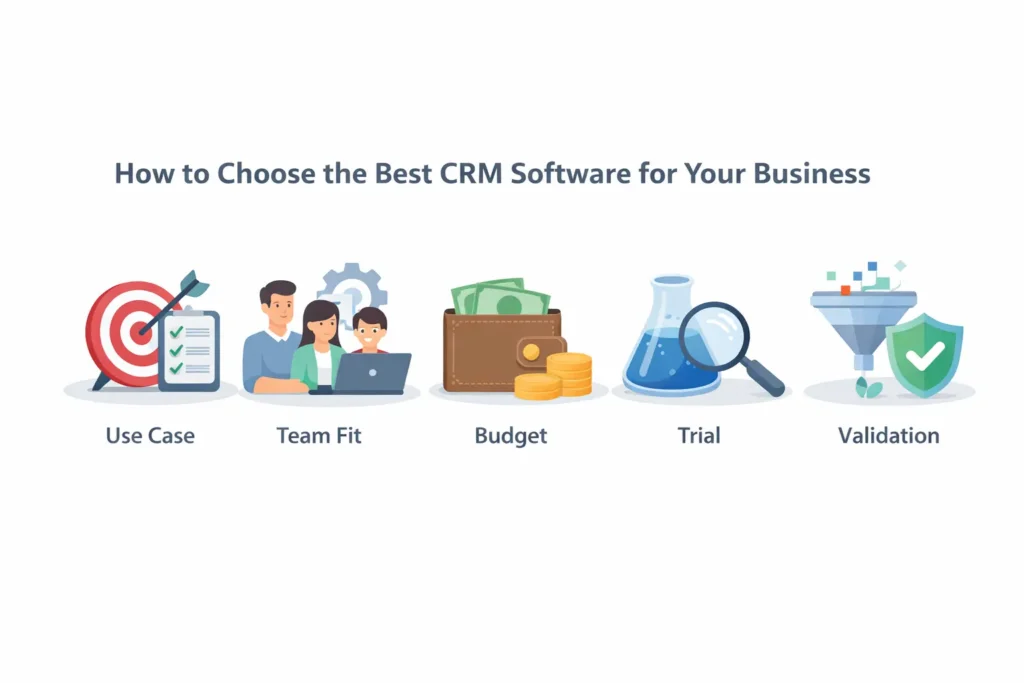
Step 1: Define Your Primary Use Case
- Pure sales pipeline management: Pipedrive or Freshsales
- Marketing and sales alignment: HubSpot
- Sales plus project delivery: Insightly
- Enterprise scale and complexity: Salesforce or Microsoft Dynamics 365
- Strong Google Workspace integration: Copper
- Budget-friendly with broad features: Zoho
Step 2: Consider Your Team’s Technical Comfort
- First CRM or non-technical team: HubSpot, Nutshell, or Copper
- Teams that want flexibility and customization: Zoho, Salesforce, or Monday
- Teams with developer support: Salesforce or Microsoft Dynamics 365
- Enterprise scale and complexity: Salesforce or Microsoft Dynamics 365
- Strong Google Workspace integration: Copper
- Budget-friendly with broad features: Zoho
Step 3: Evaluate Your Budget Honestly
- Per-user costs for everyone who needs access
- Paid add-ons or advanced features
- Integration costs with existing tools
- Implementation and onboarding expenses
- Ongoing admin, maintenance, and customization time
Step 4: Test Before You Commit
- Import a small set of real contacts
- Build your actual sales pipeline stages
- Try the automations you’d use every day
- Have 3–5 team members run common tasks
- Create the reports you’ll rely on regularly
Step 5: Validation (The quick cleanup before CRM migration)
Clean data makes sales outreach smoother and saves your team a lot of frustration. A simple way to do this is by using Clearout email verification tool. It helps you:
- Find invalid, fake, role-based, gibberish, disposable, catch-all, or temporary email addresses
- Check email format and domain validity
- Lower bounce rates to 3% and protect your sending reputation.
What Are The Common CRM Implementation Mistakes You Should Avoid?
1. Choosing Features Over Adoption
2. Rushing Data Migration
3. Ignoring Change Management
4. Over-Customizing Too Early
5. Failing to Define Success Metrics
The Verdict: Which CRM Software Wins in 2026?
Many businesses lose leads not because they lack tools, but because they pick CRMs that are too complex or never fully adopted. That is why usability, fit, and everyday workflow matter just as much as advanced tech.
“The right CRM should grow with your team, not slow them down.”