clearout
  • Products
    • Email Verifier Verify emails addresses individually, in bulk or through API, with 99% accuracy
    • Email Finder Find individual or bulk emails by entering the person & company name or domain
    • Form Guard IconForm Guard Protect your forms from spam, bots, and invalid submissions with real-time email, phone, and name verification.
    • Form Guard IconData Pulse Verify, enrich, and monitor your CRM contacts in real time - heartbeat monitor for your data.
    • Prospect SQL/MQL list building with high levels of personalization, real-time data enrichment and prospect search
    • Clearout For SheetsVerify email addresses directly on Google Sheets with Clearout for sheets add-on
    • Prospect – LinkedIn Chrome ExtensionBuild verified, targeted prospect lists directly from LinkedIn profiles
    • ClearoutPhoneValidate phone numbers across 240+ countries in bulk, quick or real time validation
    • Free Tools
    • Disposable Email Checker
    • Reverse LinkedIn Profile Lookup Tool
    • Reverse Email Lookup Tool
    • Email List Cleaner
    • Company Domain Finder API
  • Resources
      DEVELOPERAPI iconAPI
      Clearout APIs are structured around REST and JSON
      Webhooks iconWebhooks
      Capture real-time events in your application workflow
      Form Guard iconForm Guard
      Real-time form validation to keep bad contacts out of your CRM
      KNOWLEDGE BASEGetting started iconGetting started
      Sending campaigns without bounces is made simple
      FAQ iconFAQ
      Easily find answers to services, security and common questions
      USE CASESLead Generation iconLead Generation
      Learn how professionals generate quality leads
      GUIDESPricing arrow iconTransparent & flexible pricing to support pay-per-use or recurringCompare Email Verification Tools arrow iconAI-powered email verification with 99%+ accuracy, real-time validation, and transparent risk scoringCompare Email Finder Tools arrow iconPre-verified B2B email addresses with confidence scoring, find real person email, not role-based addressBLOGSEmail Verification ToolsFind Anyone’s Email Address
      Most Accurate, Fast & Free Ways
      Form Validation
      Importance, Ways & Best Practices
      View All Blogs
  • Pricing
  • Integrations
  • Enterprise
  • Login
Try it free Book a 1-to-1 demo
Priyanshi Sharma / September 22, 2025 June 12, 2026

Best CRM Data Cleaning Solutions to Fix Dirty Data in 2026


Best CRM Data Cleaning Solutions to Fix Dirty Data in 2026

Consider your CRM to be the beating heart of your company; if it's generating inaccurate data, everything else suffers. Follow-ups are slowed down, and sales representatives are confused by duplicate records. Marketing campaigns fail because of outdated contacts.

Fake or invalid emails ruin deliverability and waste budgets.

Messy data also weakens personalisation, which customers expect in 2026. A clean CRM keeps every department aligned and confident in the numbers. It helps sales chase real opportunities, not ghosts.

Table of Content:


● What to Look for in a CRM Data Cleaning Tool
● Top CRM Data Cleaning Options 2025
● An Overview of 2025 CRM Data Cleaning Options
● Best CRM Data Cleaning Tools by Business Size
● Tools Easy for Beginners
● How Every Tool Reduces Errors & Saves Time
● CRM Data Cleaning and Marketing Automation
● Pro Tips: How to Keep Your CRM Data Clean
● Conclusion
● FAQs
What to Look for in a CRM Data Cleaning Tool


Not all solutions are built the same. In 2026, you should demand the following necessities:

  • Verify information instantly: Company information, phone numbers, and emails are examined before being entered into your CRM. You get clean info from the start
  • Automatic duplicate detection and merge: No more double entries or confusion. One contact, one record. That's it.
  • Complete your records: Are there any locations, job titles, or company sizes missing? Nothing hinders your team's full visibility as they work.
  • Your workflow stays uninterrupted: It can happen because of Pipedrive, Salesforce, HubSpot, and Zoho sync. You can focus your efforts on achieving success rather than resolving technical problems.

Read more on CRM hygiene.

Top CRM Data Cleaning Options 2026


Here are the top tools worth considering, tested, reviewed, and rated for different business sizes.

1. Clearout - Best for Real-Time Email & Phone Validation


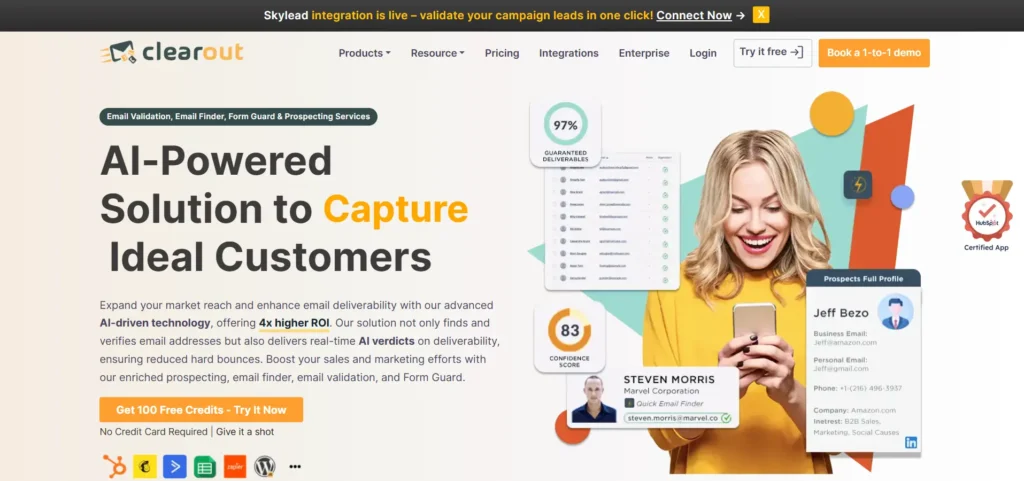
Clearout homepage showcasing email verification and lead validation tools.

Bad data is the silent killer of CRM performance. Clearout is a one-stop solution for email verification, email finding, and prospecting. It is one of the most reliable tools when it comes to boosting your email list quality and email campaign efforts.

Key Features:

  • Email Verifier: Validate new signups or old contact lists in real time instantly or in bulk. Say goodbye to invalid, typos, disposable accounts, and bounced emails. It reduces your bounce rate below 3% or less.
  • ClearoutPhone: With global coverage, this validates phone numbers across 248+ countries, giving you accurate and enriched contact info along with line type, carrier, country, location which you can actually use.
  • Form Guard: Say goodbye to spam, bots, and fake form submissions. Every entry gets verified for authenticity from the start, sparing your team the usual headaches.
  • Bulk Validation: Integrates directly with your favorite CRM or handles your data dump in CSV, XLSX or Google Sheets. So, cleaning up is fast and efficient.
  • Data Enrichment: Closes the gaps in your records. Clearout ensures your contacts are complete with reachable information.
  • Lead Scoring & Prospecting: Every found lead is pre-verified and is AI-scored, helping you identify safe contacts and protect your email deliverability.
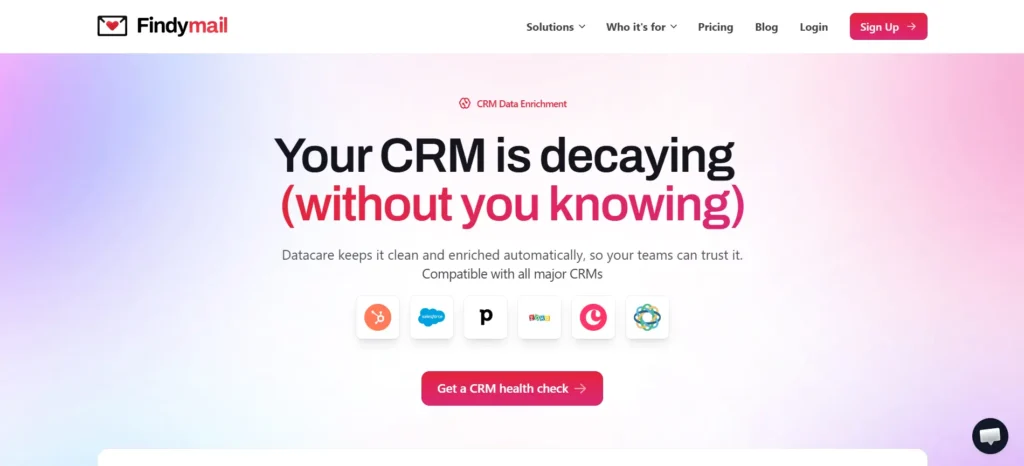
  • Data Pulse: Data Pulse is a real-time data quality engine that acts as a continuous validation layer for your CRM. The moment a contact is created, it verifies email deliverability, phone validity, and name completeness, then writes the validated and enriched fields back automatically via two-way sync. No Zapier. No middleware required. Currently built natively for HubSpot CRM, with no paid plan required, and expanding to additional CRMs and API-based data sources.

What you get with Data Pulse:

  • Real-time validation: Every new contact triggers a webhook at the moment of creation; email, phone, and name verify and enrich instantly, regardless of entry point.
  • Two-way sync: Validated fields are written back to your CRM automatically with structured metadata per field. Hence, no manual steps are needed.
  • No third-party integrations: Works natively within your HubSpot CRM.
  • Intelligent insights and metrics: A live dashboard for each account surfaces data quality patterns and recommendations when your CRM needs attention, not on a fixed schedule.
  • Weekly reports: Performance summaries every Monday with period-over-period trends. No manual login required.
  • Enrichment presets: Configurable field mappings, reusable across multiple accounts of the same data source.
  • Auto-pause and resume: Pauses when you run out of credits and automatically alerts you via email. Once credits are replenished, it resumes automatically.
  • No paid HubSpot plan required: Works with free HubSpot CRM accounts.

Why does this matter in 2026?

Invalid leads continue to enter CRMs at high volume. Data Pulse addresses this at the source reducing bounce rates, eliminating manual cleanup work, improving segmentation accuracy, and keeping pipeline data reliable without ongoing team effort.

Made for: Businesses of small, mid and large sizes that need a steady flow of verified, actionable leads and want their CRM to stay clean without putting in the manual work to maintain it.

Pricing: Start free with 100 credits. Monthly subscription starts at $23, covering approximately 1,200 real-time validations and enrichments.

Support & Integrations: Clearout offers 24/7 support to help with onboarding or any issues you face. Works seamlessly with HubSpot Forms, GoHighLevel, and Apollo and many more direct integrations.Apollo and many more direct integrations.

2. DemandTools (by Validity) - Best for Enterprise Data Quality


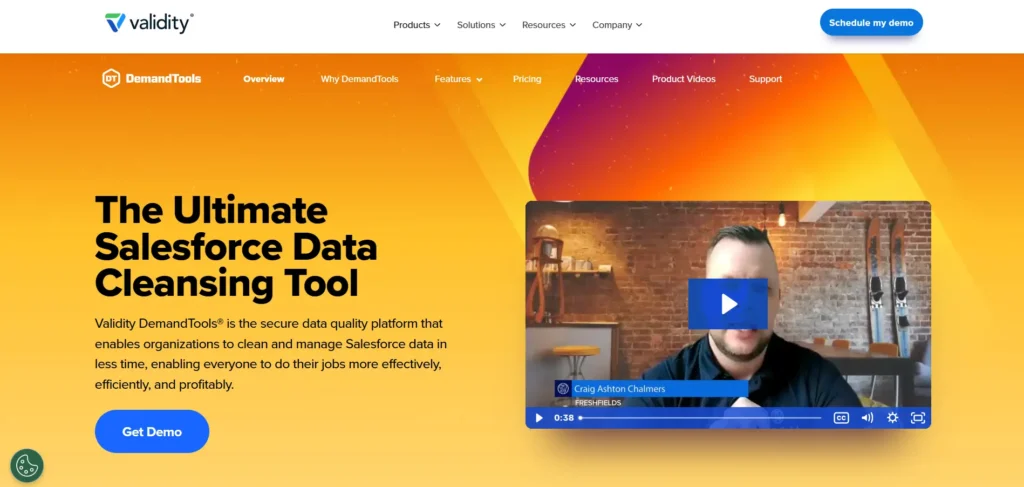
Validity DemandTools homepage promoting Salesforce data cleansing.

DemandTools is an enterprise-grade CRM data cleaning solution built for companies managing millions of records.

Key Features:

  • Bulk deduplication & merge
  • Automation for large-scale cleanup
  • Custom rule-based workflows

Why it is effective in 2026 : Ideal for businesses where even small mistakes can ruin entire marketing or sales campaigns.

Ideal for : Big businesses with intricate CRM requirements.

3. RingLead by ZoomInfo - Best for Data Orchestration & Automation


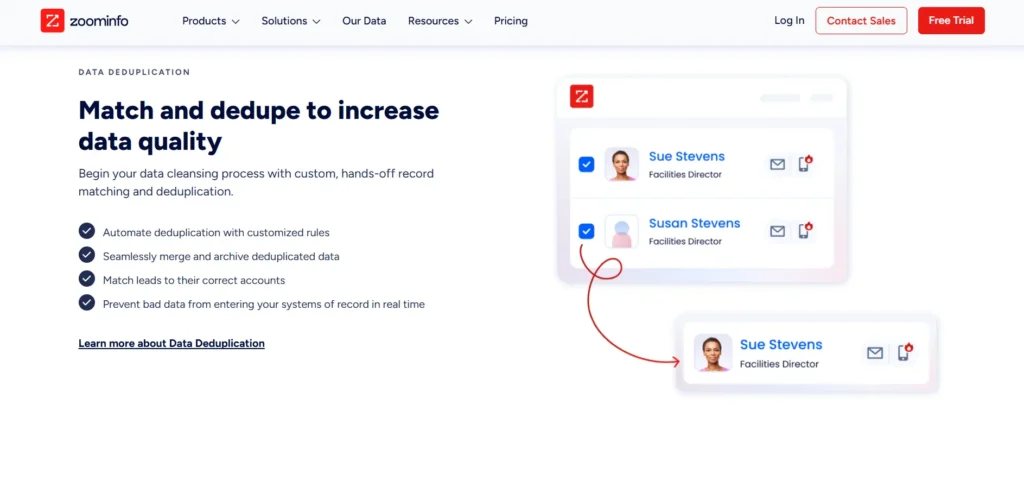
ZoomInfo page highlighting data deduplication for better data quality.

RingLead takes a broader approach, combining data cleaning with orchestration and lead management.

Key Features:

  • Cleans, enriches & routes leads automatically
  • AI-powered scoring or segmentation
  • Whole Marketo, HubSpot, or Salesforce integrations

The reasons it works in 2026 : Because it certifies that sales teams only use precise, prioritized data and lowers the cost of manual tasks.

Ideal for : Entities that handle multiple tools for marketing and selling.

Pricing Insight : Custom pricing

4. Openprise - Best for RevOps Teams


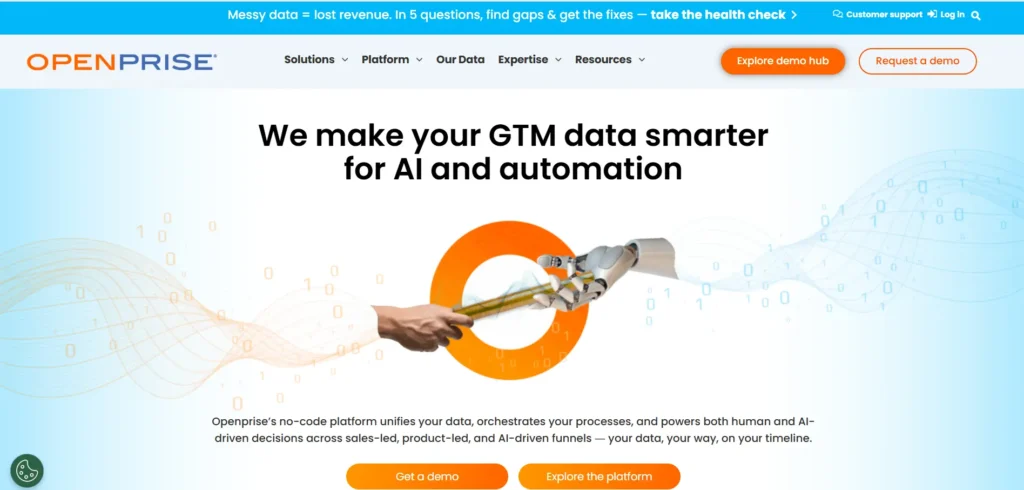
Openprise homepage showcasing GTM data automation and AI solutions

Openprise is built for RevOps leaders who need more than just data cleaning they need unified workflows.

Key Features:

  • Automates cross-platform workflows
  • Data unification across sales, marketing & service
  • Detection or enrichment of copies

Why it is effective for 2026 : Reduces errors and divisions by centralising data operations.

Ideal for : Mid-to-large businesses with several martech stacks and CRMs.

Pricing : Custom enterprise pricing

5. Insycle - Best for Easy-to-Use Data Cleanup


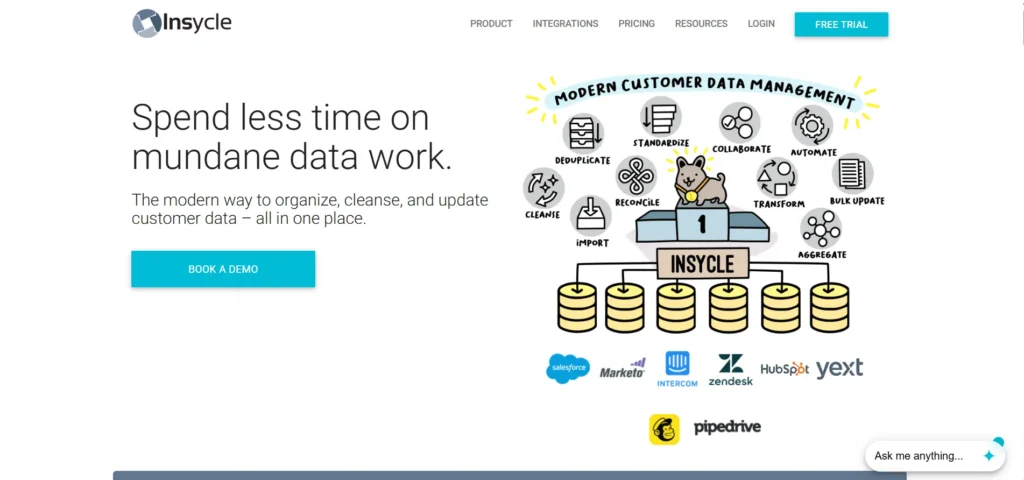
 Insycle homepage highlighting customer data management solutions.

Insycle is a beginner-friendly CRM data cleaning tool with simple templates and automation.

Key Features:

  • Bulk merge duplicates
  • Standardise formats (phone, emails, names)
  • Scheduled recurring cleanups

Why it is effective for 2026 : Enables non-technical users to clean data without assistance from IT.

Ideal for : Simple teams that are small to medium in size.

Pricing : $60 per month is the starting price.

6. LeadAngel - Best for Advanced Deduplication & Lead Routing


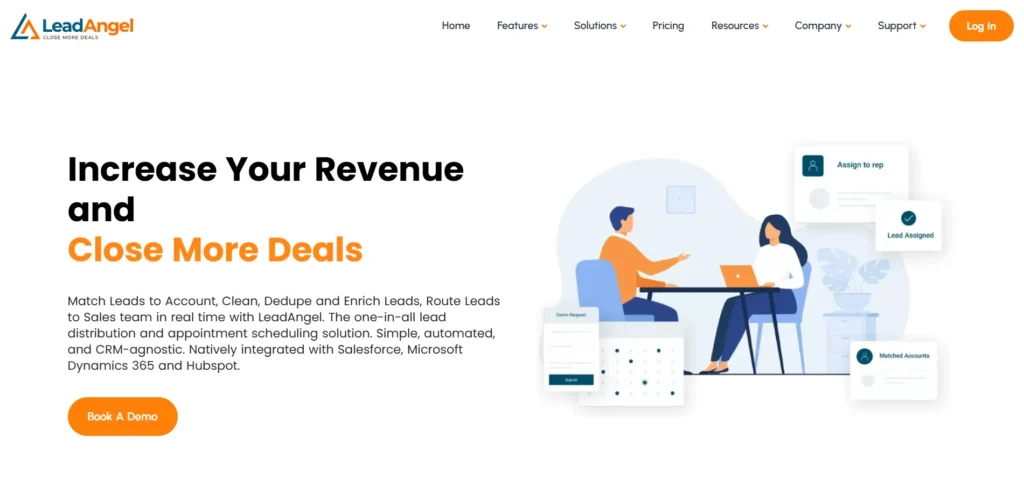
LeadAngel homepage with lead management message.

LeadAngel specialises in tackling duplicates with fuzzy logic, catching errors most tools miss.

Key Features:

  • Real-time deduplication & lead cleanup
  • Automatic lead-to-contact/account conversion
  • Customizable lead routing & territory management

Why it is effective for 2026 : Eliminates wasted effort by ensuring that each representative works with distinct, legitimate leads.

Ideal for : B2B businesses with intricate inbound processes.

Pricing Insight : Custom pricing

7. Integrate.io - Best for Data Integration + Cleaning Across Platforms


Integrate.io homepage banner with data pipeline message.

Integrate.io goes beyond CRM, connecting and cleaning data across your entire stack.

Key Features:

  • Real-time validation across apps
  • Duplicate removal & record matching
  • Drag and drop rather than much coding
  • Nearly 100 integrations between Shopify, NetSuite, HubSpot, and Salesforce

Why it is effective for 2026 : Because it maintains CRM as the sole source of truth by synchronizing and cleaning data across all platforms, it functions well in 2026.

Ideal for : Businesses that require unified, clean data from various apps.

Cost Information : The monthly starting price is $249.

An Overview of 2026 CRM Data Cleaning Options


The best CRM data cleaning tools for 2026 are briefly compared here, along with details on their primary functions, costs, integrations, and recommended applications.

ToolBest ForKey FeaturesPricingCRM Integrations
ClearoutReal-time validation +Continuous CRM monitoringEmail/phone/nameFree 100 CreditsHubSpot (2-way sync via Data Pulse), Zoho, GoHighLevel
DemandToolsEnterprise data qualityBulk deduplication, record managementCustomSalesforce
RingLeadData orchestration & automationCleans, enriches, routes leadsCustomSalesforce, HubSpot, Marketo
OpenpriseRevOps workflowsData unification, orchestration automationCustomSalesforce, HubSpot, Marketo
InsycleEasy-to-use cleanupBulk merging, standardizationFrom $60/moSalesforce, HubSpot, Pipedrive, Intercom
LeadAngelDeduplication & routingFuzzy logic deduplication, lead routingCustomSalesforce, HubSpot, MS Dynamics
Integrate.ioMulti-platform integrationSync & clean across 100+ appsFrom $249/moSalesforce, HubSpot, Shopify, NetSuite

Best CRM Data Cleaning Tools by Business Size


Not every business needs the same level of data cleaning power. A small startup, a growing mid-sized company, and a large enterprise will all have different priorities. Here's how the top tools stack up by business size.

  • Small Businesses

Insycle, LeadAngel → affordable, easy-to-use, no IT required

  • Medium Businesses

Clearout, Integrate.io → reliable validation + multi-platform sync

  • Large Enterprises

Clearout, DemandTools, RingLead, Openprise → advanced automation, scalability, AI-powered workflows

Tools Easy for Beginners


  • Insycle → drag-and-drop with templates
  • LeadAngel → dashboard for deduplication & routing
  • Clearout → minimal setup for real-time verification

How Every Tool Reduces Errors & Saves Time


Each tool tackles CRM data issues differently. Here's how they help teams cut errors and save valuable time.

  • Clearout → Flags invalid, disposable, and undeliverable emails and phone numbers the moment a contact is created in the CRM. Data Pulse, its real-time data quality engine, validates every new contact at the moment of creation, writes clean data back automatically, and improves segmentation accuracy across campaigns without manual intervention.
  • DemandTools → bulk deduplication at scale.
  • RingLead → automates routing & segmentation with AI.
  • Openprise → orchestrates RevOps workflows across systems.
  • Insycle → cleans up formatting & runs recurring audits.
  • LeadAngel → reduces duplicate-related errors in lead assignments.
  • Integrate.io → keeps all apps synced with accurate CRM data.

CRM Data Cleaning and Marketing Automation


Clean data only works if it stays consistent across your stack. Here's how these tools integrate:

  • Clearout → HubSpot, Zoho, GoHighLevel, Apollo, ActiveCampaign, Mailchimp, and many more
  • DemandTools → Salesforce.
  • RingLead → Salesforce, HubSpot, Marketo
  • Openprise → Salesforce, HubSpot, Marketo
  • Insycle → Salesforce, HubSpot, Pipedrive, Intercom
  • LeadAngel → Salesforce, HubSpot, Microsoft Dynamics
  • Integrate.io → Salesforce, HubSpot, Shopify, NetSuite, +100 apps

Also Read: How AI and integration power Clearout's ecosystem.

💡Pro Tips: How to Keep Your CRM Data Clean


  • Build a data entry policy to prevent errors upfront.
  • Run weekly or monthly audits based on your bounce rate.
  • Use double opt-in for new leads.
  • Train teams on consistent formatting.
  • Automate verification at every entry point.

Conclusion


Duplicates, outdated info, and fake contacts don't just slow things down; they flat-out block growth.

The good news? Tidying up your CRM? Here's the thing: keeping your CRM data clean isn't some far-fetched goal anymore. If you have the right tools, you can eliminate outdated data, fill in the blanks, and maintain the quality of your data going forward.

Leading a lean startup or managing data for a large enterprise is now easier than ever, thanks to the 2026 batch of solutions. So, clean data is a serious competitive advantage. It leads to smarter campaigns, more precise targeting, devoted clients, and more revenue.

Why wait? Turn your CRM into a growth engine by starting with a solution that meets your needs.

💡Pro tip: If you want to ensure emails, phone numbers, and leads are legit before they even hit your CRM, Clearout is a smart pick. Additionally, this solution integrates with top CRM and ESP services, including HubSpot and Zoho.

Your team can finally focus on real leads, not get bogged down sifting through useless clutter.

Get 100 FREE Credits

FAQs


1. How does cleaning CRM data enhance marketing return on investment?
Your campaigns won't end up in empty inboxes when your CRM is filled with accurate, verified data. That means that for the same marketing investment, there will be more conversions, increased open rates, and better targeting.
2. Can CRM data cleaning tools catch duplicate records across multiple platforms?
Yes, but the setup of the tool will determine this. Finding and combining duplicates within a single platform is the goal of the majority of CRM data cleaning tools. Integrations that synchronize and compare data before it enters your CRM are required to handle duplicates across multiple platforms.
3. Which CRM data cleaning solution works best with a high-volume lead flow?
Tools like Clearout and other similar tools are built to scale for businesses handling thousands of leads daily. They catch duplicates, identify invalid contacts, suggest email addresses for mistyped email addresses, and keep data consistent without slowing your team down.
4. Is real-time data validation essential for avoiding CRM bloat?
Absolutely. If you only clean data occasionally, bad records pile up fast. Before they even reach your CRM, real-time validation eliminates invalid email addresses, duplicates, invalid phone numbers, and phony emails.
5. How can I begin cleaning my CRM data the quickest?
Start with a quick audit of your database. Make sure formats are consistent (like phone numbers and email fields), clear out contacts that have bounced or gone inactive, and remove any duplicate records. Even these small first steps can make your CRM much more reliable right away.

Share this article

Recent Posts

24 Jun 2026
How to Remove Invalid Emails from Klaviyo (Step-by-Step)

Learn how to find, verify, and suppress invalid email addresses in Klaviyo using Clearout. A 5-step ...

22 Jun 2026
How To Find Email Addresses In Google Sheets

Learn how to find email addresses in Google Sheets using Clearout. Step-by-step guide to find pre-ve ...

19 Jun 2026
Best Bot Protection Platforms for Forms, APIs & Apps in 2026

Compare the best bot protection platforms for forms, APIs, and apps. Explore features, pricing, and ...

17 Jun 2026
How To Build an Automated Email Finding Workflow in n8n?

Build an automated email finding workflow in n8n with Clearout Email Finder API. Find and verify ema ...

15 Jun 2026
Cold Email Automation Setup To Protect Sender Reputation

Learn how to set up cold email automation without hurting sender reputation. Discover domain warmup, ...

Clearout's

Form Guard

Validate email, phone & name on any forms!

  • Real signups only
  • Verified emails
  • Valid phone numbers
  • No fake names
  • Cleaner CRM
  • No devs needed
Try for Free Now

Email Verification, Email Finding Form Guard & Prospecting Service

Expand Your Reach By Finding & Verifying Ideal Prospects.

Sign up & get 100 free credits

No Credit Card required

Create Free Account
Company

Why Clearout?

Pricing

Contact Us

Careers

Press

Enterprise

Sitemap

FAQ

Status

Products

Email Verifier

Email Finder

Form Guard

Data Pulse

Prospect

LinkedIn Email Finder

Reverse Lookup

Google Sheets Add-on

WordPress Plugin

ClearoutPhone

What's New?

Resources

Integrations

HubSpot

Team Account

API

Compare Email Verifier

Compare Email Finder

Compare Prospecting

Use Cases

Blog

Help

Legal

Privacy Policy

Terms

DPA

Security

Trust Center

Certification

ISO 27001/2022

SOC 2 Type 2

GDPR

Partnership

HubSpot Certified

Affiliates

Partners

Clearout for browser

⚡ Supercharge Your Prospect Research with Clearout's LinkedIn Chrome Extension - Find and Verify Emails with Confidence!

Clearout Chrome extension

clearout
© 2026 Clearout Inc. All Rights Reserved. Powered by Clearout.
Keep HubSpot data clean on autopilot — validate, enrich, and sync contacts in real time with Data Pulse. Learn More ➞
X