

- Products
- ResourcesDEVELOPER

 API
API
Clearout APIs are structured around REST and JSON Webhooks
Capture real-time events in your application workflow Form Guard
Real-time form validation to keep bad contacts out of your CRMKNOWLEDGE BASE Getting started
Sending campaigns without bounces is made simple FAQ
FAQ
Easily find answers to services, security and common questionsUSE CASES Lead Generation
Learn how professionals generate quality leadsGUIDESPricing Transparent & flexible pricing to support pay-per-use or recurringCompare Email Verification Tools AI-powered email verification with 99%+ accuracy, real-time validation, and transparent risk scoringCompare Email Finder Tools Pre-verified B2B email addresses with confidence scoring, find real person email, not role-based addressData Pulse & HubSpot Breeze Intelligence Pre-verified B2B email addresses with confidence scoring, find real person email, not role-based addressBLOGSEmail Verification ToolsFind Anyone’s Email Address
Most Accurate, Fast & Free WaysForm Validation
Importance, Ways & Best PracticesView All Blogs - Pricing
- Integrations
- Enterprise
- Login



8 Best Email Tracking Tools in 2026
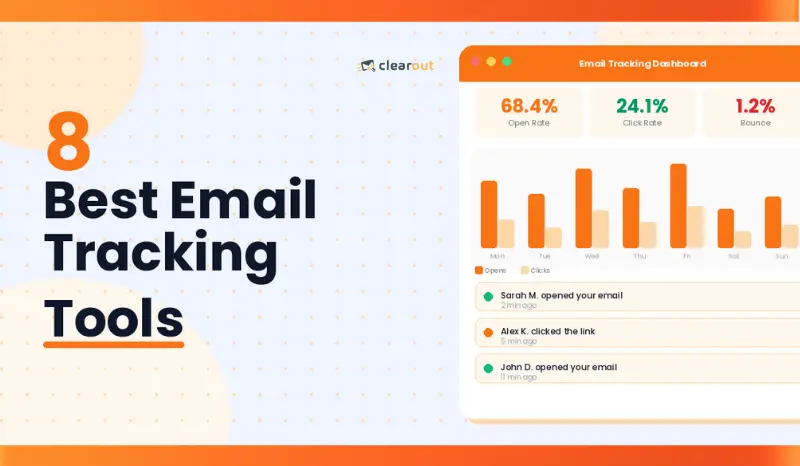
With over 376.4 billion emails expected to be sent daily in 2025, tracking recipient behavior has become necessary. In this guide, we’ll cover the 8 best email tracking tools in 2026 as per their features, pricing, deliverability impact, and usability.
Table Of Content
What is an Email Tracking Tool?
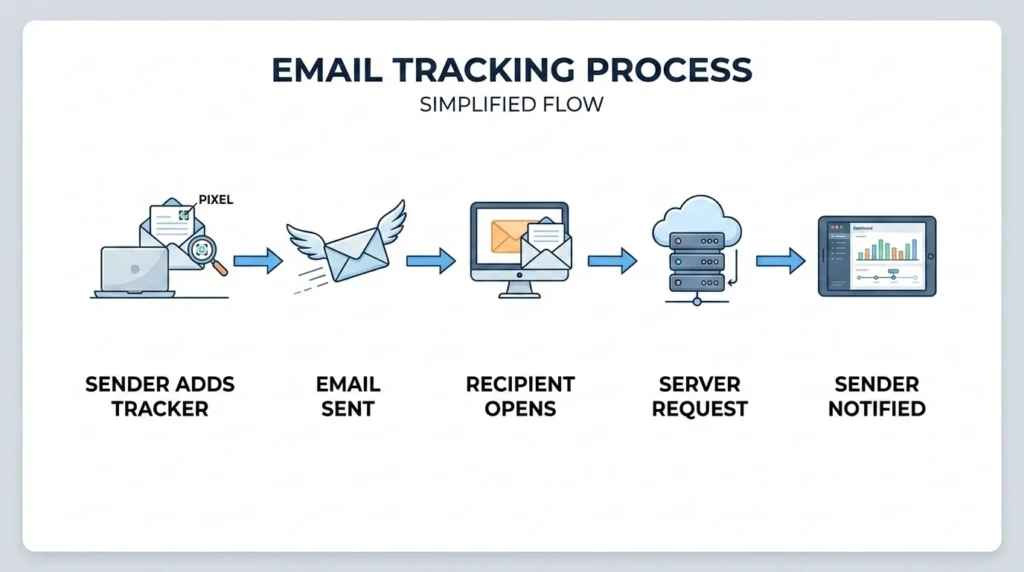
Most tools capture more than just open events. Link clicks, re-opens, device type, and location are all recorded. Sales reps use that data to follow up when a prospect is actively engaged, not days later without any signal to act on. Marketers use it to figure out which subject lines are actually driving opens. Recruiters use it to see whether a candidate has even looked at their outreach.
One thing worth knowing: Apple Mail Privacy Protection (MPP) pre-loads emails in the background. That means open events can trigger even when the recipient never actually opened your email.
Quick Comparison: Email Tracking Tools at a Glance
Use it to filter by Gmail or Outlook compatibility, budget, deliverability, or free trial access before reading the full breakdown.
| Tools | Deliverability | Best For | Gmail | Outlook | Free Plan | Starting Price |
|---|---|---|---|---|---|---|
| Mailsuite | 9/10 | Simple Gmail tracking | ✓ | ✗ | Yes | $9.99/mo |
| Hubspot Sales | 9.4/10 | CRM-connected tracking | ✓ | ✓ | Yes | $15/seat/mo |
| Yesware | 8.8/10 | Attachment tracking | ✓ | ✓ | Limited | $19/seat/mo |
| SalesHandy | 8.5/10 | Cold email sequences | ✓ | ✓ | No | $25/mo |
| EmailAnalytics | N/A (no px) | Team performance metrics | ✓ | ✓ | 14-day trial | $19/inbox/mo |
| Mixmax | 8.7/10 | Interactive email tracking | ✓ | ✗ | Limited | $29/user/mo |
| Streak | 9/10 | Gmail CRM + tracking | ✓ | ✗ | Yes | $49/user/mo |
| MailTracker | 9/10 | Clean Gmail open tracking | ✓ | ✗ | 20 emails/mo | $20/mo |
8 Best Email Tracking Tools in 2026
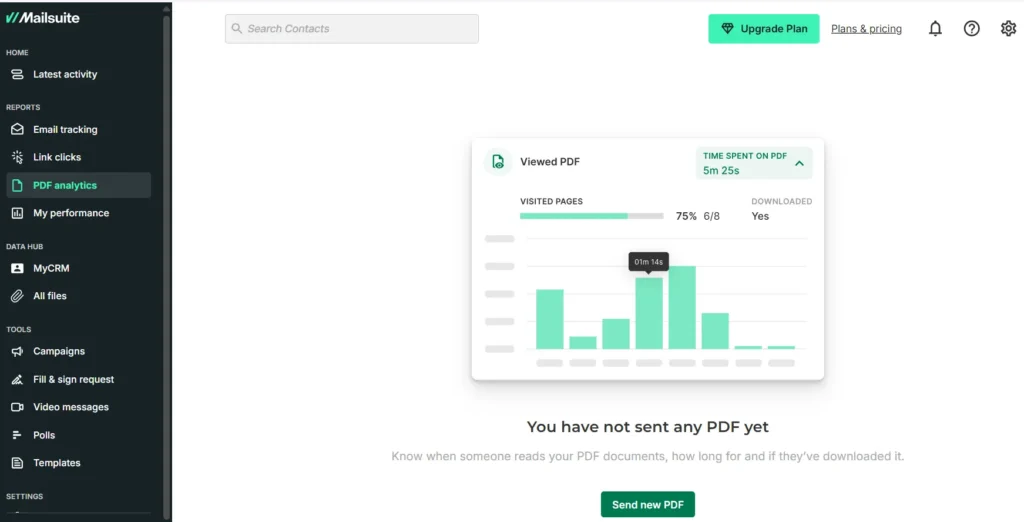
1. Mailsuite : Best Free Gmail Email Tracker
Key features:
- Tracking details: number of opens and how many times
- Individual tracking for group emails
- Advanced alerts and custom notifications
- Weekly and monthly reports
- Scheduled tracked emails
- Link click and PDF open tracking
- Campaigns (up to 60k emails/month)
- Tools: CRM, eSignature, Polls (Advanced plan)
Pricing: Free plan available. The advanced plan costs $8.32/user/month, or an annual subscription costs $99.90/year.
Works on: Gmail (Chrome Extension)
Fits: Freelancers and solo Gmail users tracking opens on a zero budget.
What Reddit users say: "One of the most popular free options. Adds the double-check mark when emails are opened. The free version includes MailSuite branding unless you upgrade."
Here's What I Liked:
The double-checkmark UX is the most intuitive in this category. Hence, anyone familiar with messaging apps gets it instantly. The free plan can help you get started and explore the tool.
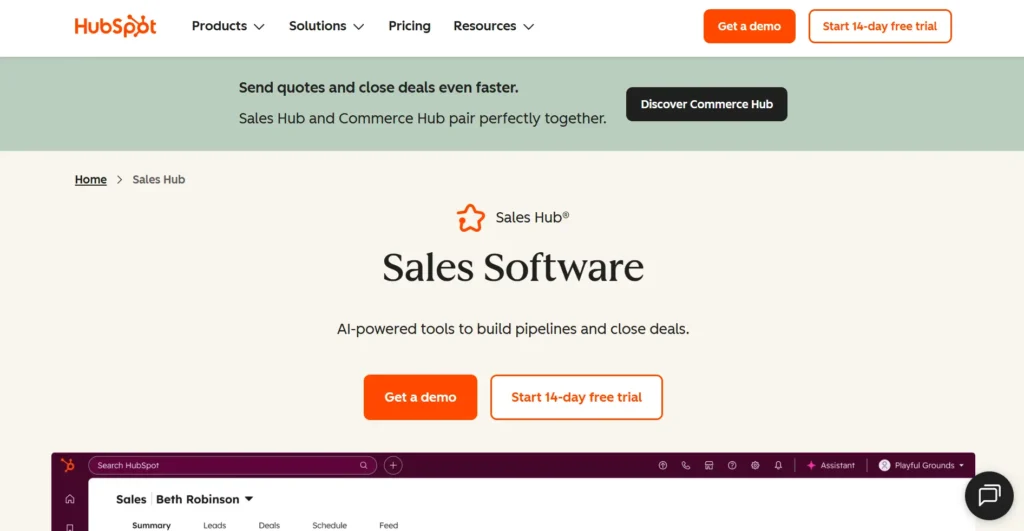
2. HubSpot Sales Hub: Best for CRM-Connected Email Tracking
Key features:
- Real-time open and click alerts
- Automatic CRM logging of all email interactions
- Email scheduling and follow-up sequences
- Gmail and Outlook integration
- Email templates with tracking
Platform: Gmail, Outlook
Best for: Sales teams already using HubSpot CRM who want tracking integrated directly into their existing workflow.
What G2 users say :"It's easy to use and offers many solutions for me, the SEO analysis tool and ad campaign setup and email marketing so their CRM is very effective. I like the marketing analytics they have which is enriched with data. I used the lead management and also the tracking feature helped me a lot as a company with products to sell.”
Here's What I Liked:
Automatic contact-record logging is what makes HubSpot the standout tool here. Sales managers can get real follow-up accountability. The free plan allows 200 notifications, but it can be low for people sending a lot of outreach emails.
3. Yesware: Best for Email Attachment Tracking
Key features:
- Open, click, and reply tracking
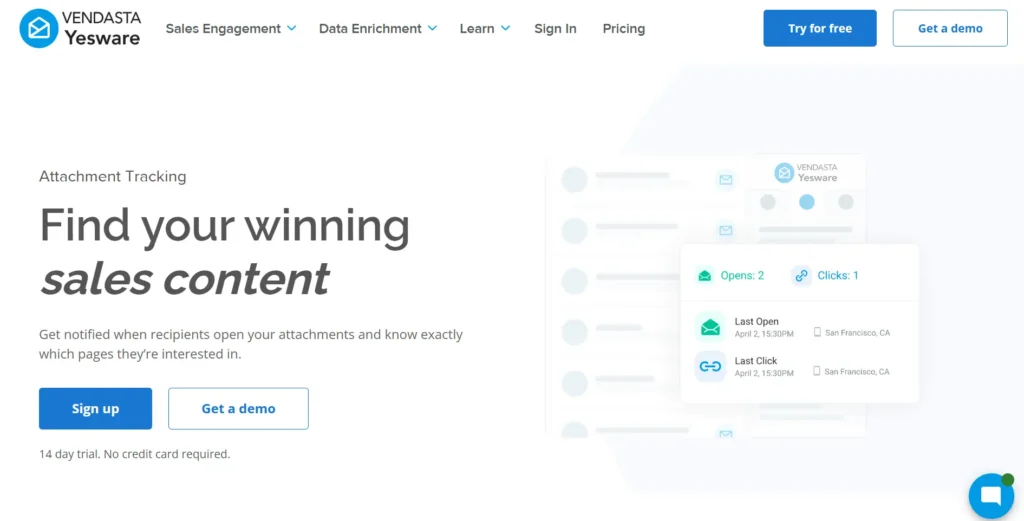
- Page-by-page attachment tracking on proposals and decks
- Email templates and campaign sequences
- Salesforce CRM integration (Enterprise plan)
- Gmail and Outlook support
Platform: Gmail, Outlook
Best for: Sales reps who send proposals and need to know how engaged prospects are with documents.
What Reddit users say: “Geared toward sales teams. Includes tracking, templates, scheduling, and even Salesforce integration. A bit heavy if you just need tracking.”
What I Liked About Yesware:
Knowing which slide a prospect spent four minutes on helps you start a more precision conversation. No other tool here offers that. It even has Salesforce integration and is the most targeted fit for proposal-heavy B2B teams.
4. SalesHandy: Best for Cold Email Campaigns with Tracking
Key features:
- Open and click tracking per email in a sequence
- Automated multi-step follow-up sequences
- Inbox rotation to protect sender reputation
- A/B testing for subject lines and email body
- Detailed campaign analytics and per-rep reporting
Platform: Gmail, Outlook, SMTP
Best for: Sales teams running high-volume cold outreach who need tracking and automation in one tool.
What G2 users say: “I like Saleshandy mostly for its powerful email automation combined with easy to use tracking and analytics. It saves time by automating follow ups and shows which emails and links get engaged. Easy to implement, their support is outstanding. It easily integrates with other tools.”
What I Liked:
Inbox rotation across multiple sending addresses is SalesHandy's most practical edge. It protects sender reputation at scale in a way single-inbox tools can't.
5. EmailAnalytics: Best for Team Email Performance Tracking
Key features:
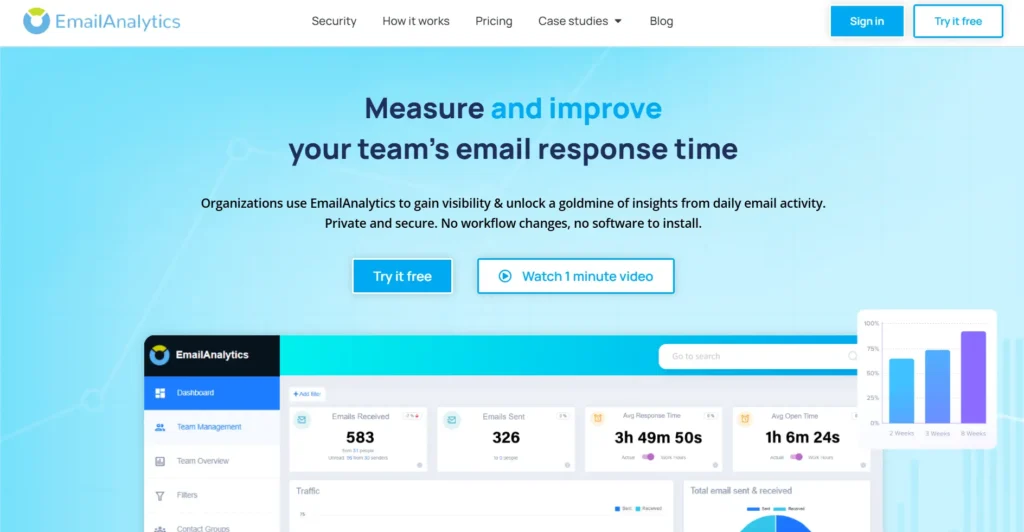
- Automatic email response time tracking per sales rep
- Daily and weekly email reports sent to your inbox
- Zero deliverability impact (no tracking pixels)
- Works with Gmail and Outlook via API
Platform: Gmail, Outlook (API-based)
Best for: Sales managers who need team-level email performance data across response time, volume, and activity beyond per-email open metrics.
What G2 users say: “I think this is excellent software to track email campaigns. I highly recommend this software.”
Here's What I Liked:
It helps teams track email activity, response times, and workload without complicated setup. Managers can quickly see team performance and improve productivity. I also liked its Gmail integration, clean dashboard, and helpful reports for sales and support teams.
6. Mixmax: Best for Interactive Email Tracking
Key features:
- Real-time open and click notifications
- Embedded polls, CTAs, and one-click meeting scheduling
- Email sequences with automated follow-ups
- CRM sync with Salesforce and HubSpot
- Team inbox with shared templates
Platform: Gmail
Best for: Sales and customer success teams who send high-engagement emails and want interaction tracking beyond opens.
What Reddit users say: “Combines email tracking with sequences, templates, and scheduling. Great if you’re doing volume outreach and want everything in one place.”
Here's What I Liked:
One-click scheduling inside the email body cuts reply friction better than any other tool here. Prospects book without leaving their inbox, and that genuinely lifts conversion rates on follow-ups.
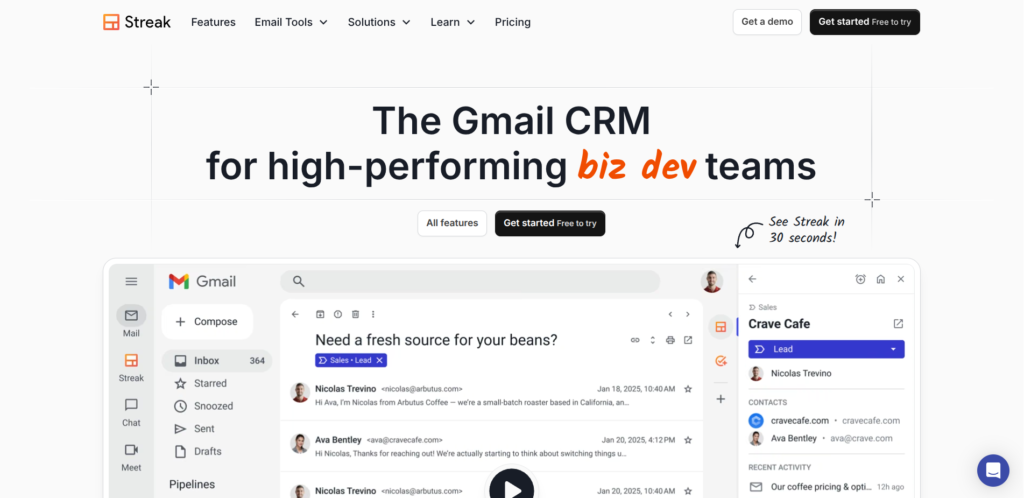
7. Streak: Best for Gmail CRM with Built-in Tracking
Key features:
- Email open tracking inside Gmail
- Pipeline views built directly in Gmail
- Email scheduling and send-later
- Shared team pipelines and email threads
Platform: Gmail
Best for: Founders and small sales teams who want pipeline visibility and tracking without leaving Gmail.
What Reddit users say: “More of a lightweight CRM inside Gmail, but includes open tracking as part of the package. Helpful if you want to track deals without leaving your inbox.”
What I Liked:
I can see if my email is read, see who has replied to my emails, and follow up on. I also found that it has a clean interface and even Streak's CRM feature is helpful for sales outreach.
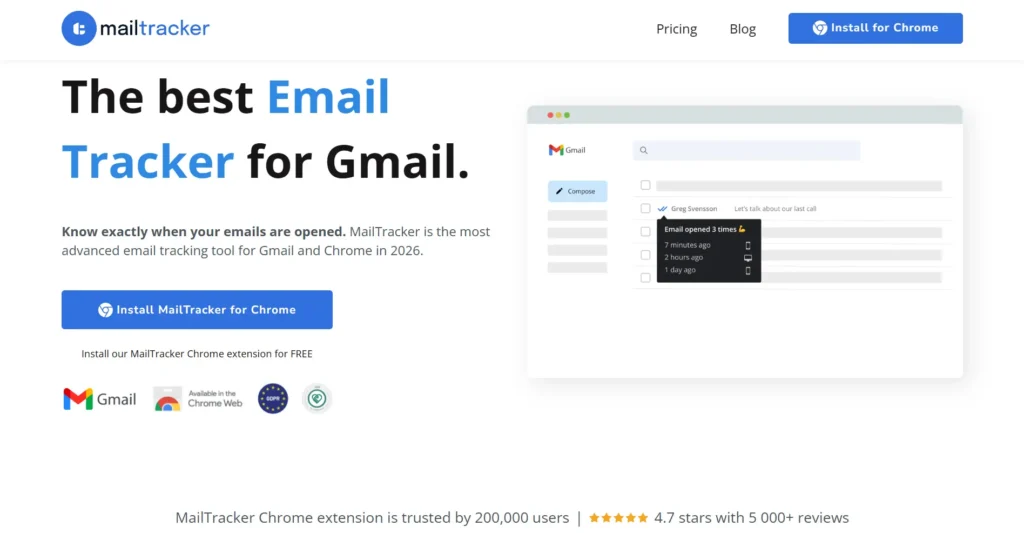
8. MailTracker by Hunter: Best Clean Gmail Open Tracker
Key features:
- Automatic open tracking with no setup required
- Reopen notifications when a prospect returns to your email
- No visible tracker branding on the free plan
- Clean interface fully inside Gmail
Platform: Gmail (Chrome Extension)
Best for: Gmail users who want clean and discreet open tracking without the "sent via" branding.
What Reddit users say: “A lightweight Chrome extension for Gmail. No branding, unlimited tracking, and no need to sign up. It’s been great for quick visibility without the usual bloat of sales platforms.”
What I Like About This Tool:
It is easy to use with Gmail and one can track email opens in real time, get notifications, and know when to follow up. Also, it does not feel overly complicated to me.
How to Choose the Right Email Tracking Tool?
1. Identify Your Primary Use Case
Individual Gmail users needing basic open tracking: Mailtrack or MailTracker. Sales team managing deals: HubSpot or Streak. Cold outreach at scale: SalesHandy. Team performance visibility: EmailAnalytics.
2. Check Deliverability Impact
Some trackers embed pixels that cause emails to land in spam. EmailAnalytics has zero deliverability impact (API-based). Others vary. Test with your own domain before deploying to your full team.
3. Consider CRM Integration
Check whether the tracker logs data automatically to your CRM or requires manual export. Automatic logging is the difference between a tool your team uses daily and one they abandon within a month.
4. Evaluate The Pricing Model Carefully
The per seat cost can begin to increase as the team grows. For instance, $29.00 per user, 10 users is $290.00 per month, without additional fees. Therefore, do the necessary tool comparisons. Some charge by user, others charge by inbox. So, depending on the size of the team, it may be cheaper to pay by inbox.
5. Account for Apple Mail Privacy Protection
Open rates have been inflated since MPP launched - Apple pre-fetches pixels whether or not the recipient reads the email. If your audience skews toward Apple Mail users, open data alone is unreliable. Weight click-through and reply signals more heavily when evaluating which tools give you actionable data.
Choose the Tool That Matches Your Workflow
To get a bounce rate less than 3% and a 99.73% accurate contact verification results, use Clearout's email verifier. This will help tracked emails to go to real inboxes and engagement data will be accurate enough to act on.