

- Products
- ResourcesDEVELOPER

 API
API
Clearout APIs are structured around REST and JSON Webhooks
Capture real-time events in your application workflow Clearout MCP
Verify and find emails from AI assistants like Claude and Cursor Form Guard
Real-time form validation to keep bad contacts out of your CRMKNOWLEDGE BASE Getting started
Sending campaigns without bounces is made simple FAQ
FAQ
Easily find answers to services, security and common questionsUSE CASES Lead Generation
Learn how professionals generate quality leadsGUIDES Clearout Insights Explore original research, industry statistics, and data-backed insights Pricing Transparent & flexible pricing to support pay-per-use or recurringCompare Email Verification Tools AI-powered email verification with 99%+ accuracy, real-time validation, and transparent risk scoringCompare Email Finder Tools Pre-verified B2B email addresses with confidence scoring, find real person email, not role-based addressData Pulse & HubSpot Breeze Intelligence Pre-verified B2B email addresses with confidence scoring, find real person email, not role-based addressBLOGSEmail Verification ToolsFind Anyone’s Email Address
Most Accurate, Fast & Free WaysForm Validation
Importance, Ways & Best PracticesView All Blogs - Pricing
- Integrations
- Enterprise
- Login



13 Best Lead Finders in 2026 (Reviewed)
Finding the right prospects and keeping usable contact data in your database is essential if you want your sales team to build pipeline consistently.
Doing so is not easy, especially without the right tools.
I reviewed 13 lead finder tools for 2026, looking at where each one fits, what it does well, and where it falls short. I’ve evaluated each based on features, data quality, usability, and prospecting workflows, including their strengths, limitations, and ideal team fit.
Table of Contents :
What is a Lead Finder?
These tools automate the process of finding verified emails, phone numbers, LinkedIn profiles, and company details, saving time while maximizing the outcome of your outreach efforts.
Depending on the platform, lead finders can also provide enrichment, company intelligence, buying signals, website visitor data, and outreach automation.
Different Types of Lead Finders
1. Email Lead Finders
Examples: Clearout, Success.ai
2. LinkedIn Prospecting Tools
Examples: Clearout Chrome Extension, Wiza, RocketReach
3. Sales Intelligence Platforms
Examples: Cognism, Dealfront
4. B2B Database Tools
Examples: Seamless.AI, Apollo.io
5. Website Visitor Identification Tools
Examples: Warmly, Dealfront
6. Enrichment & Prospect Intelligence Tools
Examples: CUFinder, Leadzen.ai, Cognism
How Did I Find and Evaluate The Best Lead Finder Tools?
I tested each platform’s current features and watched how they perform in a real prospecting workflow. Beyond what each tool offers, I looked at result quality, how fast you can export relevant leads, and where each platform has limitations.
What are The Best Lead Finder Tools?
1. Clearout
Clearout is among the most trusted tools when it comes to finding and verifying B2B contact data.
It's a favorite among users for balancing precision, speed, and affordability, especially for those scaling multi-channel outreach.
Clearout’s prospecting feature allows you to find both individual contacts and company leads, while its verification capabilities help reduce the need to move prospect data through a separate validation workflow.
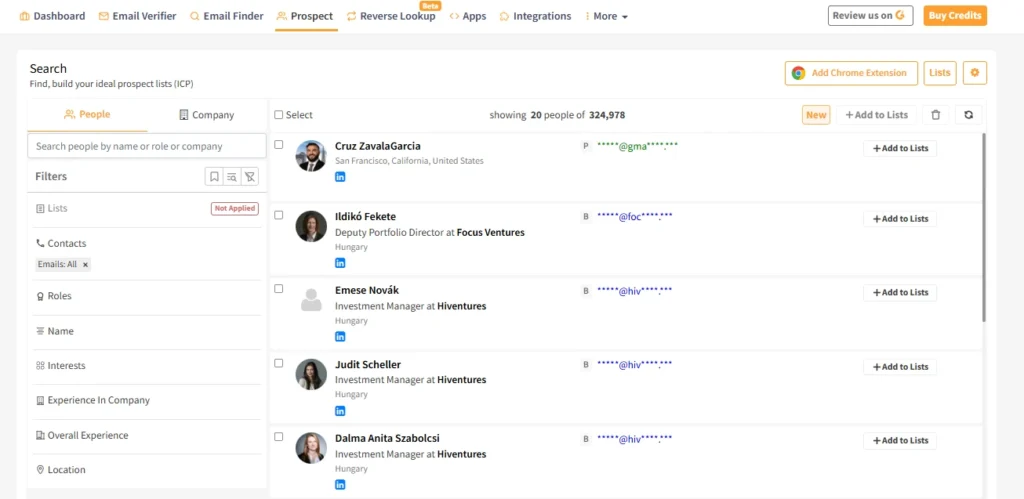
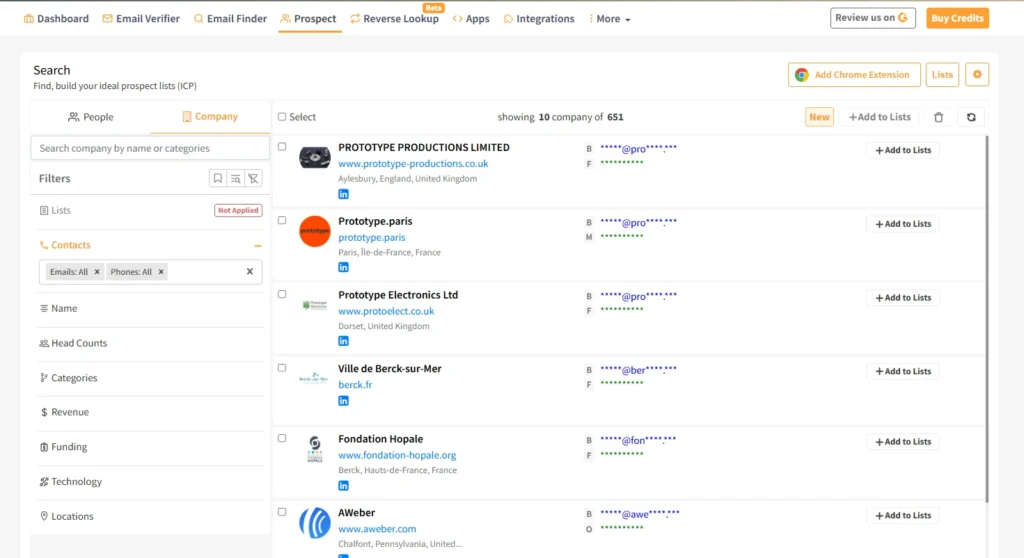
You also get a Chrome extension to find pre-verified lead data directly from LinkedIn, Sales Navigator, and WellFound.
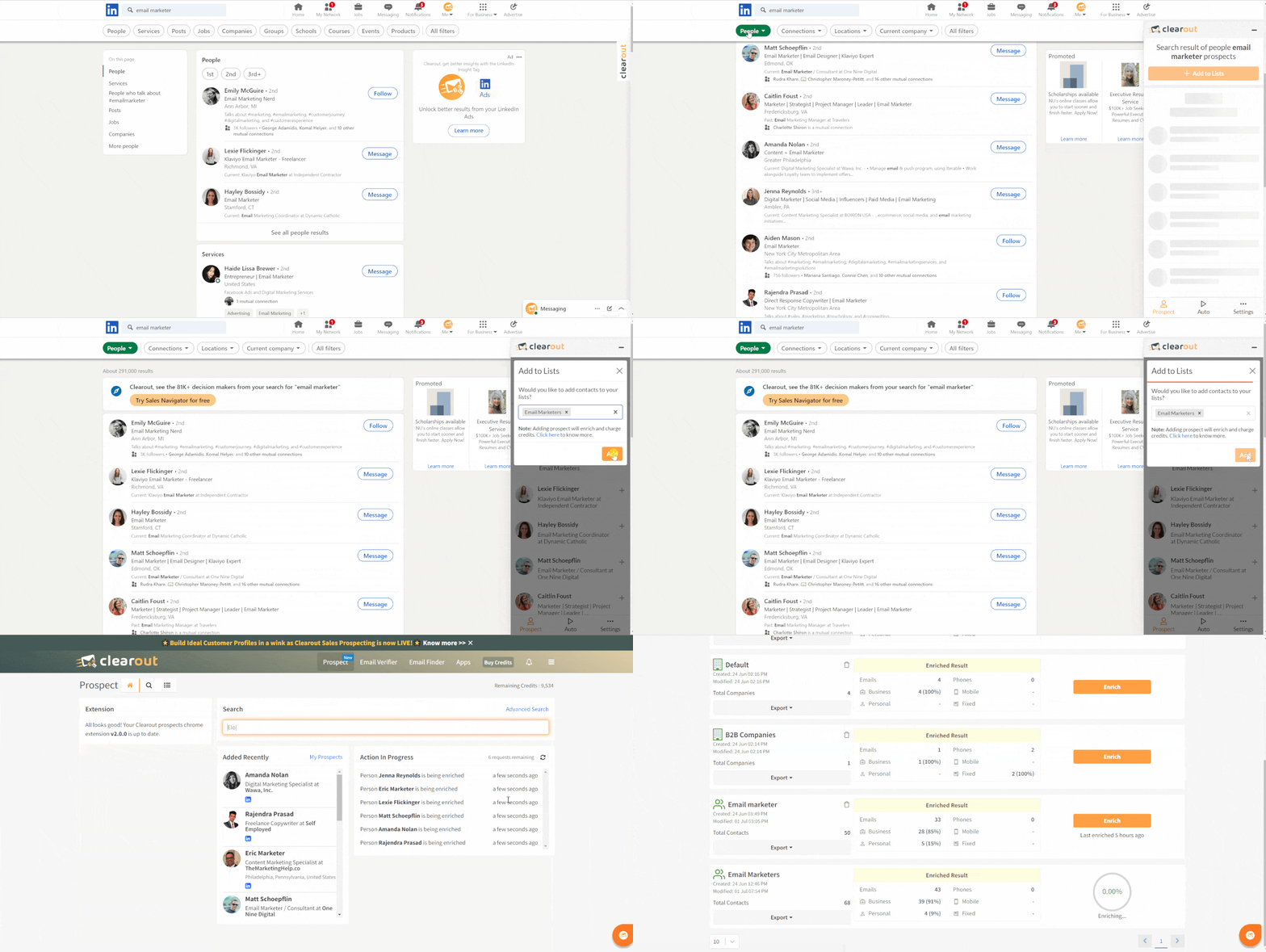
Powerful Sales Navigator filters, when combined with Clearout’s accurate data finding, become a reliable option to find high-intent leads.
The complete results are visible within the app for the leads you add to your Clearout’s list while searching on LinkedIn.
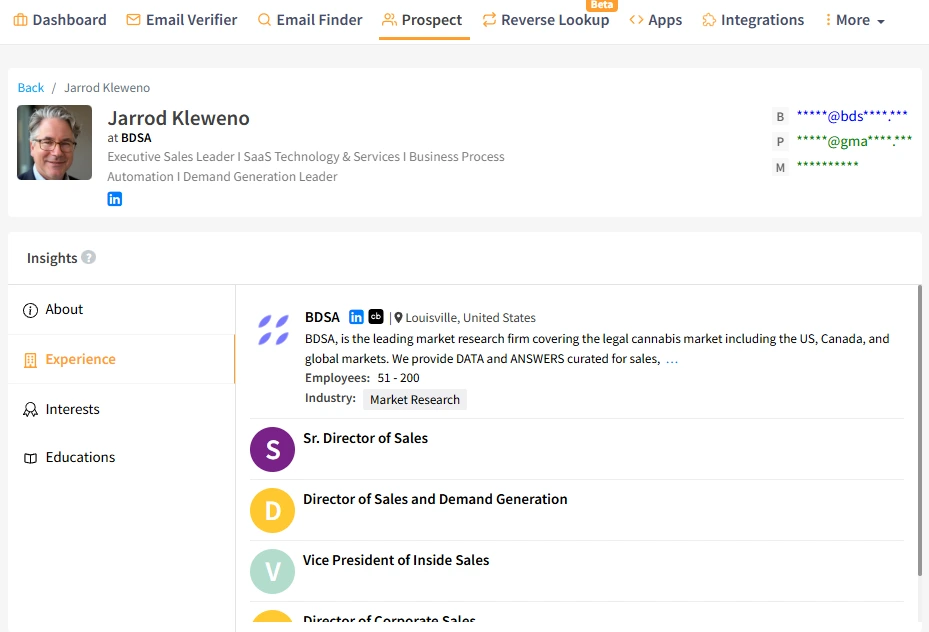
That’s not all, you also get a strong Email Finder and a Free LinkedIn Reverse Lookup tool to find accurate data on your existing lead lists.
👉 Explore Clearout’s prospecting features
Key Features:
- LinkedIn, Sales Nav, and Wellfound lead data finder
- Real-time data verification (including email & phone)
- Chrome extension for one-click prospecting
- Bulk email finder + enrichment
- Advanced analytics & reporting
- Customizable settings for enrichment
- 24*7 Live Support
- GDPR Compliant, ISO 27001, SOC2 Type II
What I disliked: New users will need a few sessions to find their way around the interface. Could offer more native integrations.
What G2 users like about Clearout: “I like that it combines email finding and email verification in one platform. Its linkedin email finder is also useful for our team to find our targeted prospects contact details. The interface is also easy to understand and use.”
2. Cognism
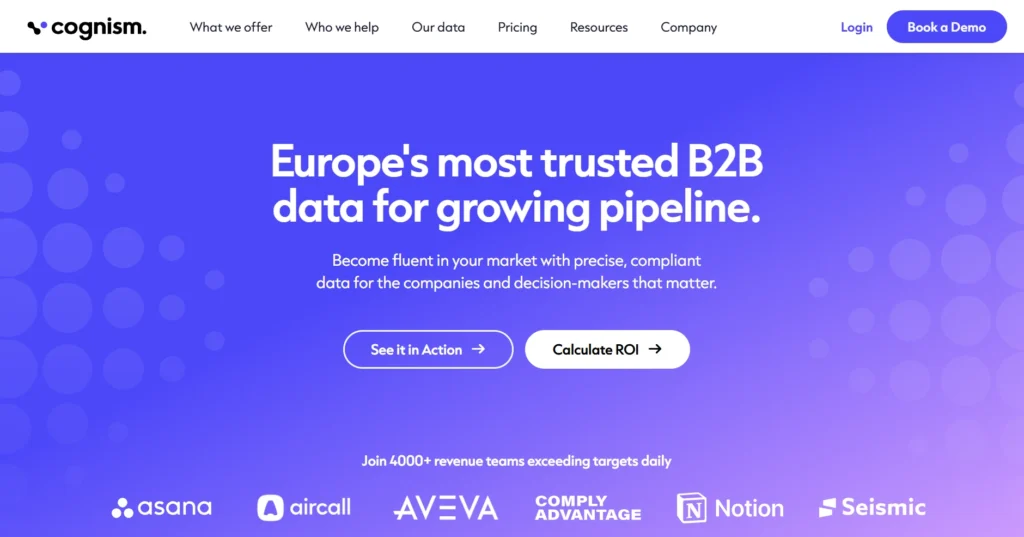
Its Diamond Data® refers to phone numbers that Cognism says have been verified through its verification process, which is particularly relevant for SDRs relying on cold calling. The Sales Companion tool is like a guided missile for reps, pointing them to the most relevant accounts with actionable buying signals.
Cognism’s current platform also emphasizes compliant prospecting, including GDPR and CCPA coverage and Do-Not-Call list checking.
Its European focus, GDPR compliance, and deep enrichment capabilities make it a top pick for compliant outreach at scale.
Key Features:
- Diamond Data®: phone-verified numbers
- Sales Companion for lead guidance
- Intent signals via Bombora
- LinkedIn Chrome extension
- AI Search with natural language
What I disliked: Cognism can be more than smaller teams need if their main requirement is simply finding and verifying email addresses. Its sales intelligence capabilities make more sense for teams with broader prospecting needs.
What G2 users like about Cognism: “The interface is very customer-friendly (UI / UX). We had a great onboarding session where all questions were answered in the call and via messages. It integrates with our CRM, which is great. So less manual work is needed. Performance is quite good. Haven't experienced any issues. I think the pricing is worth it.”
3. Apollo.io
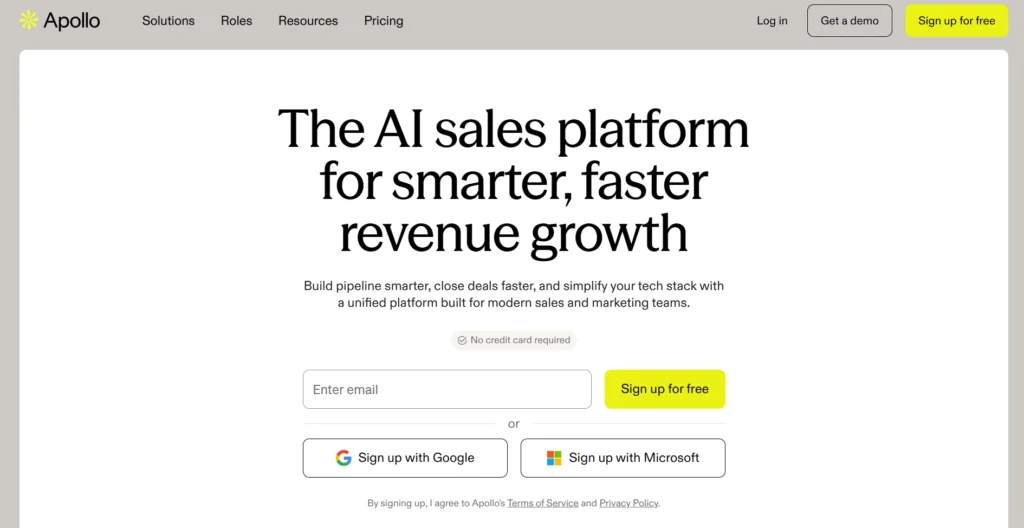
The platform merges lead discovery, enrichment, and outbound into one fluid motion. Features like auto-sequences, AI-assisted messaging, and CRM enrichment eliminate toggling across tools.
This all-in-one approach is one of Apollo’s biggest strengths. Teams can discover prospects, enrich records, build lists, and move directly into outreach without switching between several platforms.
Though support could be faster, the lead quality and sales automation keep teams hooked.
Key Features:
- Real-time email verification
- AI sales assistant
- Built-in meeting scheduler
- Workflow automation & CRM sync
- Contact enrichment
What I disliked: The user-interface can seem cluttered, especially for new users trying to navigate between prospecting, sequences, and analytics.
What G2 users like about Apollo: “What I like most about Apollo.io is the combination of its large contact database and prospecting tools. It makes it easy to find relevant companies and decision-makers, build targeted prospect lists, and manage outreach from one platform. The filtering and search options are particularly useful for narrowing down prospects and focusing on the right accounts.”
4. Success.ai
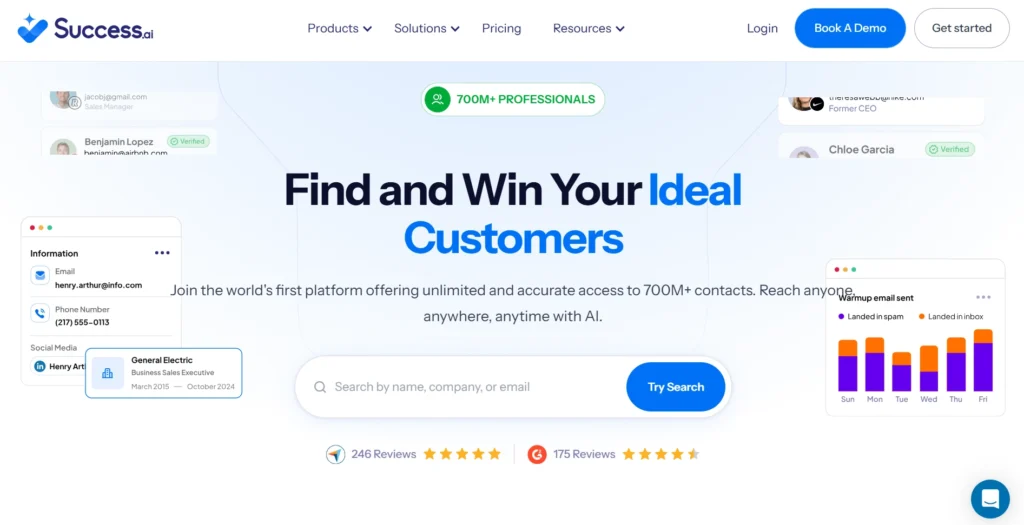
It includes everything from an AI-powered writer to data enrichment and email warm-up tools. It’s especially useful for lean teams looking to run end-to-end campaigns from a single dashboard.
The database is broad, with helpful keyword filtering and buyer intent signals.
Key Features:
- 700M+ verified B2B leads
- AI email writer & warm-up
- Buyer intent tracking
- CRM & API integration
- Enrichment & segmentation
What I disliked: The trial period has many limitations when it comes to sending emails, and that they reduce the number of days of testing. Also, the platform could be easier for users to navigate through.
What G2 users like about Success.ai: “It helps new freelancers reach new clients by providing a list of contacts and supporting cold email outreach.”
5. Instantly
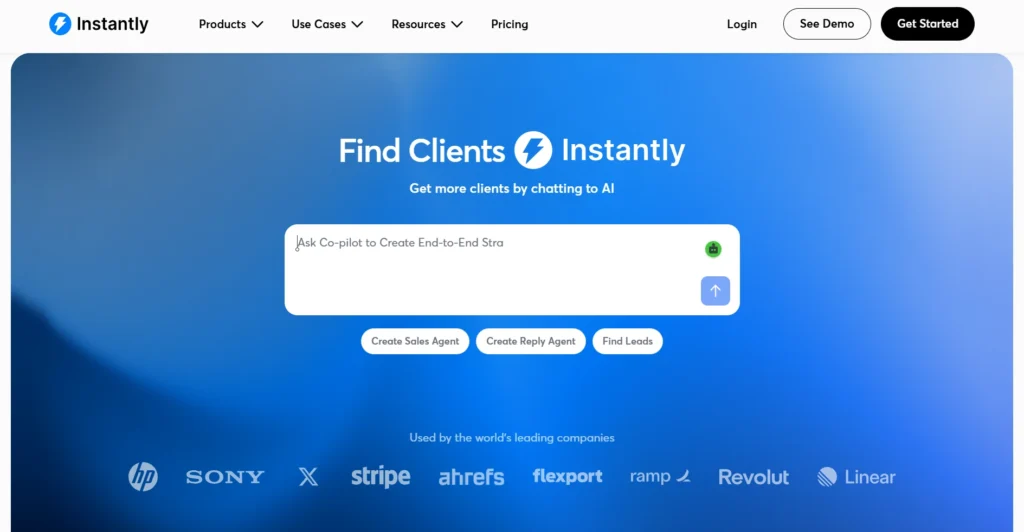
Its Lookalike Audience tool helps replicate winning ICPs by simply inputting a competitor’s domain. Leads are verified before sending, which can help reduce invalid addresses and protect campaign deliverability. Instantly stands out for high-volume sending capabilities, unlimited inbox testing, and smart domain health management.
It’s especially popular with outbound agencies and solopreneurs scaling cold outreach.
Key Features:
- Lookalike audience generator
- Inbox deliverability testing
- Verified contact database
- AI keyword search
- Unlimited sending accounts
What I disliked: Users found the platform to be on the pricier side. Also, the basic plan had many limitations relative to its high cost.
What G2 users like about Instantly: “It’s easy to set up, straightforward to learn, and lets me get campaigns live quickly even as a complete beginner. Compared with other tools like Smartlead.ai, which feels a bit more complex and seems to have a longer learning curve, or gmass, which is very easy but misses key components like spintax, advanced options, and built-in email warmup, this strikes as a perfect balance for me.”
6. Seamless.AI
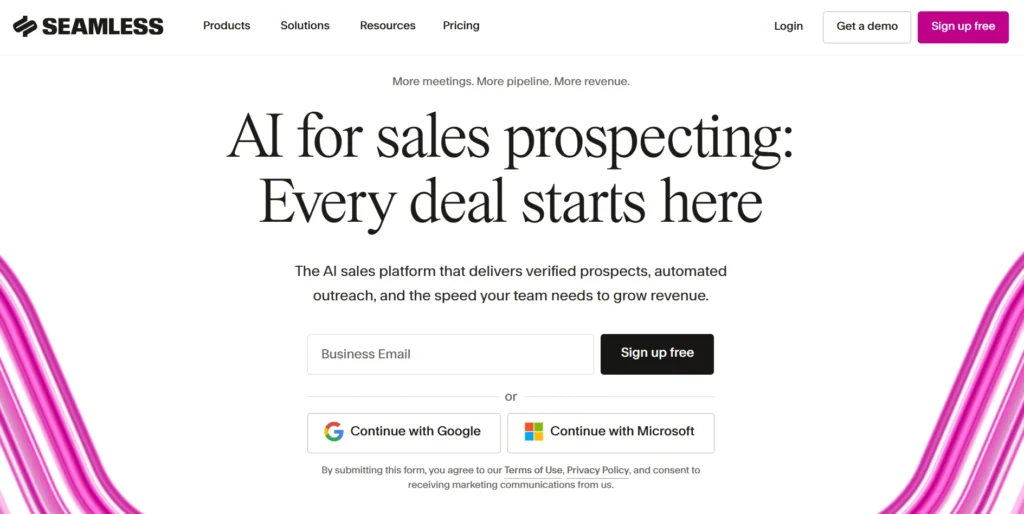
While the database is solid, the real advantage is surfacing contact details as users browse LinkedIn or company sites using their extension. It’s great for reps who prefer live, in-the-moment prospecting over static lists.
Seamless also offers data enrichment, buyer intent, and job-change information, making it broader than a simple contact finder.
Key Features:
- Real-time job change tracking
- Chrome extension for LinkedIn scraping
- AI pitch recommendations
- Intent data + integrations
- Auto list building
What I disliked: There are concerns about the extracted data, with users finding it to be outdated on instances.
What G2 users like about Seamless: “Searches populate pretty quickly, although you can only scroll through 100 results at a time (painful), and you need to use another program for enrichment or pay a lot extra. Otherwise, the bounce rate is through the roof. The Slack support channel was helpful during BETA and feature rollouts, which had lots of glitches!”
7. Warmly
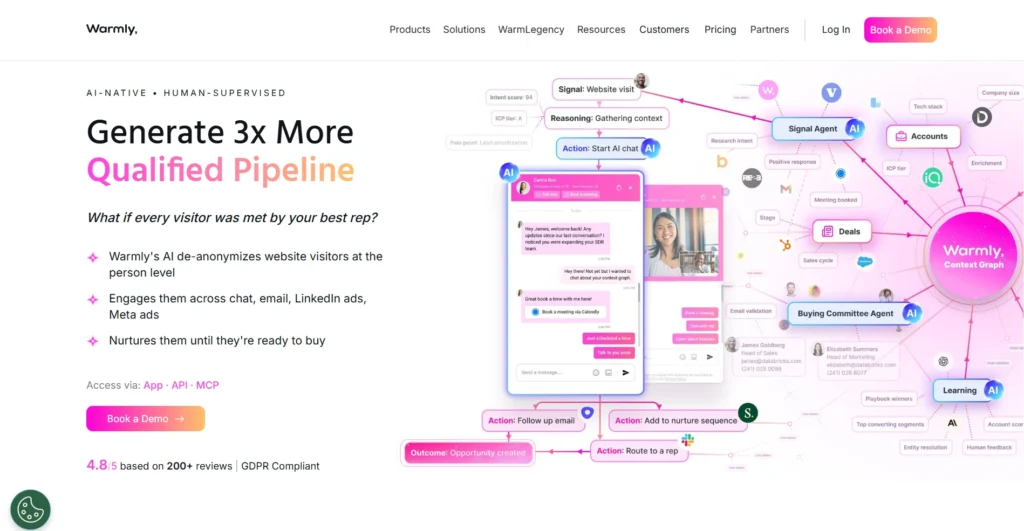
Warmly’s current website visitor identification product focuses on person-level identification, showing information such as name, work email, job title, LinkedIn profile, and company while visitors are on the site.
Teams use Warmly to sync campaigns with real-time events like job moves or company growth.
Key Features:
- Website visitor deanonymization
- Job & social signal tracking
- LinkedIn & email sequences
- AI chat + video tools
- Slack & CRM integrations
What I disliked: Warmly is less useful if your main requirement is building a large outbound list from scratch. Its strongest use case is identifying and acting on people or companies already showing interest.
What G2 users like about Warmly: “I appreciate Warmly's data enrichment accuracy and how seamlessly it connects with our CRM. I also like the way it integrates with our LinkedIn and Google Ads accounts to create attribution charts that enhance our lead generation capabilities. Additionally, the initial setup of Warmly was pretty simple, and the integration and support team were very helpful in setting it up without any hassles.”
8. Leadsgorilla
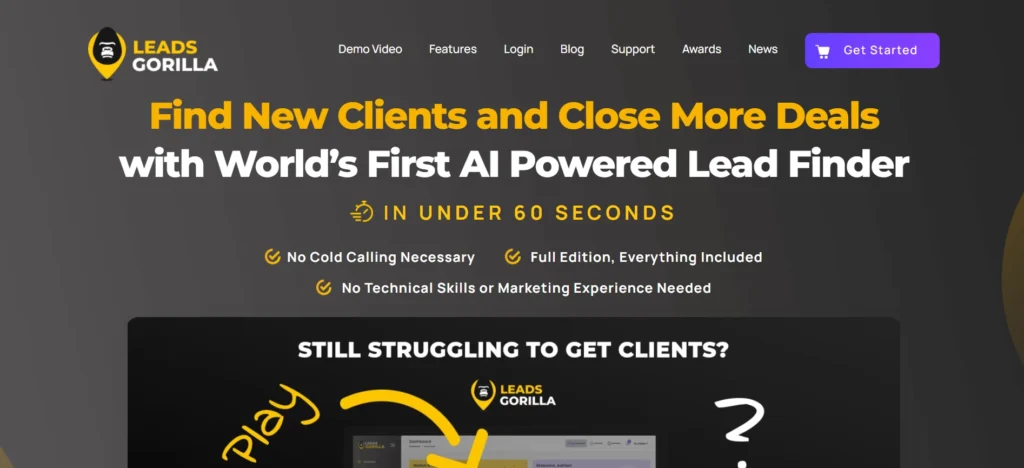
It even offers automated email templates and validation tools, helping users execute campaigns without complex CRMs.
Key Features:
- AI lead scoring
- Search across Google & Facebook
- Email validation + cold outreach
- Business summary generator
- Custom PDF reports
What I disliked: There can be trouble with the Google Maps API. Also, there is a constant need to update the software.
What G2 users like about Leadsgorilla: “I have found that Leadsgorilla does what it does best! By only using a few keywords, I was able to find numerous new leads along with information about the company I wasn't expecting!”
9. Dealfront
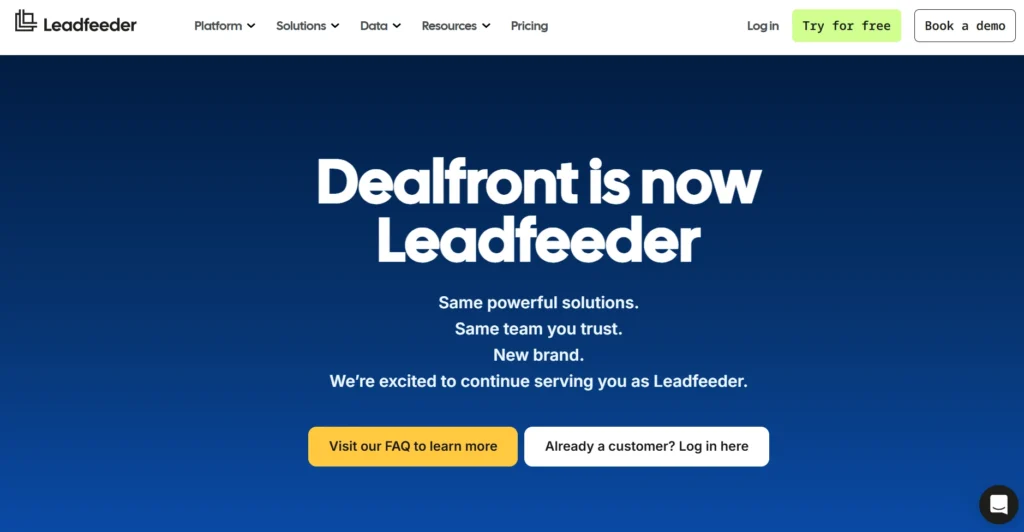
Coupled with job-change alerts and email validation, Dealfront is a reliable tool for targeting warm, high-intent leads, especially in GDPR-sensitive regions.
Key Features:
- Website deanonymization
- EU-compliant data sourcing
- AI-assisted lead discovery
- CRM enrichment & outreach
- Multi-channel campaign builder
What I disliked: There can be trouble while filtering the contacts, and can be difficult for new users to figure out.
What G2 users like about Dealfront: “Easy to integrate and use. Efficient way to fill up you sales funnel with qualified leads thanks to easy filtering options. Integrates nicely with Pipedrive. Besides the functionality, the online support is superb.”
10. RocketReach
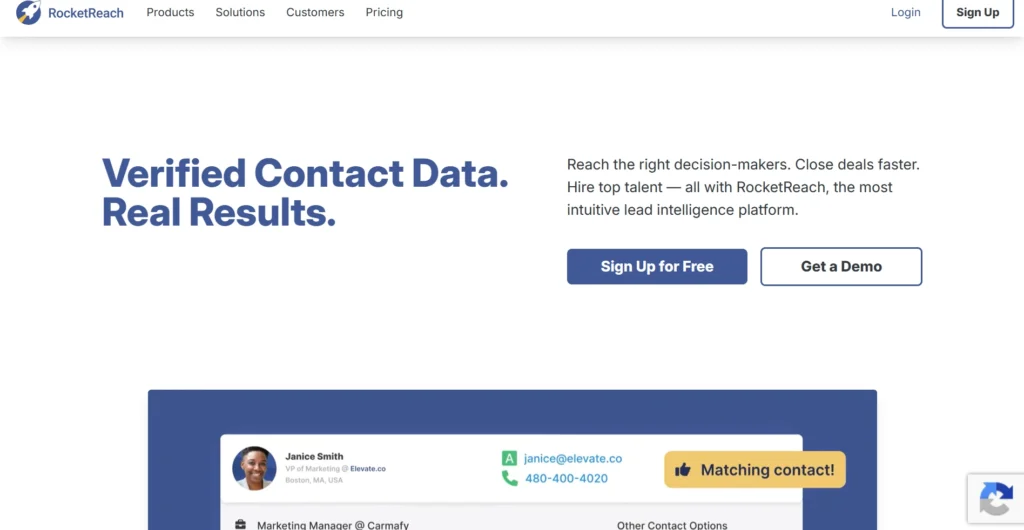
The platform’s browser extension works well for LinkedIn sourcing, while bulk export and API functionality help larger teams integrate with CRMs.
Key Features:
- 700M+ profiles
- AI contact validation
- Bulk lookup + export
- Chrome extension
- Foundry intent data integration
What I disliked: Many a time, the contact data can be inaccurate or simply non-existent.
What G2 users like about RocketReach: “RocketReach is really easy to use and has been a great tool for our team. The information is accurate and up to date, and it’s very easy to find the right contacts quickly. The payment process is also simple and hassle-free. It saved us a lot of time when prospecting and reaching out to new clients. Definitely a tool I’d recommend.”
11. CUFinder
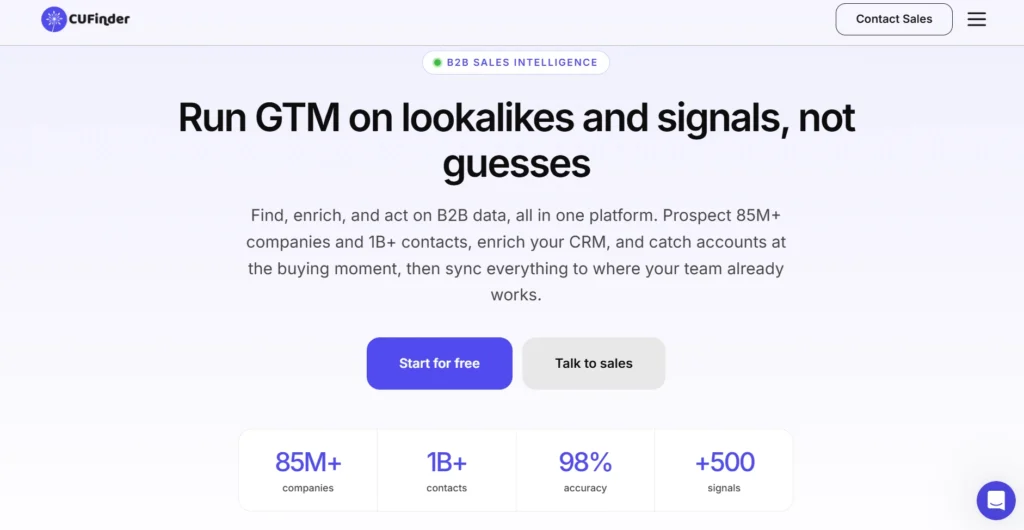
It supports real-time enrichment, verified email/phone discovery, and location-based filtering. Its Chrome extension and AI filters make it a handy tool for precise targeting across industries.
Key Features:
- 1B+ contact profiles
- 85M+ company profiles
- AI-powered filters
- Verified emails + mobile numbers
- Chrome extension for LinkedIn
- Academic & HR data engines
What I disliked: Can have more enhancement to the dashboard feature, especially customisation.
What G2 users like about CUFinder: ”I enjoy that they solve issues fast and they respect their customers. I like the data accuracy of CUFinder which is really high, around 95 for my email lists and over 90 for phones.”
12. Leadzen.ai
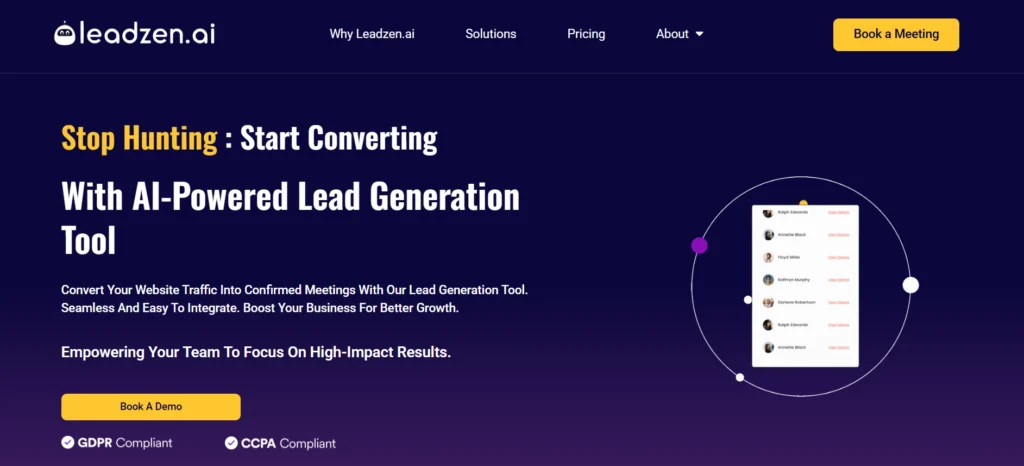
Lead scoring, real-time enrichment, and automated LinkedIn outreach round out a robust option for prospecting.
Leadzen.ai’s current platform also positions itself around AI-powered lead generation, bulk search, intelligent filters, LinkedIn prospecting, and multichannel outreach.
Key Features:
- Geo-location filters
- Bulk search & enrichment
- Verified data
- Chrome/LinkedIn extension
- Intelligent LinkedIn automation
What I disliked: The Chrome extension and geolocator could be more reliable, particularly when working with location-based prospecting.
What G2 users like about Leadzen: There are no G2 reviews of this tool.
13. WIZA
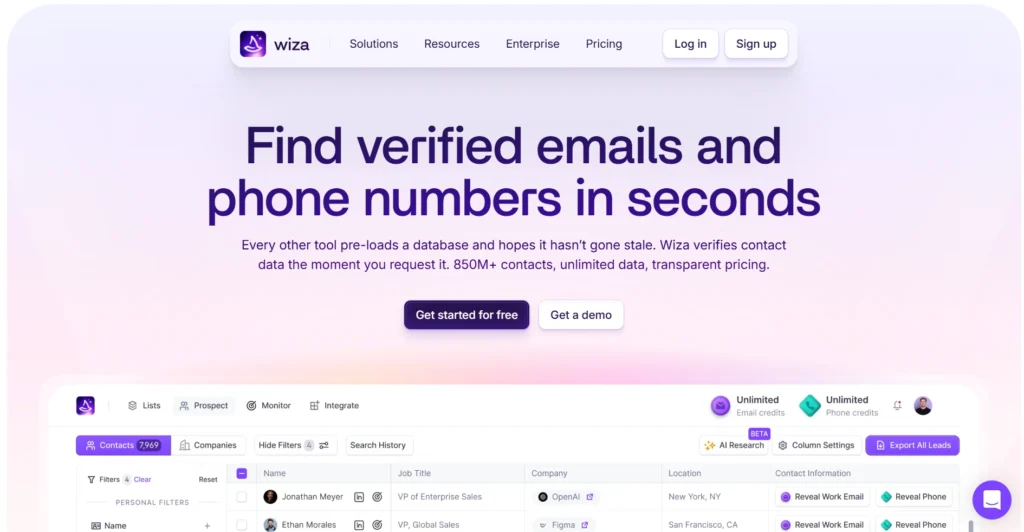
Its current platform provides access to 850M+ B2B prospects and verifies contact information in real time when you request it. Wiza also lets users search and filter prospects, save them to lists, and export or sync them with their CRM.
Its Chrome extension can be used while browsing LinkedIn to find contact information and build prospect lists. Wiza supports LinkedIn Sales Navigator prospecting and can provide verified work emails, mobile numbers, and additional phone numbers depending on the enrichment level selected.
Key Features:
- 850M+ B2B prospects
- Real-time contact verification
- Verified work emails
- Phone numbers and mobile numbers
- LinkedIn and Sales Navigator prospecting
What I disliked: Wiza is focused primarily on prospecting and contact data. I found that teams needing broader sales engagement features would likely need additional tools alongside it.
What G2 users like about Wiza: “I have been using the Wiza Chrome Extension for my outreach and patent research, and it has completely transformed how I find decision-makers. The best part about Wiza is the accuracy, unlike other tools that give you dead or outdated data, Wiza ensures that the emails are 100% verified, which drastically reduces my bounce rates.”
How to Choose the Right Lead Finder
- Define Your Target Audience
Know your ideal customer profile (ICP): industry, region, job titles, company size, and buying behavior.
- Check Data Accuracy & Verification
Choose tools with high data accuracy, real-time verification, and bounce protection to maintain outreach performance.
- Evaluate Compliance & Privacy
Make sure the tool follows GDPR, CCPA, and email compliance laws, especially if you’re targeting EU or global regions.
- Look for Enrichment & Segmentation Capabilities
Tools with CRM enrichment, filters, and advanced search options will give you more qualified leads.
- Integrations with Your Workflow
Choose a lead finder that integrates with your CRM, email tools, or outreach stack (e.g., Salesforce, HubSpot, Lemlist).
- Scalability & Pricing
Consider how many leads you need monthly and whether the tool offers volume-based or pay-as-you-go pricing.
- Support & Customer Reviews
Check G2, Capterra, and real user reviews for insight on support quality and platform performance.

