- Products
- ResourcesDEVELOPER

 API
API
Clearout APIs are structured around REST and JSON Webhooks
Capture real-time events in your application workflow Clearout MCP
Verify and find emails from AI assistants like Claude and Cursor Form Guard
Real-time form validation to keep bad contacts out of your CRMKNOWLEDGE BASE Getting started
Sending campaigns without bounces is made simple FAQ
FAQ
Easily find answers to services, security and common questionsUSE CASES Lead Generation
Learn how professionals generate quality leadsGUIDES Clearout Insights Explore original research, industry statistics, and data-backed insights Pricing Transparent & flexible pricing to support pay-per-use or recurringCompare Email Verification Tools AI-powered email verification with 99%+ accuracy, real-time validation, and transparent risk scoringCompare Email Finder Tools Pre-verified B2B email addresses with confidence scoring, find real person email, not role-based addressData Pulse & HubSpot Breeze Intelligence Pre-verified B2B email addresses with confidence scoring, find real person email, not role-based addressBLOGSEmail Verification ToolsFind Anyone’s Email Address
Most Accurate, Fast & Free WaysForm Validation
Importance, Ways & Best PracticesView All Blogs - Pricing
- Integrations
- Enterprise
- Login



5 Best Reverse Email Lookup Tools In 2026

An average person receives more than a hundred emails per day for work. The surprising thing is that this number excludes spam.
Among this heap of new emails every day, it can be difficult to manage them effectively and identify which emails are genuine and which of them are phishing attacks.
In the US alone, the FBI's Internet Crime Complaint Center logged 191,561 phishing and spoofing complaints in 2025, with reported losses reaching $215.8 million.
To save yourself from fraudsters and phishing attacks, you should consider using reverse email lookup tools and services. We all think we are safe from malicious attacks until we aren’t, so it’s better to be safe than sorry.
Among this heap of new emails every day, it can be difficult to manage them effectively and identify which emails are genuine and which of them are phishing attacks.
In the US alone, the FBI's Internet Crime Complaint Center logged 191,561 phishing and spoofing complaints in 2025, with reported losses reaching $215.8 million.
To save yourself from fraudsters and phishing attacks, you should consider using reverse email lookup tools and services. We all think we are safe from malicious attacks until we aren’t, so it’s better to be safe than sorry.

You can use one or more reverse email lookup tools to protect yourself from getting scammed. But first, let us know what exactly reverse email lookup is all about.
Table of Content
What is a Reverse Email Lookup?
A reverse email lookup service helps users to determine who may be contacting them via email and for what specific reason, particularly if the email address is unknown or suspicious.

It can also be used as a tool to know more about potential candidates you may be interviewing or to know better about your potential leads so as to convert them(in sales and marketing).
A reverse email lookup service works by displaying details about a particular email holder. The details include the email sender's full name, full current address, phone numbers associated with that account, photos, all social media handles, and aliases if they have one.
A reverse email lookup service works by displaying details about a particular email holder. The details include the email sender's full name, full current address, phone numbers associated with that account, photos, all social media handles, and aliases if they have one.
Why Do We Need a Reverse Email Lookup?
A reverse email lookup tool provides more information about the sender of an email. It can help you to-
- Protection from Phishing Attacks: When you receive an unfamiliar email with a strange message, you should exercise great caution. Refrain from opening any attachments or clicking on any links inside the email. Instead, use a reverse email lookup to find out who sent you the email. The tool will determine whether the person who sent the email is genuine or a fraudster.
- Verify Potential Hires and Partners: If you want to hire the right person for the job and your company is built on integrity, you should definitely include email lookup services as a part of your hiring process. The tools assist you in determining whether or not a candidate is telling the truth about their skills or experience. You can also use email lookup tools to learn more about business associates. Moreover, a selected number of tools can even reveal whether or not someone is bankrupt. This keeps you from doing business with shady people.
- Shopping Online: While 80% of American adults buy at least one item online, a small percentage of those purchases fall into the hands of scam artists. So, if you want to buy anything available on the internet but are concerned about the seller, you could take help from a reverse email lookup tool to learn more about them. You'll find out if the seller has a history of deception or fraud.
- Reconnect with Family and Friends: It is possible to lose touch with a friend or a family member. You have a greater shot at reuniting with them if you remember their email addresses. A reverse email lookup will help you scan their emails for potentially useful information. These may include their present contact number, residential address, and even their new names for those who have changed surnames.
- For Marketing Purposes: As a marketer, it is extremely important to send out emails to valid and potential leads. But sending out emails to the wrong addresses can cost you a good lead. You also would not want to damage your sender's reputation by sending emails to the wrong addresses. So, it's better to check who you are sending an email to and if the address is valid. If you simply want to check if an email is valid and safe to send, you can use Clearout’s Email Verification service.
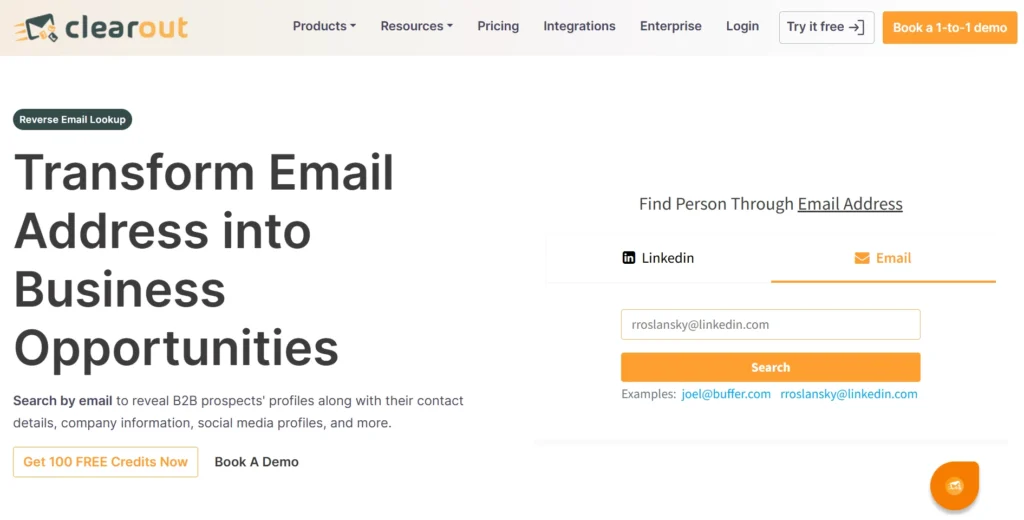
It helps you verify email addresses in seconds and clear your contact list of unpromising leads. By helping you get rid of invalid and spammy addresses Clearout also saves you from high bounce rates and getting marked as spam.
Reverse Email Lookup Tools and Methods to Use Them:
We scoured the internet for the strongest reverse email lookup methods. We'd like to share our top 5 reverse email lookup tool suggestions after checking, analyzing, and narrowing them down. There are both paid and free options to choose from. We'll also walk you through how to use each of these 5 distinct reverse email lookup services briefly in easy steps.

1. CocoFinder
CocoFinder is a well-known brand in the industry. With billions of entries in its database, it is hard to miss out on anyone in the USA. The tool provides a variety of features and has an easy-to-use interface.
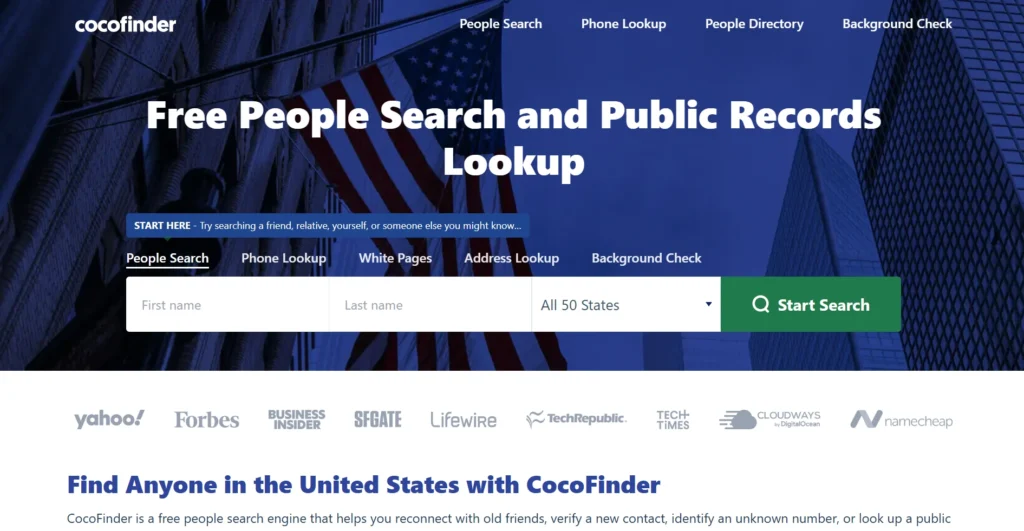
You can find data such as the sender's first and last names, social media handles including Facebook, Twitter, or LinkedIn, home address, contact information, photos, and more by using its Email Lookup tool.
So basically, the lookup options that CocoFinder provides are:
So basically, the lookup options that CocoFinder provides are:
- Email Lookup
- Address lookup
- Phone lookup
- White pages
- Background checks
- People Searches
Because of its powerful nature and accurate data resources, CocoFinder has become a great lead generation solution for marketers and sales executives.
The only problem is that CocoFinder's website lacks a clear pricing structure. However, they have stated that basic features such as phone search are free. You have to contact them for accurate pricing. But as you can guess, the more data you require, the higher the price.
To use the tool you require, go to CocoFinder's website and select the option you want to use, enter the target person's email id and click on the ‘Start Search’ button. CocoFinder generates results in a matter of a few minutes.
If no data is available for your search, you will be encouraged to try other similar background check tools like BeenVerified, Instant Checkmates, etc ( don’t worry we have covered these tools too.)
The only problem is that CocoFinder's website lacks a clear pricing structure. However, they have stated that basic features such as phone search are free. You have to contact them for accurate pricing. But as you can guess, the more data you require, the higher the price.
To use the tool you require, go to CocoFinder's website and select the option you want to use, enter the target person's email id and click on the ‘Start Search’ button. CocoFinder generates results in a matter of a few minutes.
If no data is available for your search, you will be encouraged to try other similar background check tools like BeenVerified, Instant Checkmates, etc ( don’t worry we have covered these tools too.)
Social Catfish is like an online investigator. It verifies data to determine whether the person associated with the given email is who they claim to be.
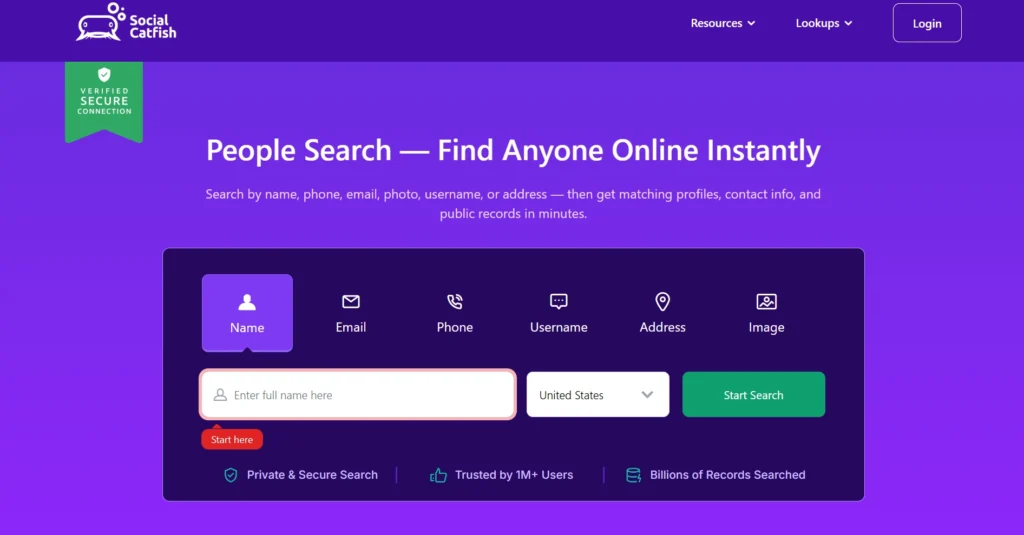
The goal of Social Catfish is to sift through a sender's email address and learn about the actual person behind the email.
Social Catfish allows you to do the following with its services:
Social Catfish allows you to do the following with its services:
- Check whether you are receiving emails from a potential scammer or not.
- Obtain accurate information about your business associates and leads.
- Reveal not only the contact details photograph of the person you're trying to find out about.
To use Social Catfish you must first sign up and then select a plan that focuses on your specifications. Then you have to insert the email address you want to lookup into the search field and press the "search" button. Your results will appear in a matter of seconds.
The tool is extremely easy to use, making the reverse email search process easier and faster.
You can choose from two paid plans - $5.75 for 3 days or $27.48/month.
The tool is extremely easy to use, making the reverse email search process easier and faster.
You can choose from two paid plans - $5.75 for 3 days or $27.48/month.
Instant checkmate is programmed to extract information from anyone and everyone by using their basic information such as email, phone number, etc.
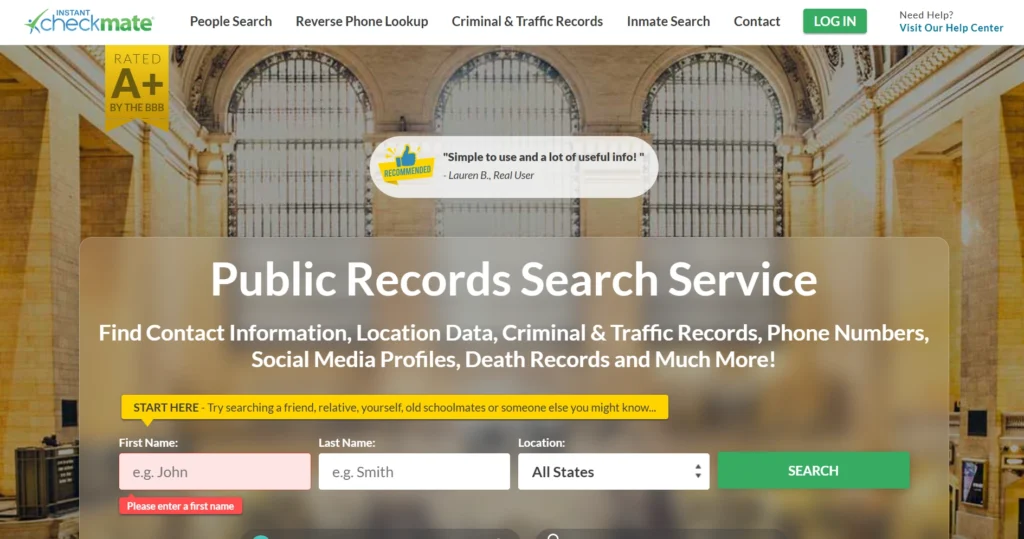
The tool fetches you pictures, possible residential addresses, social media handles, previous employment positions, and Gravatar profiles, all of this in just one reverse email lookup.
And, as with most lookup services, Instant Checkmate provides a variety of lookup options, such as name, contact information, and location. This is simply to ensure that you have done all the right things and have gathered all of the available information.
We can't stress more upon the tool's precision. It digs up data from highly specialized channels, which means you're less likely to miss the information you're searching for.
You must register on their official site to use the reverse email lookup option. The harder part is that in order to register, you must first conduct a name check and sign up for the service, which can be a little inconvenient.
Once you’re registered though, the process is quite similar to all the others, use the search field to search for the required email address and get the results on your dashboard.
Instant Checkmate runs $35.47/month for unlimited person reports, or $28.38/month if you commit to the 3-month plan (billed as $85.13 upfront). A $1 trial sometimes shows up through promotional links, but it's not listed on their standard pricing page, so don't count on it being available.
And, as with most lookup services, Instant Checkmate provides a variety of lookup options, such as name, contact information, and location. This is simply to ensure that you have done all the right things and have gathered all of the available information.
We can't stress more upon the tool's precision. It digs up data from highly specialized channels, which means you're less likely to miss the information you're searching for.
You must register on their official site to use the reverse email lookup option. The harder part is that in order to register, you must first conduct a name check and sign up for the service, which can be a little inconvenient.
Once you’re registered though, the process is quite similar to all the others, use the search field to search for the required email address and get the results on your dashboard.
Instant Checkmate runs $35.47/month for unlimited person reports, or $28.38/month if you commit to the 3-month plan (billed as $85.13 upfront). A $1 trial sometimes shows up through promotional links, but it's not listed on their standard pricing page, so don't count on it being available.
4. BeenVerified
BeenVerified is yet another email lookup service famous among a wide range of users.
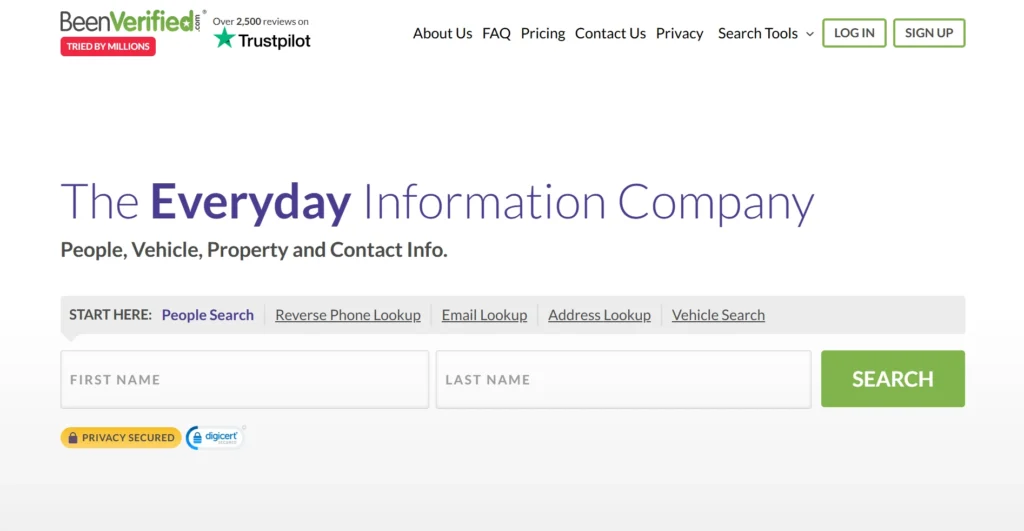
It has a lot of features, so it can extract information faster.
But the best part about BeenVerified is that it searches for information so thoroughly that they even go as far as the person's vehicle. That's how serious and detailed they are.
It can also give details about any civil or criminal court cases pending or currently going on against the looked up individual. Truly, it leaves no details behind. You can be sure the person has been verified when you use BeenVerified.
Here's a quick overview of its work process:
To begin, enter the person's email address into BeenVerified's search box. Check that you've selected the email verification option.
It will immediately return all of the information you require, including educational background, job and employer details, social media handles, and all contact details as well.
They also have an appreciative anonymous option that allows you to conduct a reverse email lookup freely and privately. This feature protects your details from third parties.
BeenVerified, like the other various lookup tools, does not display the price of their plans directly on their website. We have looked up the plans for you:
But the best part about BeenVerified is that it searches for information so thoroughly that they even go as far as the person's vehicle. That's how serious and detailed they are.
It can also give details about any civil or criminal court cases pending or currently going on against the looked up individual. Truly, it leaves no details behind. You can be sure the person has been verified when you use BeenVerified.
Here's a quick overview of its work process:
To begin, enter the person's email address into BeenVerified's search box. Check that you've selected the email verification option.
It will immediately return all of the information you require, including educational background, job and employer details, social media handles, and all contact details as well.
They also have an appreciative anonymous option that allows you to conduct a reverse email lookup freely and privately. This feature protects your details from third parties.
BeenVerified, like the other various lookup tools, does not display the price of their plans directly on their website. We have looked up the plans for you:
- BeenVerified runs $36.89/month for a 1-month plan, or $71.94 billed upfront for 3 months (about $23.98/month). Reports are capped at 100 per month, and the membership auto-renews unless you cancel by phone before the next billing cycle, there's no online self-cancel option.
5. Reverse Email Lookup Using Domain Name
In case the sender's email address has a visible business domain name, you can use Who.is, namecheap.com, or mxtoolbox.com to learn more about its owner.
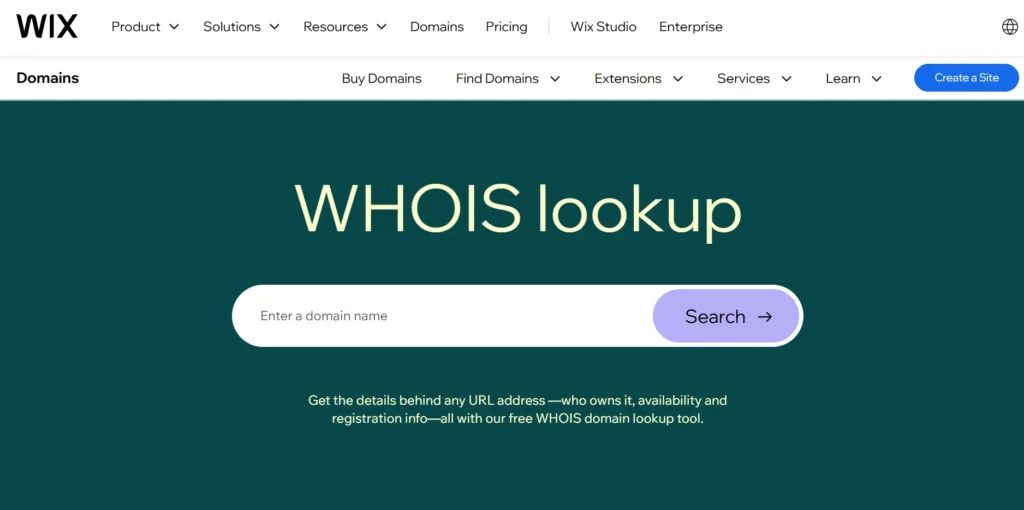
These websites will give you all information that is available like domain registrar, expiry date, domain name system servers, and status.
The best part is that this is freely available, you don't need to spend a single penny on the services. You can start your search by entering the domain or IP address on the search field.
The only drawback of using such extensions is that sometimes the owner might have purchased this domain to be used by their employers/team, and so you might not get what you are looking for.
Whois.whoisxmlapi, on the other hand, can give you even more details. You only need to input the email address you want to search and yes, this one can work without the domain.
The services are paid and only available after you register, but the options are much broader. You can find the registrant's name and physical address, dates of when the domain was created or would expire, recent updates if any, of the domain and confirm the email address's validity.
Best part?
You can even perform a reverse email search in bulk!
To avail of its services, you must first sign up, after which you will also receive 500 free credits. Each credit can be used up for one request. If you run out of credits, you can purchase some more at a starting price of $30 for a thousand credits per month and for bulk use you can get 2,5000,000 credits per month at the price of $3,600.
The best part is that this is freely available, you don't need to spend a single penny on the services. You can start your search by entering the domain or IP address on the search field.
The only drawback of using such extensions is that sometimes the owner might have purchased this domain to be used by their employers/team, and so you might not get what you are looking for.
Whois.whoisxmlapi, on the other hand, can give you even more details. You only need to input the email address you want to search and yes, this one can work without the domain.
The services are paid and only available after you register, but the options are much broader. You can find the registrant's name and physical address, dates of when the domain was created or would expire, recent updates if any, of the domain and confirm the email address's validity.
Best part?
You can even perform a reverse email search in bulk!
To avail of its services, you must first sign up, after which you will also receive 500 free credits. Each credit can be used up for one request. If you run out of credits, you can purchase some more at a starting price of $30 for a thousand credits per month and for bulk use you can get 2,5000,000 credits per month at the price of $3,600.
Bonus Tool: Clearout for B2B Prospecting
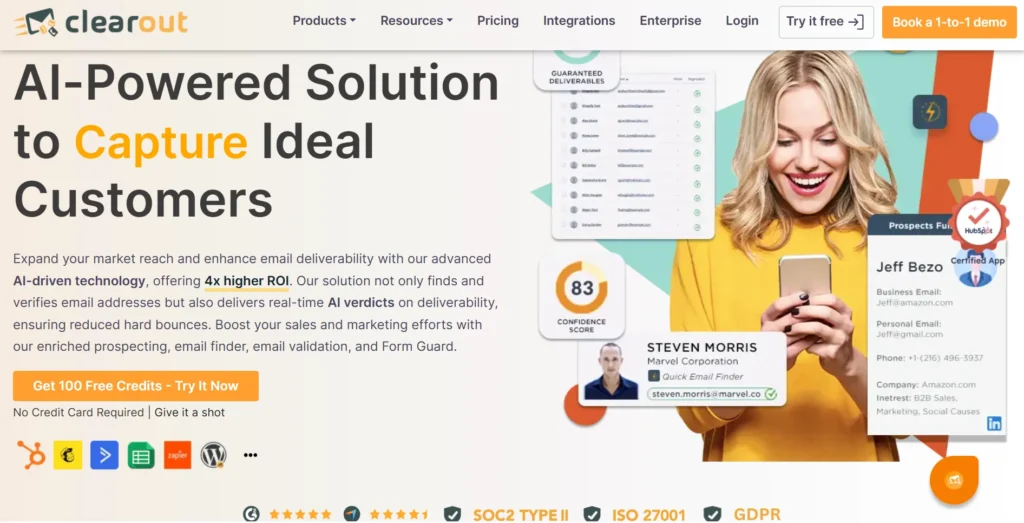
Unlike the five tools above, Clearout isn't built for personal background checks. It's built for sales, marketing, and hiring teams that need verified business contact data. If your goal is confirming a lead's email is real, this is the more relevant option.
Clearout covers four connected tools:
Clearout covers four connected tools:
- Email Verifier: Checks whether an address is deliverable before you send to it, catching typos, disposable domains, and role-based accounts.
- Email Finder: Finds a verified business email using a name and company domain.
- Prospect – LinkedIn Chrome Extension: Builds verified, targeted prospect lists directly from LinkedIn profiles.
- Reverse Email Lookup: Enter an email address and get back a Prospect Profile with name, job title, company, and LinkedIn URL. Offered as a free tool.
To use Reverse Lookup, log into your Clearout account, open the Reverse Lookup tab, enter the email address, and export results to CSV or Google Sheets.
Pricing: 100 free credits, no expiry. The starter plan starts with $16/month (billed annually) for 3,000 credits/month. Pro is $32/month (billed annually) for 10,000 credits/month.
Pricing: 100 free credits, no expiry. The starter plan starts with $16/month (billed annually) for 3,000 credits/month. Pro is $32/month (billed annually) for 10,000 credits/month.
Wrapping up
Now you have a number of reverse email lookup tools and methods at your disposal to help you achieve your objectives, whether it's detecting fraud email addresses and potential phishing attacks in real-time, searching for data on leads and job candidates, or simply checking if an email is valid- you got a solution for all.
Some of them offer free services while others mostly require you to pay a nominal fee for their tools, which to be honest is worthy of the result they provide.
Some of them offer free services while others mostly require you to pay a nominal fee for their tools, which to be honest is worthy of the result they provide.

Each of these reverse email lookup tools has certain distinguishing features and you may try all of them in order to find the best fit for you. You will never have to worry about cyberattacks or data requirements with these tools, ever again.
FAQs
1. Is reverse email lookup legal?
Yes, if you're using publicly available information. It becomes illegal when you use the results to stalk, harass, or make decisions like hiring that legally require an FCRA-compliant background check instead.
2. Can you find someone's real name from just their email address?
Yes, especially with work emails tied to a company domain or personal emails linked to social media. Random Gmail or Yahoo addresses with no online presence are much harder to trace.
3. Are free reverse email lookup tools accurate?
Reverse email lookup tools are accurate for basic checks, like confirming an email is real or linked to a public profile. For details like phone numbers or home addresses, you'll need a paid tool with access to broader databases.