

- Products
- ResourcesDEVELOPER

 API
API
Clearout APIs are structured around REST and JSON Webhooks
Capture real-time events in your application workflow Form Guard
Real-time form validation to keep bad contacts out of your CRMKNOWLEDGE BASE Getting started
Sending campaigns without bounces is made simple FAQ
FAQ
Easily find answers to services, security and common questionsUSE CASES Lead Generation
Learn how professionals generate quality leadsGUIDESPricing Transparent & flexible pricing to support pay-per-use or recurringCompare Email Verification Tools AI-powered email verification with 99%+ accuracy, real-time validation, and transparent risk scoringCompare Email Finder Tools Pre-verified B2B email addresses with confidence scoring, find real person email, not role-based addressData Pulse & HubSpot Breeze Intelligence Pre-verified B2B email addresses with confidence scoring, find real person email, not role-based addressBLOGSEmail Verification ToolsFind Anyone’s Email Address
Most Accurate, Fast & Free WaysForm Validation
Importance, Ways & Best PracticesView All Blogs - Pricing
- Integrations
- Enterprise
- Login



Top 15 Anti-Spam Tools For Web Forms In 2026 (By Use Case)

According to OOPSpam's 2024 Annual Spam Report , sign-up forms are the single most targeted form type, absorbing 45% of all form-based spam attacks. That puts nearly half of your funnel at risk. Most teams try to fix this problem by using the tool that's easiest to set up. However, they end up having bot and fake submissions.
That is where this guide comes in. It breaks down the anti-spam tools by what they are used for. So, let's understand what each anti-spam tool actually covers and where the protection of each of these tools end.
Table Of Content
What is Web Form Spam?
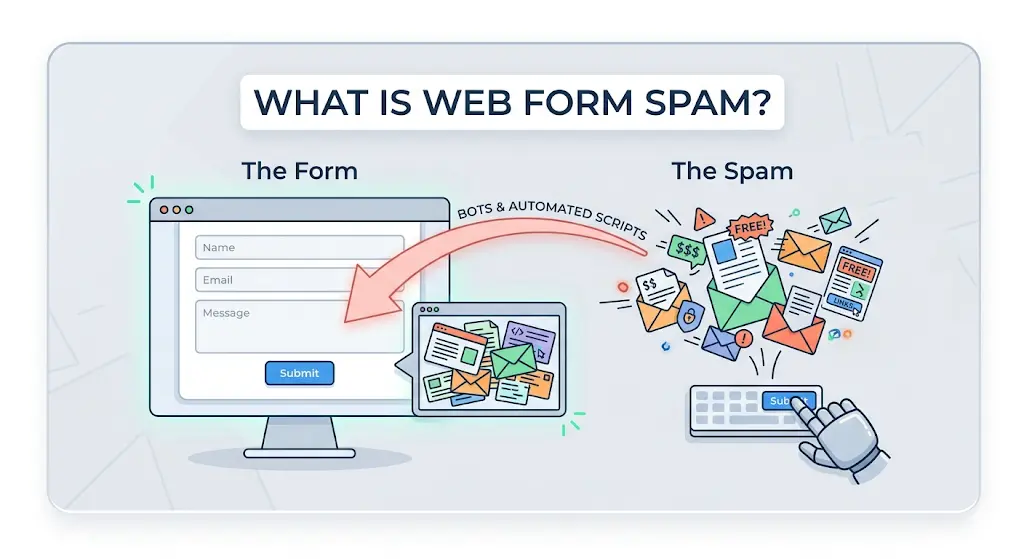
Form spam prevention is not a single-layer challenge. It sits at the intersection of bot filtering, data quality, and intent verification. Each of these requires a different class of tooling to address properly.
Types of Web Form Spam
- Automated bot submissions using scripted tools
- Fake or disposable email addresses
- Invalid or randomly generated phone numbers
- Deliberately false name fields
- Competitor or malicious actor form floods
- Harvesting attacks designed to test your validation logic
Best 15 Anti-Spam Tools for Web Forms
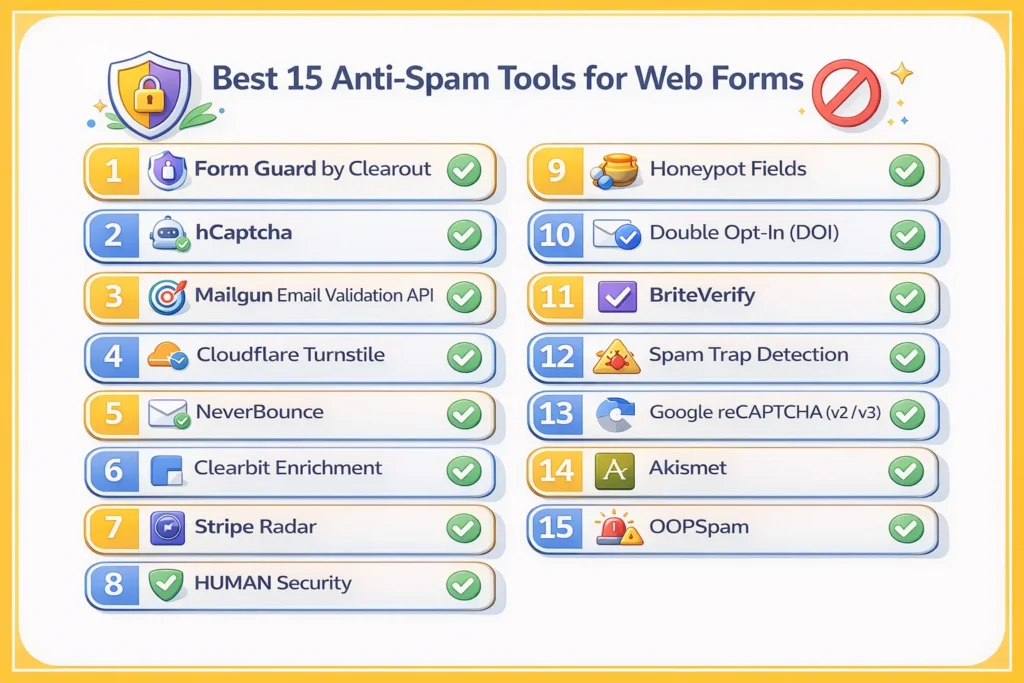
It functions as a unified validation layer that covers every critical contact field email, phone, and name in real time, from the moment a visitor starts entering data into your CRM.
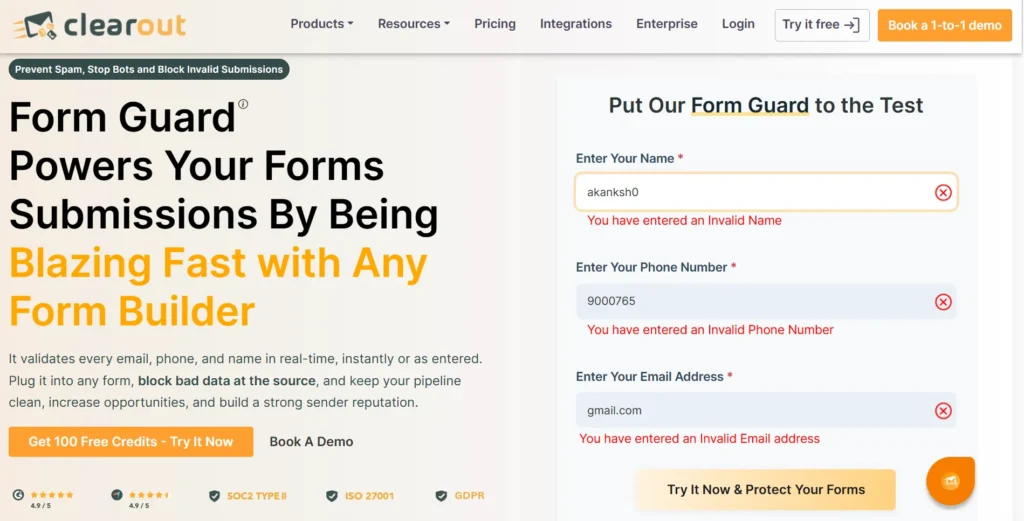
- Purpose: Real-time multi-field validation and bot detection across all form types.
- How It Works: Form Guard validates every contact field simultaneously with email address, phone number, and name field at the point of entry, before the submission is processed. It plugs into any form through a lightweight JavaScript integration, works with vanilla HTML and all major form builders. Additionally, Form Guard does not require any back-end development or separate API contracts per field type.
Real-Time Email Validation
It checks if an email address is valid the moment a form is submitted. It looks at the syntax, whether the domain is healthy, whether MX records exist, and whether the mailbox actually exists, and it blocks disposable and throwaway email addresses from temporary providers before they make it into your system.
Phone Number Validation
Form Guard checks phone numbers in real time. It blocks numbers that're not valid or active before they get into your CRM system.
Name Field Intelligence
It helps to spot and reject entries, placeholder text and names generated by bots. Form Guard has a universal form compatibility with HTML forms and all popular form builders.
| Capability | Form Guard By Clearout |
|---|---|
| Real-time email validation | Syntax, domain, MX records, mailbox existence |
| Disposable email detection | Blocks throwaway email providers |
| Phone number validation | Real-time validation to block invalid numbers |
| Name field intelligence | Detects gibberish and placeholder entries |
| Bot detection | Identifies automated submission patterns |
| All major form builders | HTML forms and all major builders |
| Single integration | No separate tools per field type |
2. Sign-Up & Registration Forms: Stopping Fake Accounts Before They Exist
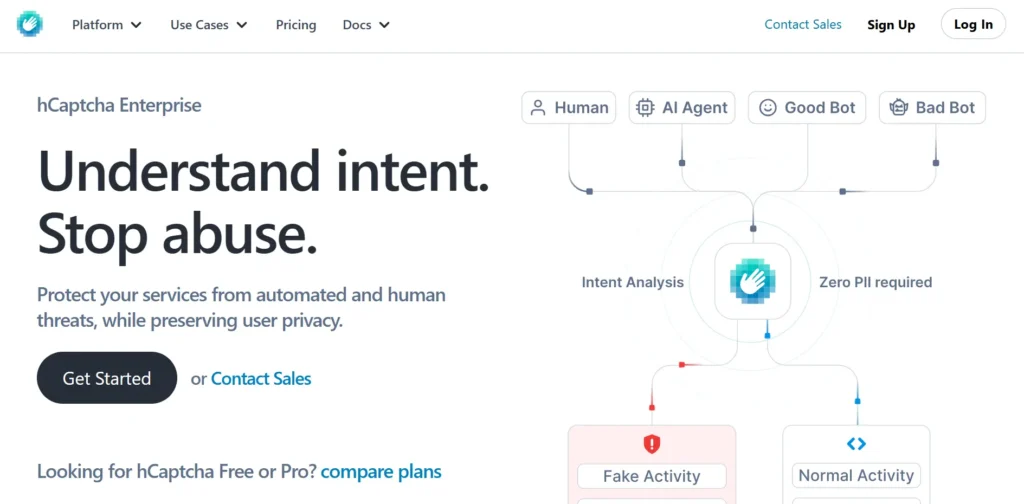
- Purpose: Bot detection at the point of account registration.
- How It Works: Presents interactive challenges calibrated to visitor risk signals. Add with other primary form builders and CMS. Provides an alternative version of reCAPTCHA that is privacy-first.
- Limitations: Authenticates human presence, but not data legitimacy. Users can pass the challenge and still submit a fabricated email address, a random phone number, or a false name.
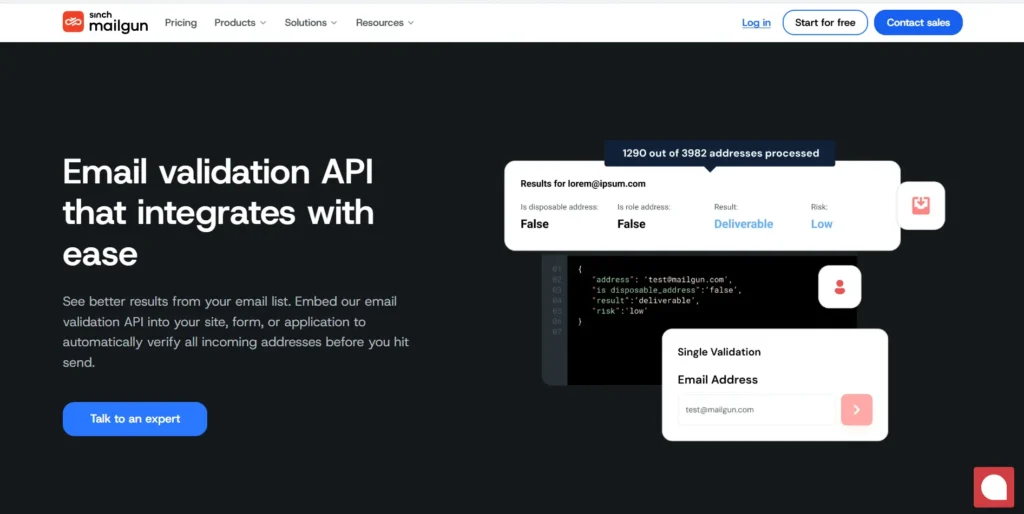
- Purpose: Authenticate email addresses during registration process.
- How It Works: Verifies DNS entries, MX entries, whether the address has a valid mailbox, and role-based address patterns in order to see whether a given email is deliverable.
- Limitations: Covers email field validation only. Does not extend to phone number verification or name field assessment. Requires API integration and ongoing maintenance.
3. Lead Generation Forms - Protecting the Top of Your Funnel
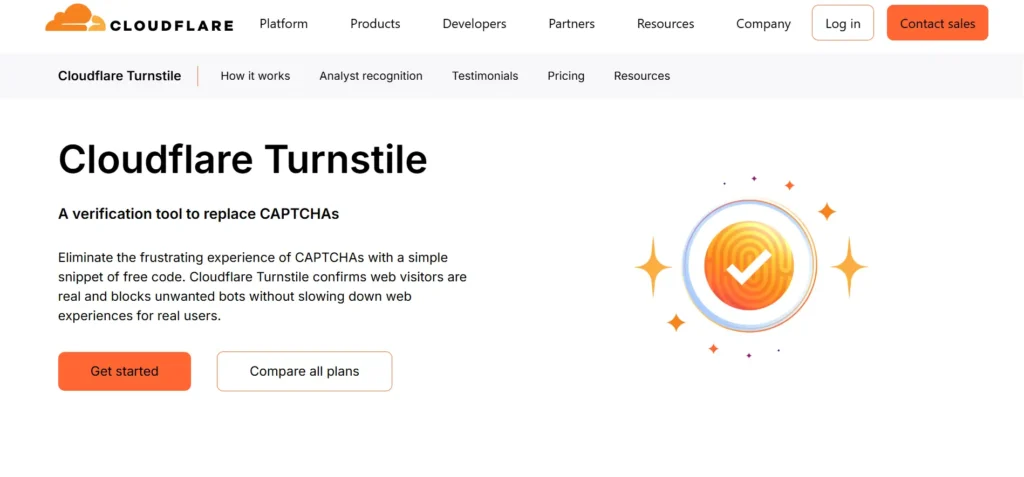
- Purpose: Background running bot detection does not require CAPTCHAs or any other user actions.
- How It Works: Substitutes traditional CAPTCHAs with a privacy-conscious behavioral challenge, which operates passively. Integrates via script embed across form types.
- Limitations: Addresses bot traffic exclusively. Does not evaluate whether contact details submitted by verified humans are legitimate, deliverable, or accurate.
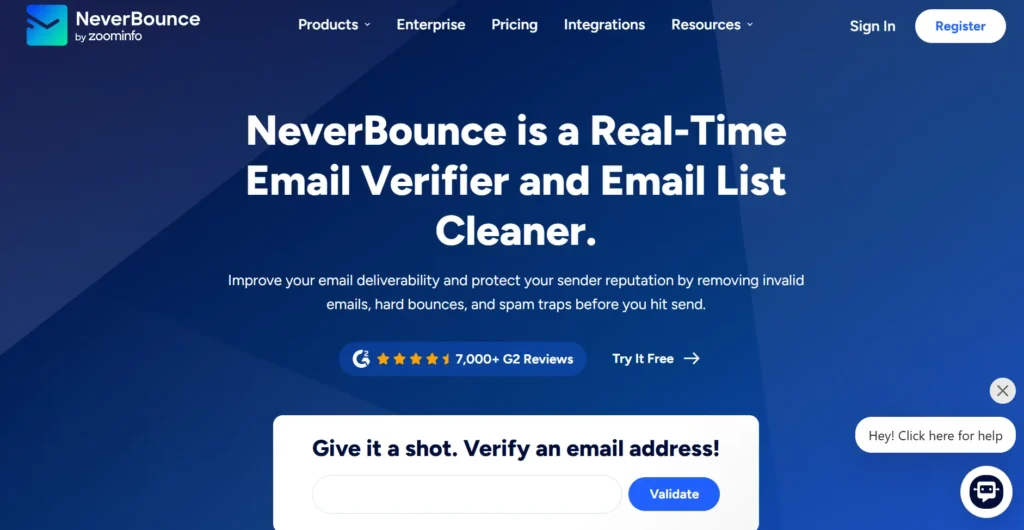
- Purpose: Real-time email verification for lead capture forms.
- How It Works: Verifies email addresses against active mail servers, domain records, and known invalid patterns. Provides a deliverability verdict at the moment of submission.
- Limitations: Email field only. No phone validation, no name analysis. Requires API integration, and results are dependent on mail server availability at query time.

- Purpose: To add to contact records that already exist, by utilizing an existing email address. To expose company information, job title, and other relevant information about the prospect.
- How It Works: The email addresses are matched to a commercial database to retrieve company name, job title, industry and other attributes.
- Limitations: Enrichment, not validation. Clearbit cannot determine whether the submitted email address is real or deliverable.
- These tools cover: Bot filtering and email deliverability checking (separately), plus post-submission enrichment.
- What they do not cover: Integrated multi-field validation at submission time. Phone number verification and name field analysis require separate tools, creating coordination complexity and coverage gaps.
4. E-Commerce & Checkout Forms - Blocking Fraud Before It Costs You
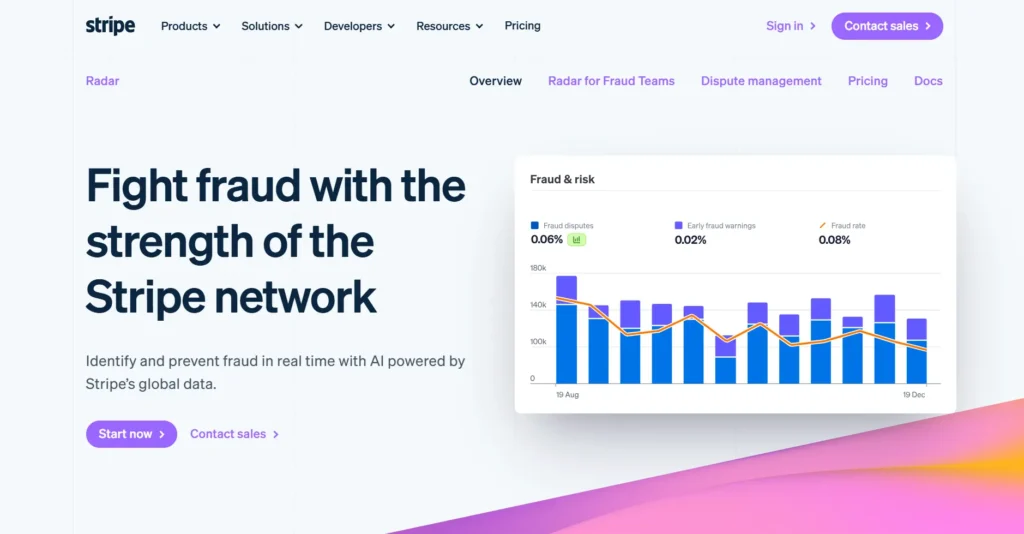
- Purpose: Machine learning-based fraud detection for payment forms.
- How It Works: Evaluates transaction risk in real time using behavioral signals, device fingerprinting, card velocity patterns, and network-wide fraud intelligence from Stripe's transaction ecosystem.
- Limitations: Operates within the payment layer. Does not validate the contact information fields email, phone, and name that accompany the transaction. A fraudulent transaction can be stopped by Radar while invalid contact data still enters your CRM.
- Purpose: Bot and fraud detection at scale across digital interactions.
- How It Works: Uses behavioral biometrics, device analysis and network-level threat intelligence to detect automated and fraudulent activity within high-value form interactions.
- Limitations: Enterprise-level solution was based on bot and fraud detection. Contact field validation ensuring the email, phone, and name submitted are real falls outside its scope.
Honeypot Fields
- Purpose: Passive bot filtering through hidden form fields.
- How It Works: Inserts hidden fields invisible to human users into the form. Bots that auto-populate all visible and hidden fields are flagged and their submissions discarded.
- Limitations: Effective against simple and undiscriminating bots. Sophisticated bots that parse HTML and skip hidden fields will not be caught. Provides no data quality protection whatsoever.
- These tools cover: Payment fraud prevention and basic bot detection.
- What they do not cover: Validation that contact details are real and accurate. Your fraud prevention stack and your data quality stack operate independently, leaving a persistent gap.
5. Newsletter & Subscription Forms Keeping Your Email List Clean at the Source
Double Opt-In (DOI)
- Purpose: Authenticate subscriber desire by a two-step authentication process.
- How It Works: Sends out a confirmation email following the first form submission. The subscriber is only activated upon clicking the confirmation link. Passive or invalid addresses fail to complete the confirmation.
- Limitation: Extends time-to-activation and increases drop-off. Does not prevent a valid-but-unengaged address from entering your system. Email addresses belonging to bots with valid mailboxes will complete confirmation.
- Purpose: Real-time email verification for subscription forms.
- How It Works: Checks syntax, domain records, and mailbox existence at submission. Returns a deliverability verdict before the address is committed to your list.
- Limitations: Email-only coverage. Does not validate accompanying fields such as phone number or name. SMS subscription forms and multi-channel capture forms require additional tooling.
Spam Trap Detection (via Email Verification Vendors)
- Purpose: Find and remove known spam trap addresses on subscription lists.
- What they do not cover: Cross-references email addresses with honeypot and spam trap databases.
- Limitations: Retrospective in nature most useful for cleaning existing lists rather than preventing real-time bad submissions. Coverage depends on the freshness and breadth of the vendor's spam trap database.
- These tools cover: Intent confirmation, email deliverability, and spam trap exclusion.
- What they do not cover: Phone validation for SMS subscription forms, name field integrity, and real-time multi-field validation that catches bad data before confirmation workflows are triggered.
6. Contact Forms - Filtering Bots Without Blocking Legitimate Inquiries
- Purpose: Distinguish between human users and bots at submission.
- How It Works: v2 uses a checkbox or image challenge. v3 runs in the background, analyzing behavioral signals, mouse movement, typing pace, browsing history and assigning a risk score.
- Limitations: It only confirms a human submitted the form not that the contact details they entered are real or valid.

- Purpose: Filter spam from contact and comment forms based on what's written.
- How It Works: Uses machine learning trained on billions of spam examples to evaluate submission content and flag anything matching known spam patterns.
- Limitations: Content filtering won't catch submissions that look clean but carry invalid contact details. A bot sending a polished, professional-sounding message with a throwaway email will likely slip right through.
- Purpose: Multi-signal spam scoring for contact forms across various platforms.
- How It Works: Evaluates IP reputation, email characteristics, content analysis, and allow/block list matching to generate a composite spam score.
- Limitations: Covers spam likelihood assessment but does not perform real-time validation of email deliverability or phone number operability. Scoring accuracy depends on the current state of its threat database.
How to Choose the Right Anti-Spam Tool for Your Forms
- What form types are you prospecting?
Contact forms, sign-up flows, lead capture pages, checkout forms, and subscription widgets each attract different attack patterns. A tool that handles bot detection on a contact form may offer nothing useful on a subscription form that needs email deliverability checking.
- Which fields are you validating?
Most single-purpose tools cover email exclusively. Do you need a solution that validates email, phone numbers, and name fields.
- Does validation happen in real time?
Post-submission validation means bad data already exists in your system when it is caught. Real-time validation prevents entry entirely.
- How many integrations are you managing?
Every additional tool introduces a maintenance overhead, a potential coverage gap at the integration boundary, and an additional vendor relationship to manage.
| Form Type | Primary Threat | Recommended Approach |
|---|---|---|
| Contact Form | Bot submissions + spam content | CAPTCHA + multi-field validation |
| Sign-up Form | Fake accounts + invalid emails | Email validation + bot detection + name check |
| Lead Gen Form | Junk contact data | Real-time email, phone & name validation |
| Checkout Form | Transaction fraud + bad contact data | Payment fraud tool + Form Guard for contact field validation |
| Newsletter | List bombing + invalid addresses | Email validation + bot detection - Form Guard blocks disposable addresses and flags invalid emails at entry |
The Business Impact of Form Spam Submissions
- CRM Degradation: Invalid contacts bloat your CRM, inflate contract tiers, and introduce unreliable data into segmentation and reporting
- Wasted money on ads happens when people who click on them are not real. This means the amount of money you spend to get one customer is not accurate and it affects how you spend your money.
- Sales people are not able to sell as much as they can because they are spending time on phone numbers that do not work and email addresses that are not real. They are wasting time that they will never get back.
- Automating things can easily go wrong when the underlying data isn’t reliable. Workflows, email campaigns, and lead scoring are only as effective as the data behind them if the input is flawed, the outcomes will be too. Bad data doesn’t just create small issues; it leads to consistently inaccurate results.
- Compliance Exposure: In regulated industries, holding onto fraudulent contact records isn't just a data problem, it can become an audit and governance liability.
Final Takeways
Form Guard by Clearout changes that. Bot detection, real-time email validation, phone verification, and name field intelligence all work together in a single integration, across every form type. No vendor gaps, no unprotected fields, no bad data reaching your CRM.
For teams running lead generation at any scale, clean data at the point of entry is what makes the rest of the pipeline worth acting on.