

- Products
- ResourcesDEVELOPER

 API
API
Clearout APIs are structured around REST and JSON Webhooks
Capture real-time events in your application workflow Clearout MCP
Verify and find emails from AI assistants like Claude and Cursor Form Guard
Real-time form validation to keep bad contacts out of your CRMKNOWLEDGE BASE Getting started
Sending campaigns without bounces is made simple FAQ
FAQ
Easily find answers to services, security and common questionsUSE CASES Lead Generation
Learn how professionals generate quality leadsGUIDES Clearout Insights Explore original research, industry statistics, and data-backed insights Pricing Transparent & flexible pricing to support pay-per-use or recurringCompare Email Verification Tools AI-powered email verification with 99%+ accuracy, real-time validation, and transparent risk scoringCompare Email Finder Tools Pre-verified B2B email addresses with confidence scoring, find real person email, not role-based addressData Pulse & HubSpot Breeze Intelligence Pre-verified B2B email addresses with confidence scoring, find real person email, not role-based addressBLOGSEmail Verification ToolsFind Anyone’s Email Address
Most Accurate, Fast & Free WaysForm Validation
Importance, Ways & Best PracticesView All Blogs - Pricing
- Integrations
- Enterprise
- Login



30 Top Email Finder Tools Reviewed & Ranked (2026 Update)
Finding the ideal leads and reaching out to them takes a lot of time and effort.
However, finding verified email addresses of leads is not difficult anymore–Thanks to Email Finder Tools.
But the real question is with 100s of different tools in the market which one is reliable?
Which one offers better data?
And matches with your current sales process?
To end this confusion, we have reviewed and ranked a list of 30 email finder tools - along with the features and if it is going to be a good choice for you.
Let’s get started…
However, finding verified email addresses of leads is not difficult anymore–Thanks to Email Finder Tools.
But the real question is with 100s of different tools in the market which one is reliable?
Which one offers better data?
And matches with your current sales process?
To end this confusion, we have reviewed and ranked a list of 30 email finder tools - along with the features and if it is going to be a good choice for you.
Let’s get started…
Table of Content:
Top 10 Ranked Email Finder Tools - Quick Comparison Email Finder Tools Detailed Review 1. Clearout 2. Voila Norbert 3. Wiza 4. DropContact 5. GetProspect 6. Hunter 7. Reply 8. Snov 9. RocketReach 10. Apollo 11. Cognism 12. Lusha 13. AeroLeads 14. LeadMine 15. UpLead 16. Overloop (Prospect.io) 17. Skrapp 18. Clearbit by HubSpot 19. LeadLeaper 20. Adapt 21. ContactOut 22. Datanyze 23. SignalHire 24. Interseller 25. ZoomInfo 26. FindThatLead 27. LeadFuze 28. Kaspr 29. Name2Email 30. LeadBoxer How To Choose The Right Email Finder Tool? FAQ
Top 10 Email Finder Tools Discussed Below
We tested the tools with a lead list of 20 and here are the results:
| Email Finder | Valid Email Found % | Total Email Found | Accuracy of Email Found | |||
|---|---|---|---|---|---|---|
| Total Lead Tried Finding | % of Reachable Email Found | Emails Found | Email Not Found | Invalid out of Emails Found | Identified Catch-alls | |
| Clearout | 20 | 80% | 16 | 4 | 0 | 3 |
| Hunter | 20 | 75% | 16 | 4 | 1 | 3 |
| Dropcontact | 20 | 65% | 13 | 7 | 0 | 2 |
| Snov | 20 | 60% | 14 | 4 | 2 | 2 |
| Voila Nobert | 20 | 60% | 12 | 8 | 0 | 3 |
| Apollo | 20 | 55% | 12 | 7 | 1 | 0 |
| Wiza | 20 | 55% | 11 | 9 | 0 | 5 |
| Lusha | 20 | 55% | 11 | 9 | 0 | 0 |
| Skrapp | 20 | 50% | 13 | 7 | 3 | 1 |
| GetProspect | 20 | 40% | 8 | 12 | 0 | 3 |
How We Tested These Tools?
We ran a controlled test using a list of 20 verified B2B leads across the same industries and seniority levels. Each tool was given identical inputs (first name, last name, company domain) and we measured valid email find rate, accuracy of found emails, and catch-all identification. For tools we could not run through this exact test (enterprise tools requiring sales calls, for example), we relied on G2 and Capterra verified reviews, public documentation, and direct trial sign-ups.
Now, let’s move on to a detailed review of each of the 30 Email Finder Tools.
Now, let’s move on to a detailed review of each of the 30 Email Finder Tools.
Email Finder Tools Detailed Review
We ranked these tools using four weighted criteria: valid email find rate, email accuracy confirmed, pricing value relative to free credits offered, reviews, and ease of integration with existing sales stacks.
1. Clearout
G2 Rating: 4.6/5 | Capterra Rating: 4.7/5
Best for: Anyone looking for high-quality email lists and reducing bounce rates – including marketers, sales, recruiters, and lead gen teams.
Best for: Anyone looking for high-quality email lists and reducing bounce rates – including marketers, sales, recruiters, and lead gen teams.
Why Clearout Stands Out
Trusted by 100,000+ businesses worldwide, Clearout is designed for finding quality lead data and better outreach. This tool has made finding email addresses easier than ever.
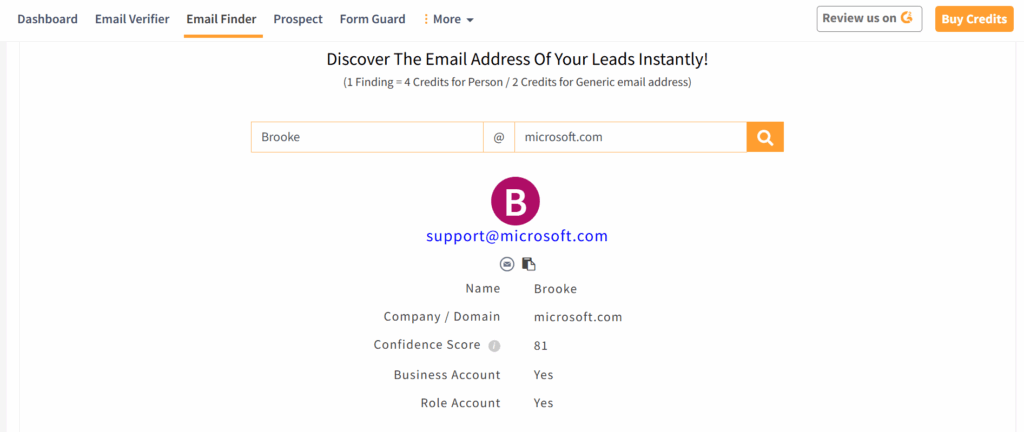
It is well-known for B2B lead generation with the highest accuracy of 99.73%. It brings authentic email addresses using inputs like the prospect's name and company domain name.
Unlike many other tools, it ensures high deliverability by providing pre-verified emails with a confidence scoring to help you increase deliverability and maintain a strong sender reputation.
It is well-known for B2B lead generation with the highest accuracy of 99.73%. It brings authentic email addresses using inputs like the prospect's name and company domain name.
Unlike many other tools, it ensures high deliverability by providing pre-verified emails with a confidence scoring to help you increase deliverability and maintain a strong sender reputation.
Why Businesses Trust Clearout
Recognized as a G2 Leader, Momentum Leader, and Regional Leader across multiple categories in Summer 2026.
- Unmatched accuracy rate: Reduces email bounces and increases email campaign effectiveness
- Pre-verified Data: Pre-verified emails with more than 20 validation checks. No extra verification or double spending on credits.
- Seamless integrations: Works with popular CRMs, email marketing platforms, and automation tools
- User-friendly interface: Designed for ease of use, even for non-technical users
Key Features
- Confidence Score – Every email includes a confidence score, making it easier to prioritize the best prospects for outreach.
- Company-to-Domain Mapping – Identifies the right company domain, even when businesses use multiple domains or have similar names.
- Role-Based Email Discovery – Finds and verifies role-based email addresses like info@, sales@, and support@ when personal emails aren't available.
- Bulk Search & API – Supports everything from single lookups to millions of records through the dashboard or API.
- Catch-All Email Detection – Uses layered verification to identify deliverable catch-all email addresses with greater confidence.
- Duplicate-Free Processing – Automatically removes duplicate records to save credits and keep prospect lists clean.
Other Noteworthy Features of Clearout
- LinkedIn Email Finder Extension: Find verified emails and other important insights directly on LinkedIn
- AI Email Verifier: Verify your existing email list to remove all bad email address types
- Form Guard: Protect forms from spam, bots, and invalid submissions in real time
- Data Pulse: Automatically verify, enrich, and monitor your CRM contacts in real time, right from the moment they're created.
- Compliance: ISO 27001:2022, SOC2 Type II, and GDPR compliant.
- Top-notch Support: 24/7 live customer service to resolve queries
- Detailed analytics & reporting: Provides insights into the validity of email lists
- Flexible Pricing: Plans start at $0 with 100 free lifetime credits. Paid plans start at $16 per month for 3,000 credits on annual billing. Credits never expire, and unused credits roll over.
How to Use Clearout Email Finder
Quick Email Finder
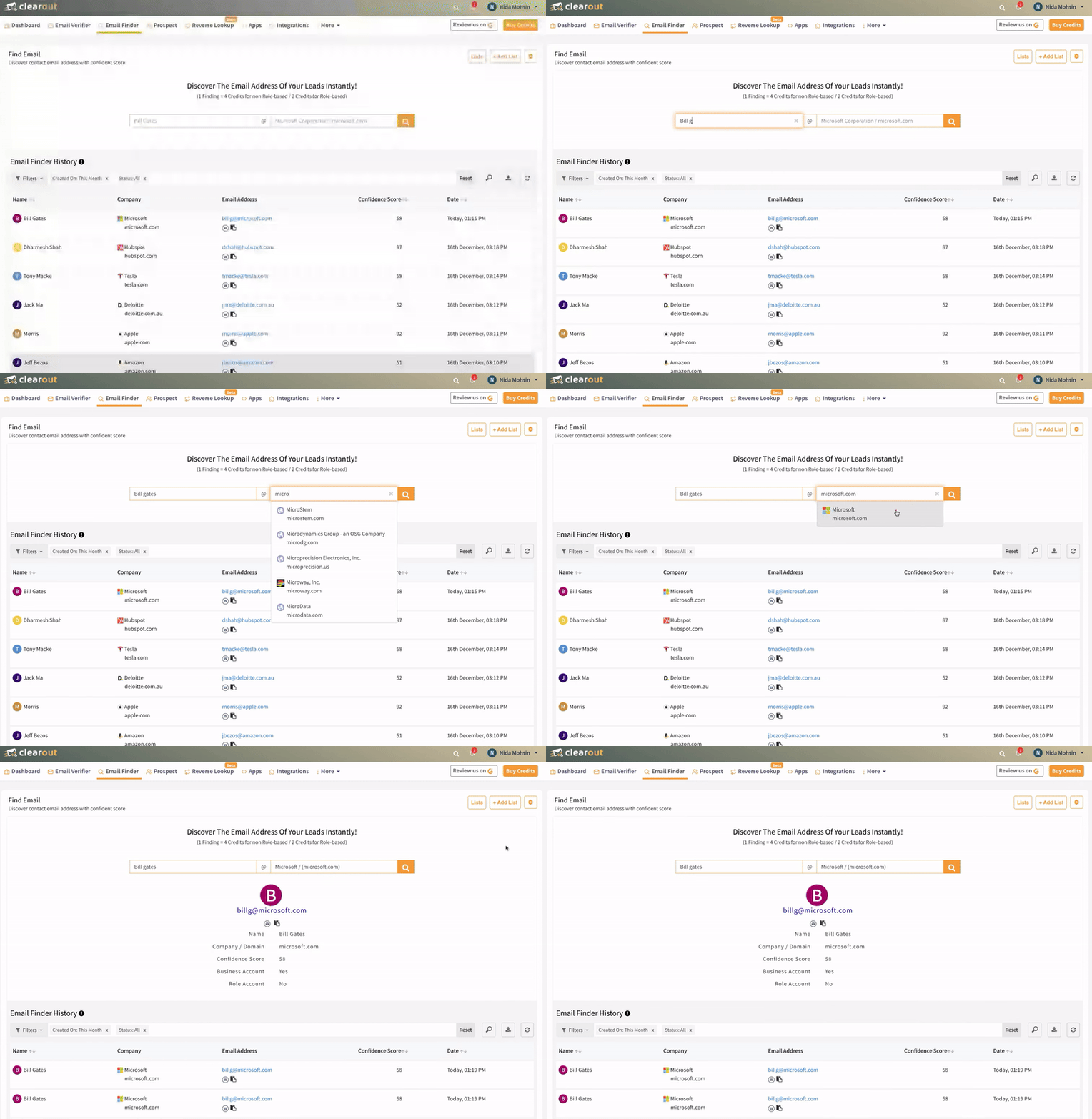
If you need to find a single email address quickly, Clearout’s Quick Email Finder allows you to retrieve accurate email addresses in seconds along with the confidence score.
Steps:
- Enter the prospect’s name and company domain.
- Click “Find Email” and get instant results with a confidence score indicating accuracy.
Bulk Email Finder
For large-scale lead generation, simply drag and drop or upload a list with your potential customer's name and company/domain in .csv or .xlsx format. You will get an enriched list with additional columns of Clearout.

Steps:
- Prepare a .CSV or .XLSX file with the first name, last name, and company domain of prospects.
- Upload the file to the Clearout Bulk Email Finder tool.
- Download the results, ensuring only valid, deliverable emails are used in outreach campaigns.
Email Finder API
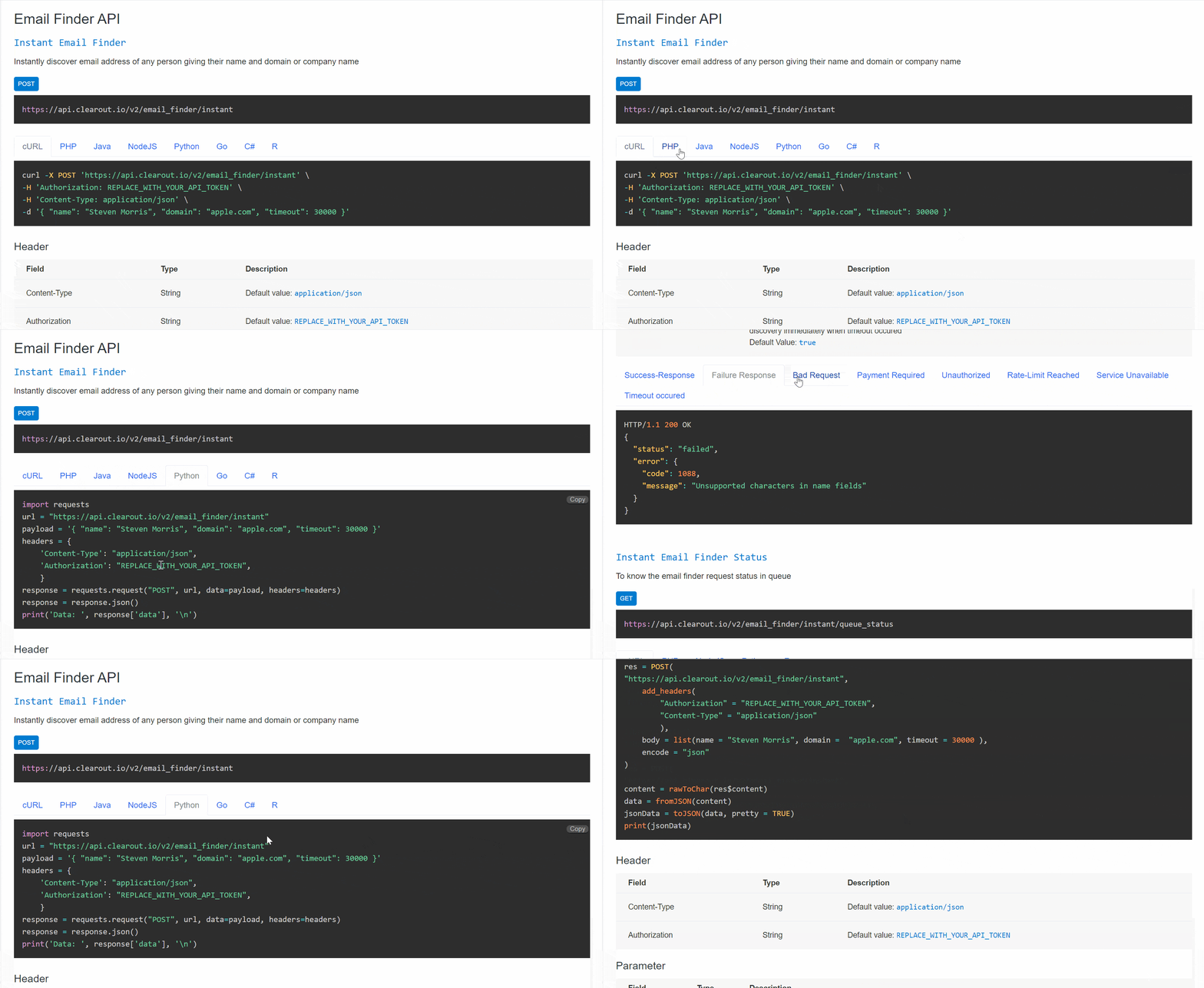
Clearout Email Finder REST API offers the capabilities for both instant and bulk email finding by seamlessly integrating with all programming languages.
You can use the bulk email finder API to find email addresses of your contact lists of any size.
You can use the bulk email finder API to find email addresses of your contact lists of any size.
What Our Confidence Score Means For Deliverability
- 90–100 (Green): Ready to use. Highly reliable.
- 80–89 (Blue): High confidence. Great for outreach.
- Below 80 (Grey): Verify with Clearout Email Verifier before sending
What Our Users Say….
“We, as a cold outreach agency, have been using Clearout for two years now. Pretty happy with it. A simple interface makes it easy to use. List verification is fast, and the results are reliable. We fell in love with the email finder feature when it came out, since it's able to discover valid email addresses even when other tools fall short in some cases. Definitely a recommendation”
– Nenad Pavlov | Founder, SimplyGrow
👉 Don’t take our word for it. Try Clearout yourself for free
– Nenad Pavlov | Founder, SimplyGrow
👉 Don’t take our word for it. Try Clearout yourself for free
G2 Rating: 4.6/5 | Capterra Rating: 4.6/5
Best for: Small to mid-sized sales and marketing teams looking for an easy-to-use email finder.
Best for: Small to mid-sized sales and marketing teams looking for an easy-to-use email finder.
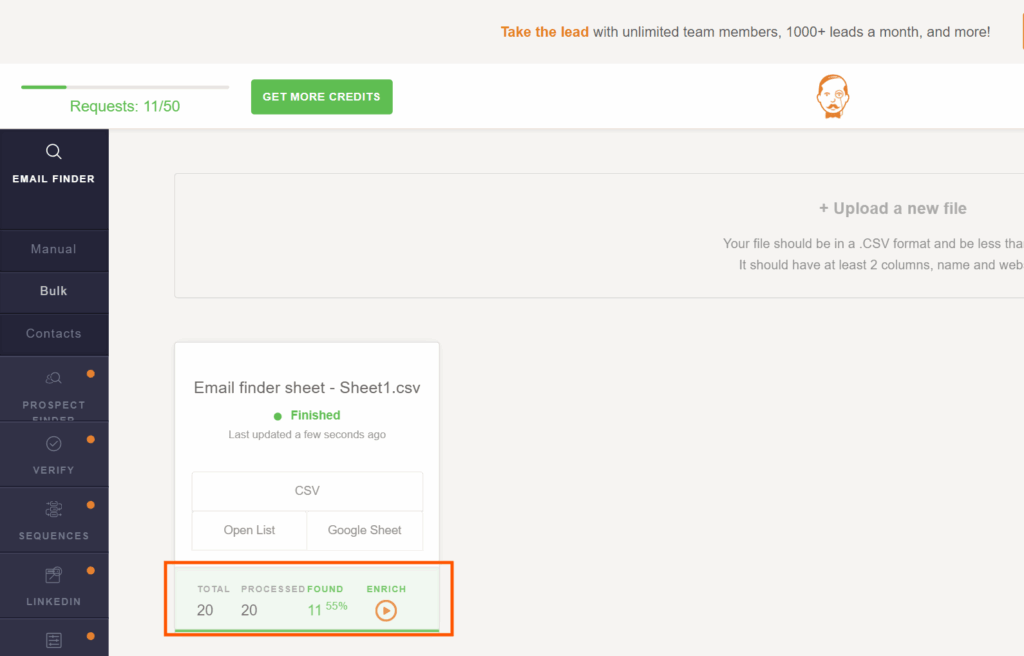
Voila Norbert specializes in single email lookups by requiring a person’s full name and company domain to retrieve verified emails.
It validates emails before delivery, ensuring accurate results and reducing bounce rates. Users can also perform bulk searches by uploading CSV files.
Its Chrome extension allows email discovery directly from LinkedIn and company websites, making it convenient for sales prospecting. Prospecting plans start at $49 per month for up to 1,000 leads, with 50 free credits on signup.
Key Features:
It validates emails before delivery, ensuring accurate results and reducing bounce rates. Users can also perform bulk searches by uploading CSV files.
Its Chrome extension allows email discovery directly from LinkedIn and company websites, making it convenient for sales prospecting. Prospecting plans start at $49 per month for up to 1,000 leads, with 50 free credits on signup.
Key Features:
- Single and bulk email lookup with on-the-spot verification
- Built-in email verifier to check deliverability
- Chrome extension for LinkedIn and website-based searches
- CSV upload for batch email discovery
- Prospect Finder to search 100M+ contacts by industry, job title, and location
Pros:
- Ideal for personalized email lookups
- Provides an email verification score for accuracy
Cons:
- No direct domain search comparable to Hunter's Domain Search
- Slightly outdated interface
3. Wiza
G2 Rating: 4.5/5 | Capterra Rating: 4.3/5
Best for: Sales, recruiting, and marketing teams seeking verified contact details for B2B outreach.
Best for: Sales, recruiting, and marketing teams seeking verified contact details for B2B outreach.
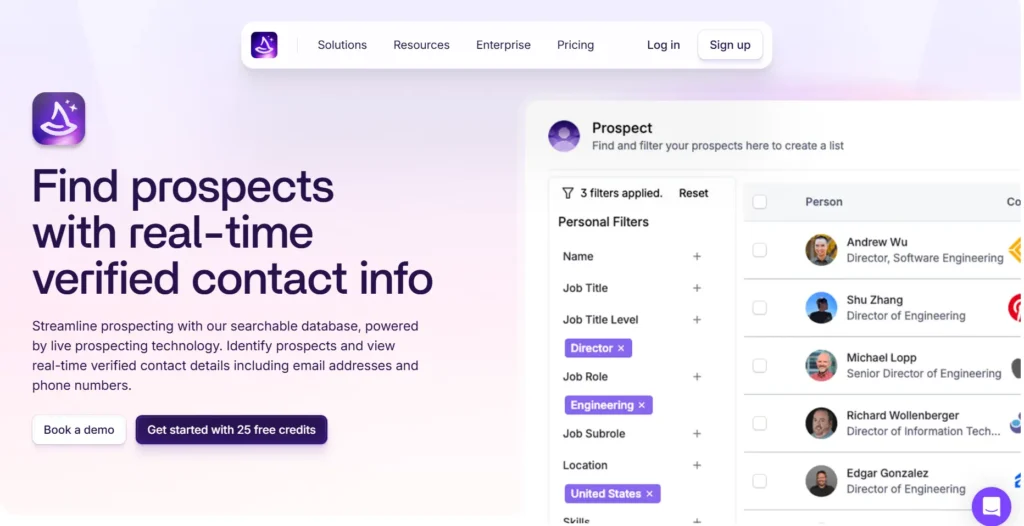
Wiza is a B2B prospecting platform with a database of 850M+ professionals. It offers real-time verified email addresses and phone numbers for sales teams.
Wiza streamlines lead generation, allowing users to quickly gather targeted email lists with just a few clicks. The tool also enriches data using advanced algorithms to verify and update contact information in real time.
Plans start at $49 per month for 100 valid emails. Annual billing includes unlimited
email reveals from $83 per month.
Key Features:
Wiza streamlines lead generation, allowing users to quickly gather targeted email lists with just a few clicks. The tool also enriches data using advanced algorithms to verify and update contact information in real time.
Plans start at $49 per month for 100 valid emails. Annual billing includes unlimited
email reveals from $83 per month.
Key Features:
- Extracts emails and phone numbers directly from LinkedIn profiles
- Real-time email verification to ensure deliverability
- Chrome extension for easy integration
Pros:
- High accuracy in LinkedIn data extraction
- Easy-to-use user interface
Cons:
- Relatively high pricing for large volume users
- Limited features beyond LinkedIn-based extraction
- Potential data extraction limitations due to LinkedIn's terms of service
4. DropContact
G2 Rating: 4.5/5 | Capterra Rating: 4.7/5
Best for: Businesses focused on GDPR-compliant contact enrichment and automatic CRM updates.
Best for: Businesses focused on GDPR-compliant contact enrichment and automatic CRM updates.
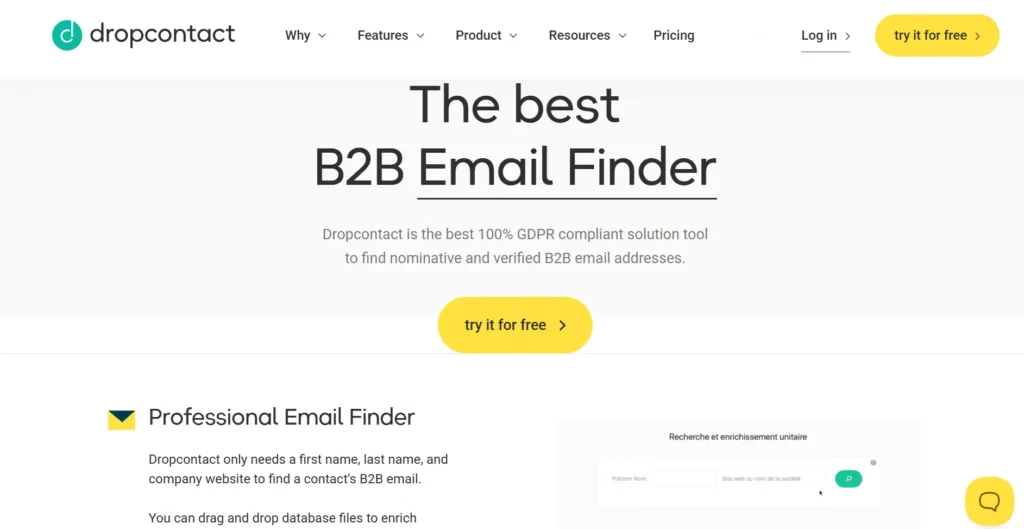
Dropcontact is a real-time email finder that doesn’t rely on pre-built databases. Instead, it generates verified emails on demand using proprietary algorithms.
It also automatically enriches emails with job titles, LinkedIn profiles, and company details. Unlike most tools, Dropcontact ensures 100% GDPR compliance by never storing or reselling contact data.
It integrates directly with HubSpot, Salesforce, and Pipedrive, making it a solid choice for sales teams looking to automate contact discovery and CRM enrichment. Starts at €79 per month (~$85 USD) for 500 credits. It also offers 50 free credits to try the tool, with annual billing saving 20%.
Key Features:
It also automatically enriches emails with job titles, LinkedIn profiles, and company details. Unlike most tools, Dropcontact ensures 100% GDPR compliance by never storing or reselling contact data.
It integrates directly with HubSpot, Salesforce, and Pipedrive, making it a solid choice for sales teams looking to automate contact discovery and CRM enrichment. Starts at €79 per month (~$85 USD) for 500 credits. It also offers 50 free credits to try the tool, with annual billing saving 20%.
Key Features:
- Real-time email discovery instead of outdated databases
- Auto-enrichment with LinkedIn profiles and company details on Growth plan and above
- GDPR-compliant, no stored or resold personal data
- Direct CRM integration (HubSpot, Salesforce, Pipedrive)
Pros:
- 98% email verification accuracy (85% for catch-alls), with no reliance on third-party databases
- Fully automated CRM contact enrichment
Cons:
- Processing takes longer than database-based tools as algorithms run live rather than pulling stored records
- No LinkedIn Chrome extension for on-profile prospecting
👉 Confused? Check out Clearout v/s DropContact
5. GetProspect
G2 Rating: 4/5 | Capterra Rating: NA
Best for: Solopreneurs, marketers, and freelancers who need LinkedIn email extraction.
Best for: Solopreneurs, marketers, and freelancers who need LinkedIn email extraction.
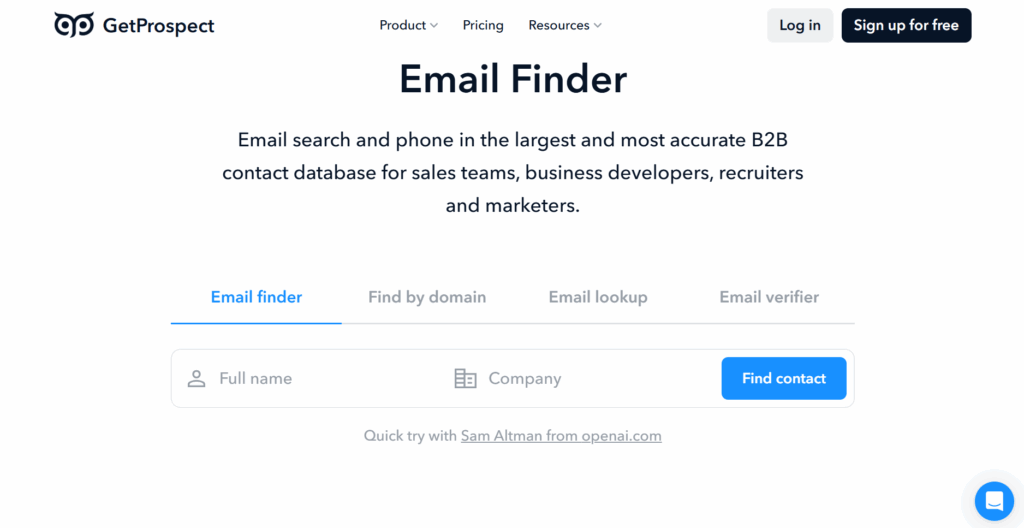
GetProspect is a LinkedIn-based email finder with a vast contact database of over 200M professionals. Its Chrome extension allows users to collect emails from LinkedIn and other websites with a single click. The tool also includes CRM export options, making it easier to manage prospects.
However, some users report occasional slow performance and outdated data. Despite this, GetProspect remains a solid choice for freelancers and small businesses due to its affordability and ease of use. GetProspect plan offers: $49 per month for 1,000 valid emails, with a free plan available offering 50 valid emails per month. Annual billing saves 30%.
Key Features:
However, some users report occasional slow performance and outdated data. Despite this, GetProspect remains a solid choice for freelancers and small businesses due to its affordability and ease of use. GetProspect plan offers: $49 per month for 1,000 valid emails, with a free plan available offering 50 valid emails per month. Annual billing saves 30%.
Key Features:
- LinkedIn-based email search with bulk extraction
- 26M+ company and 200M+ contact database
- CRM integration for exporting leads
- Monthly email finder credits with free plans
- 17+ search filters including job title, industry, location, and technologies
- Built-in Cold Email software with AI personalization and email sequences
Pros:
- 95% data accuracy guarantee with credits back if not met
- Easy-to-use Chrome extension for LinkedIn and website scraping
Cons:
- Some contact details may be outdated or inaccurate
- Occasional slow loading times and minor glitches
6. Hunter
G2 Rating: 4.4/5 | Capterra Rating: 4.6/5
Best for: Professionals looking for domain-based email searches.
Best for: Professionals looking for domain-based email searches.
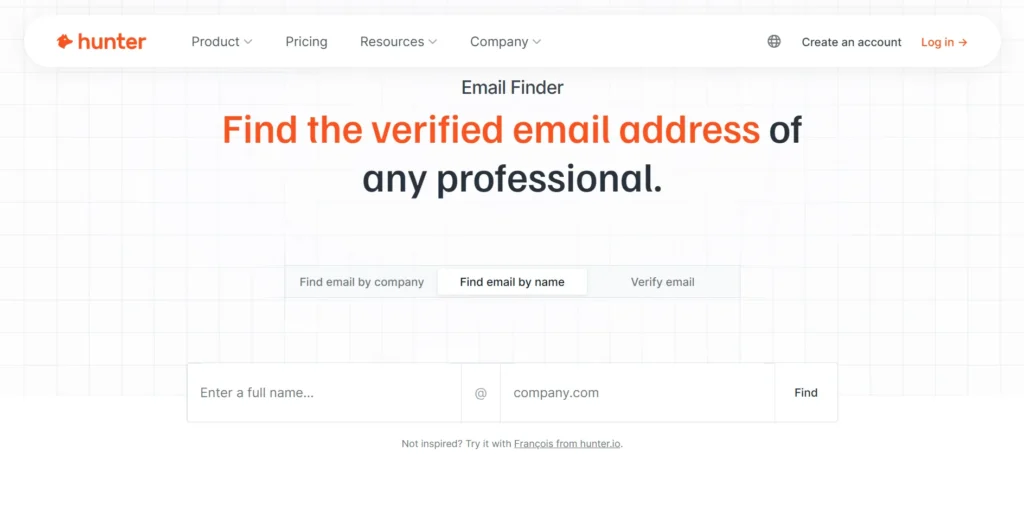
Hunter’s email finder is one of its core strengths among the multiple features it offers, allowing users to search for email addresses from company domains or individuals' full names. Trusted by 7+ million professionals worldwide. It includes teams at Semrush, Vimeo, Cisco, and Canva. It provides an accurate email verification system to ensure messages land in inboxes and not spam folders.
You also get the Domain Search feature to retrieve emails from any company's domain, while the Email Finder locates emails for specific individuals. It also includes a confidence score for each result, indicating the probability of accuracy, along with the source from which the email was found.
Plans start at $34 per month billed annually, with a free plan available offering 50 credits per month.
Key Features:
You also get the Domain Search feature to retrieve emails from any company's domain, while the Email Finder locates emails for specific individuals. It also includes a confidence score for each result, indicating the probability of accuracy, along with the source from which the email was found.
Plans start at $34 per month billed annually, with a free plan available offering 50 credits per month.
Key Features:
- Domain search for finding company emails
- Email finder for locating specific contact emails
- Confidence score to assess email accuracy
- Bulk email search for large lists
- Signals feature for intent data to identify active buyers
- Google Sheets add-on for finding and verifying emails directly in Sheets
Pros:
- High-quality email data with a confidence score
- Provides email verification and source information
Cons:
- Database of 100M+ emails is smaller than enterprise tools like ZoomInfo or RocketReach
- Inconsistent data accuracy
- Free plan limited to 50 searches per month, which restricts high-volume prospecting
👉 Confused? Check out: Clearout v/s Hunter
7. Reply
G2 Rating: 4.6/5 | Capterra Rating: 4.6/5
Best for: Sales teams looking for email finding combined with automation.
Best for: Sales teams looking for email finding combined with automation.
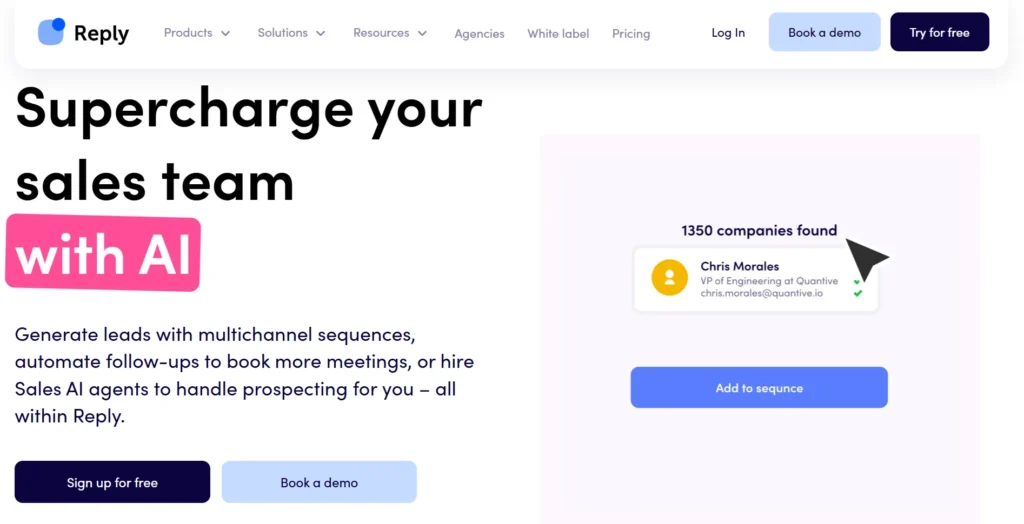
Reply offers an advanced email finder tool integrated with LinkedIn for seamless prospecting. Reply's built-in B2B database now covers 1B+ verified contacts across 150+ countries, removing the need for a separate prospecting tool. Users can perform email searches directly on LinkedIn profiles, automatically retrieving verified emails with a high success rate in specific industries.
The tool enables bulk email lookups, allowing users to build contact lists for email outreach campaigns. Reply also integrates email findings directly into its outreach sequences, streamlining follow-up communication with prospects. Plans start at $59 per user per month for email outreach and $89 per user per month for multichannel, billed annually.
However, users should be aware of potential inaccuracies with certain profiles and concerns regarding compliance when outreach emails are sent to unverified contacts.
Key Features:
The tool enables bulk email lookups, allowing users to build contact lists for email outreach campaigns. Reply also integrates email findings directly into its outreach sequences, streamlining follow-up communication with prospects. Plans start at $59 per user per month for email outreach and $89 per user per month for multichannel, billed annually.
However, users should be aware of potential inaccuracies with certain profiles and concerns regarding compliance when outreach emails are sent to unverified contacts.
Key Features:
- LinkedIn integration for real-time email discovery
- Bulk email lookup for faster prospecting
- Direct email addition to outreach sequences
- Email verification for reduced bounce rates
- Jason AI SDR agent for autonomous prospecting and outreach
- Multichannel sequences covering email, LinkedIn, SMS, WhatsApp, and calls
Pros:
- Seamless LinkedIn integration
- High success rate in certain industries
Cons:
- Inconsistent accuracy for some roles
- Steep learning curve due to the breadth of features, especially for teams new to multichannel outreach
8. Snov
G2 Rating: 4.5/5 | Capterra Rating: 4.5/5
Best for: Businesses looking for an all-in-one email finder, verifier, and outreach tool.
Best for: Businesses looking for an all-in-one email finder, verifier, and outreach tool.
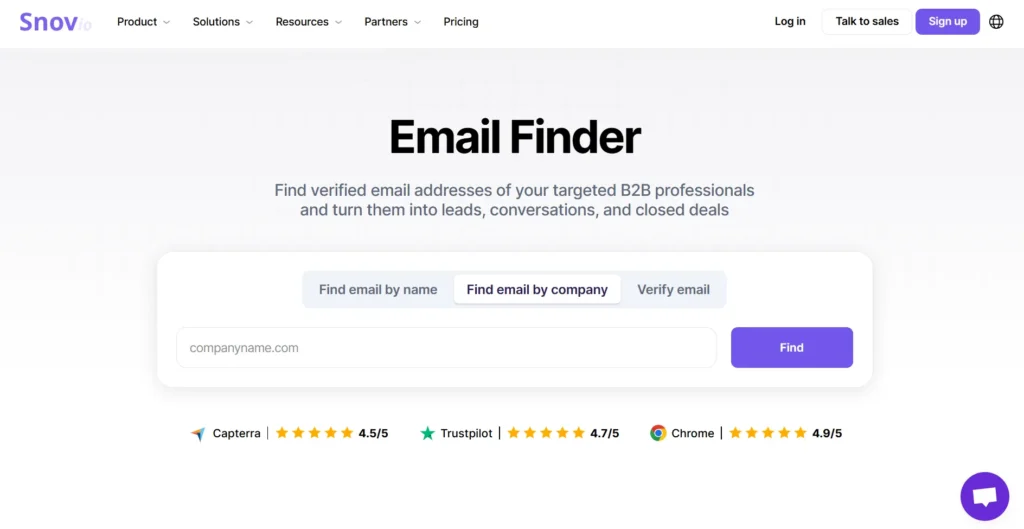
Snov is a multi-source email finder with a database of 500M+ verified B2B emails. Users can search by domain, company name, job title, or LinkedIn profile to retrieve verified business emails.
In addition, its email verification system checks syntax, domain validity, and SMTP status to filter out undeliverable addresses. The platform also supports bulk email discovery, drip campaigns, and multichannel outreach, making it a full sales engagement tool beyond just email finding.
Plans start at $39 per month for 1,000 credits, with a free trial offering 50 credits per month. Annual billing saves 25%.
Key Features:
In addition, its email verification system checks syntax, domain validity, and SMTP status to filter out undeliverable addresses. The platform also supports bulk email discovery, drip campaigns, and multichannel outreach, making it a full sales engagement tool beyond just email finding.
Plans start at $39 per month for 1,000 credits, with a free trial offering 50 credits per month. Annual billing saves 25%.
Key Features:
- 500M+ verified B2B email database for quick lookups
- Domain, job title, and LinkedIn-based searches
- Bulk email finding with CSV export
- Chrome extension for on-the-go prospecting
Pros:
- Multiple search filters for targeted prospecting
- Integrates with HubSpot, Pipedrive, Clay, Zapier, and 5,000+ tools
Cons:
- LinkedIn automation is a paid add-on at $69 per account per month
- Free trial has strict limits with only 50 credits per month
👉 Confused? Check out: Clearout v/s Snov
9. RocketReach
G2 Rating: 4.4/5 | Capterra Rating: 4.1/5
Best for: Companies needing a large-scale email and phone number database.
Best for: Companies needing a large-scale email and phone number database.

RocketReach specializes in providing high-accuracy contact details, including business emails, phone numbers, and social profiles.
It offers a database with over 700M+ profiles and 60M+ companies, covering industries like healthcare, legal, and technology. In addition, RocketReach's email finder allows users to filter results using advanced parameters, ensuring precise targeting.
The platform also integrates with CRM tools like HubSpot and Salesforce, making it easy to manage contacts directly from the interface. Plans start at $33 per user per month billed annually, with a free plan offering 5 lookups per month. Phone numbers are available from the Pro plan at $75 per user per month billed annually.
Key Features:
It offers a database with over 700M+ profiles and 60M+ companies, covering industries like healthcare, legal, and technology. In addition, RocketReach's email finder allows users to filter results using advanced parameters, ensuring precise targeting.
The platform also integrates with CRM tools like HubSpot and Salesforce, making it easy to manage contacts directly from the interface. Plans start at $33 per user per month billed annually, with a free plan offering 5 lookups per month. Phone numbers are available from the Pro plan at $75 per user per month billed annually.
Key Features:
- 700M+ profiles with business emails and phone numbers
- Advanced filters for email and phone number searches
- Seamless CRM integration (HubSpot, Salesforce)
- Bulk lookups and exports for large-scale list building
Pros:
- Broad global coverage with high accuracy
- Credits only deducted when verified contact information is found
Cons:
- Essentials plan is email-only. Phone numbers require upgrading to the Pro plan
- No monthly billing option on paid plans. Annual commitment required
10. Apollo
G2 Rating: 4.7/5 | Capterra Rating: 4.5/5
Best for: Sales and marketing teams seeking AI-driven email finding and prospecting.
Best for: Sales and marketing teams seeking AI-driven email finding and prospecting.
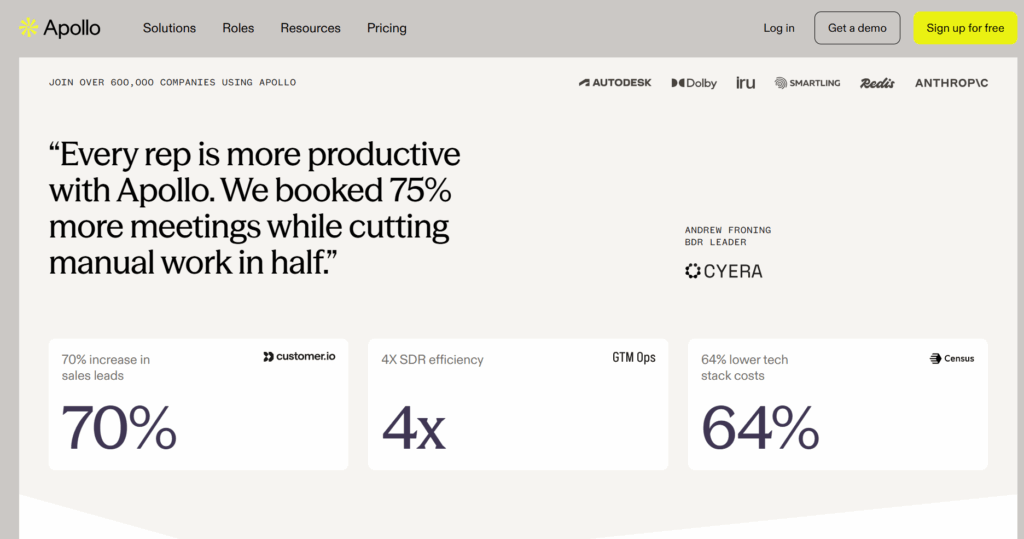
Apollo is an AI-powered email finder and B2B sales intelligence platform. It combines a 230M+ contact database with a built-in AI Assistant, email sequencing, and intent-based filtering. It suits teams that need contact data and outreach in one place. Paid plans start at $49/user/month (billed annually), with a free plan available.
The AI Assistant finds prospects using plain-language prompts instead of manual filters. It also drafts email copy, scores leads, and recommends next steps. Apollo MCP connects with Claude, ChatGPT, and Perplexity. This lets you search contacts and build sequences inside an AI conversation without switching tabs.
Key Features:
The AI Assistant finds prospects using plain-language prompts instead of manual filters. It also drafts email copy, scores leads, and recommends next steps. Apollo MCP connects with Claude, ChatGPT, and Perplexity. This lets you search contacts and build sequences inside an AI conversation without switching tabs.
Key Features:
- 230M+ contacts and 30M+ companies in its database
- Built-in email verification with deliverability guardrails
- AI Assistant for prospecting, email drafting, and lead scoring
- CRM integrations with Salesforce, HubSpot, Outreach, and SalesLoft
- Chrome extension for email finding from LinkedIn and company websites
Pros:
- One of the largest B2B contact databases at this price point
- All-in-one platform covering data, sequencing, dialer, and enrichment
- Free plan available to test data quality before committing
- MCP integration enables prospecting directly inside AI tools
Cons:
- Credits expire monthly with no rollover; overages add up fast
- International calling requires the Organization tier ($119/user/month)
11. Cognism
G2 Rating: 4.5/5 | Capterra Rating: 4.7/5
Best for: Businesses requiring compliance-focused B2B data enrichment.
Best for: Businesses requiring compliance-focused B2B data enrichment.
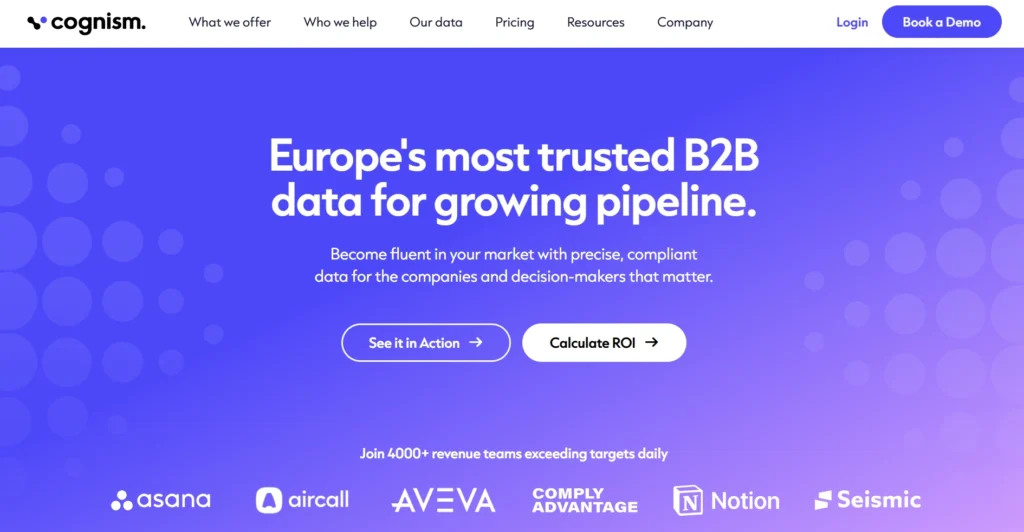
Cognism specializes in high-quality B2B data with a focus on verified email addresses and mobile phone numbers.
It offers an extensive global contact database, providing real-time email lookups for key decision-makers. Cognism’s platform also integrates intent data, helping users identify sales opportunities based on job changes or company news.
Its CRM integration allows seamless updating of contact data, while its Chrome extension simplifies email discovery directly from LinkedIn or company websites. Pricing is custom and available on request. Both Standard and Pro plans start with a minimum of 5 seats.
Key Features:
It offers an extensive global contact database, providing real-time email lookups for key decision-makers. Cognism’s platform also integrates intent data, helping users identify sales opportunities based on job changes or company news.
Its CRM integration allows seamless updating of contact data, while its Chrome extension simplifies email discovery directly from LinkedIn or company websites. Pricing is custom and available on request. Both Standard and Pro plans start with a minimum of 5 seats.
Key Features:
- B2B-focused email finder with real-time updates
- Intent data to identify sales opportunities
- CRM integration (Salesforce, HubSpot) for seamless data sync
- Chrome extension for LinkedIn and website-based email discovery
Pros:
- Verified emails for decision-makers
- Integration with sales and marketing tools
Cons:
- No free plan; minimum 5-seat commitment on all plans
- No publicly listed pricing; requires a sales conversation
- Database coverage can be thinner outside Europe and the US
12. Lusha
G2 Rating: 4.3/5 | Capterra Rating: 4/5
Best for: B2B professionals needing GDPR-compliant verified contact details.
Best for: B2B professionals needing GDPR-compliant verified contact details.
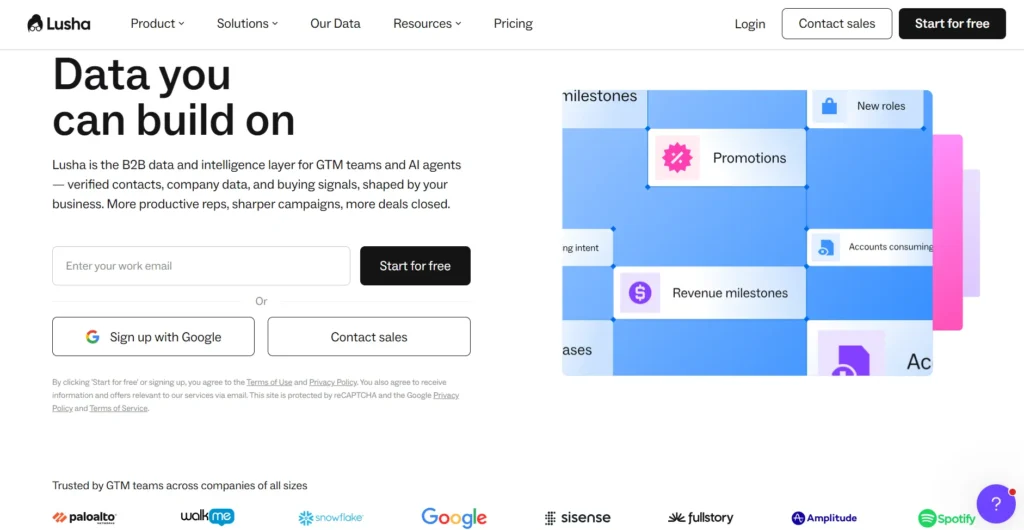
Lusha is a highly regarded platform known for providing leads’ email addresses and phone numbers. It specializes in delivering verified contact information for decision-makers, enabling sales teams to effectively target prospects.
The platform’s focus on compliance ensures that businesses can reach out to prospects while staying within legal boundaries. This is particularly important for European markets where GDPR rules are stringent. Lusha is ideal for teams looking to scale their outreach efforts with verified and accurate contact data.
However, the free plan includes 40 credits per month. Paid plans start at $37.45/user/month billed annually or $49.90/user/month billed monthly. Phone number reveals cost 10 credits each; email reveals cost 1 credit. Scale plan pricing is custom and available on request.
Key Features:
The platform’s focus on compliance ensures that businesses can reach out to prospects while staying within legal boundaries. This is particularly important for European markets where GDPR rules are stringent. Lusha is ideal for teams looking to scale their outreach efforts with verified and accurate contact data.
However, the free plan includes 40 credits per month. Paid plans start at $37.45/user/month billed annually or $49.90/user/month billed monthly. Phone number reveals cost 10 credits each; email reveals cost 1 credit. Scale plan pricing is custom and available on request.
Key Features:
- Verified email and phone number lookup
- GDPR and CCPA compliant data
- Bulk prospecting and CRM integrations for efficient outreach
Pros:
- Reliable, high-quality data with a focus on compliance
- Strong CRM integrations for seamless workflows in sales teams
Cons:
- Phone number reveals cost 10 credits each, depleting credits fast
- CRM integrations and bulk enrichment require Premium plan or above
13. AeroLeads
G2 Rating: 4/5 | Capterra Rating: 4.6/5
Best for: Sales and marketing teams seeking real-time email and phone number discovery with CRM integration.
Best for: Sales and marketing teams seeking real-time email and phone number discovery with CRM integration.
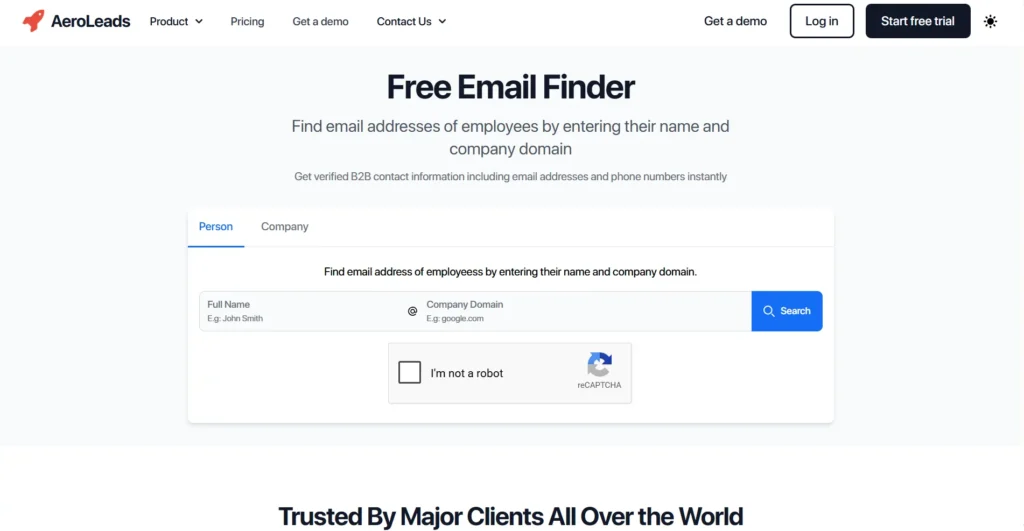
AeroLeads is a lead generation tool that helps users find business emails and phone numbers in real time. It allows users to search by name, company, or domain and also provides bulk search options via CSV uploads.
The Chrome extension makes it easy to extract contact details from LinkedIn, Crunchbase, and other websites. It integrates with major CRMs, helping users manage and organize leads efficiently.
Pricing starts at $49/month (Take Off, 1 user, 2,000 credits, 80 guaranteed phone numbers). Enterprise pricing is custom. A free trial is available with no credit card required.
Key Features:
The Chrome extension makes it easy to extract contact details from LinkedIn, Crunchbase, and other websites. It integrates with major CRMs, helping users manage and organize leads efficiently.
Pricing starts at $49/month (Take Off, 1 user, 2,000 credits, 80 guaranteed phone numbers). Enterprise pricing is custom. A free trial is available with no credit card required.
Key Features:
- Real-time email and phone number discovery
- Chrome extension for LinkedIn and website-based search
- Bulk prospecting with CSV uploads
- CRM integrations (HubSpot, Salesforce, Pipedrive, Zoho)
Pros:
- Real-time data extraction for up-to-date contact details
- Seamless LinkedIn integration enhances prospecting efficiency
Cons:
- Some users report incorrect or outdated contact information
- Slow processing speed when dealing with large bulk searches
- Limited free trial with very few credits to test the tool properly
14. LeadMine
G2 Rating: 4.3/5 | Capterra Rating: 4.6/5
Best for: Small businesses and startups wanting an affordable yet effective lead list building.
Best for: Small businesses and startups wanting an affordable yet effective lead list building.
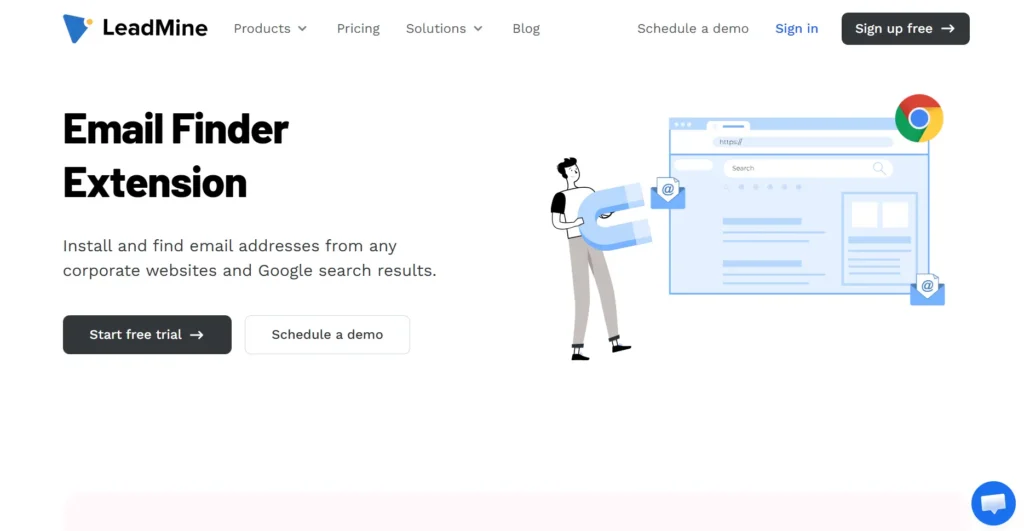
LeadMine is a budget-friendly lead generation tool focused on name-based, domain-based, and company searches.
It offers clean and minimalistic search functionality while ensuring email verification before delivering results. Its Chrome extension helps extract contacts from LinkedIn, making it easy to build targeted prospect lists.
Pricing starts at $0/month with 10 credits. The Basic plan costs $29/month for 250 credits. The Essential plan costs $99/month for 1,000 credits. Custom packages are available for teams needing more than 1,000 credits. No credit card is required to start. Credits do not roll over to the next month.
Key Features:
It offers clean and minimalistic search functionality while ensuring email verification before delivering results. Its Chrome extension helps extract contacts from LinkedIn, making it easy to build targeted prospect lists.
Pricing starts at $0/month with 10 credits. The Basic plan costs $29/month for 250 credits. The Essential plan costs $99/month for 1,000 credits. Custom packages are available for teams needing more than 1,000 credits. No credit card is required to start. Credits do not roll over to the next month.
Key Features:
- Name, company, and domain-based email search
- Built-in email verification to reduce bounce rates
- LinkedIn Chrome extension for prospecting
Pros:
- Budget-friendly compared to larger tools
- Credits deducted only for verified email addresses, not failed lookups
Cons:
- Limited database compared to enterprise solutions
- Lacks phone number lookups and intent data
- No CRM integrations, requiring manual list management
15. UpLead
G2 Rating: 4.7/5 | Capterra Rating: 4.6/5
Best for: Finding B2B contacts with real-time enrichment and firmographic data.
Best for: Finding B2B contacts with real-time enrichment and firmographic data.

UpLead is a data-rich B2B prospecting tool that sets itself apart with its 95% accuracy guarantee and real-time data enrichment.
Users can filter contacts based on firmographics, technographics, and buying intent. It is one of the few tools that allow email validity preview before spending credits. One credit unlocks one contact, including email and mobile direct dial.
A free trial is available for 7 days with 5 credits. The Essentials plan costs $99/month for 170 credits. The Plus plan costs $199/month for 400 credits, adding technographics, data enrichment, and advanced filters. The Professional plan is annual with custom seats, credits, and pricing. Additional credits cost $0.60/credit on Essentials and $0.50/credit on Plus.
Key Features:
Users can filter contacts based on firmographics, technographics, and buying intent. It is one of the few tools that allow email validity preview before spending credits. One credit unlocks one contact, including email and mobile direct dial.
A free trial is available for 7 days with 5 credits. The Essentials plan costs $99/month for 170 credits. The Plus plan costs $199/month for 400 credits, adding technographics, data enrichment, and advanced filters. The Professional plan is annual with custom seats, credits, and pricing. Additional credits cost $0.60/credit on Essentials and $0.50/credit on Plus.
Key Features:
- 95% accuracy guarantee with email validity preview
- Firmographic & technographic filters to refine searches
- Real-time enrichment to keep contact details updated
- CRM integrations (Salesforce, HubSpot, Zoho, Pipedrive, and 1,500+ via Zapier)
Pros:
- Previews email validity before purchase, saving credits
- High-quality data with additional insights (firmographics, intent signals)
Cons:
- Higher pricing compared to competitors
- Best suited for B2B, limited consumer email coverage
- Strict usage limits on lower-tier plans
G2 Rating: 4.4/5 | Capterra Rating: 4.0/5
Best for: Sales teams that need both email finding and automated outreach in one platform.
Best for: Sales teams that need both email finding and automated outreach in one platform.
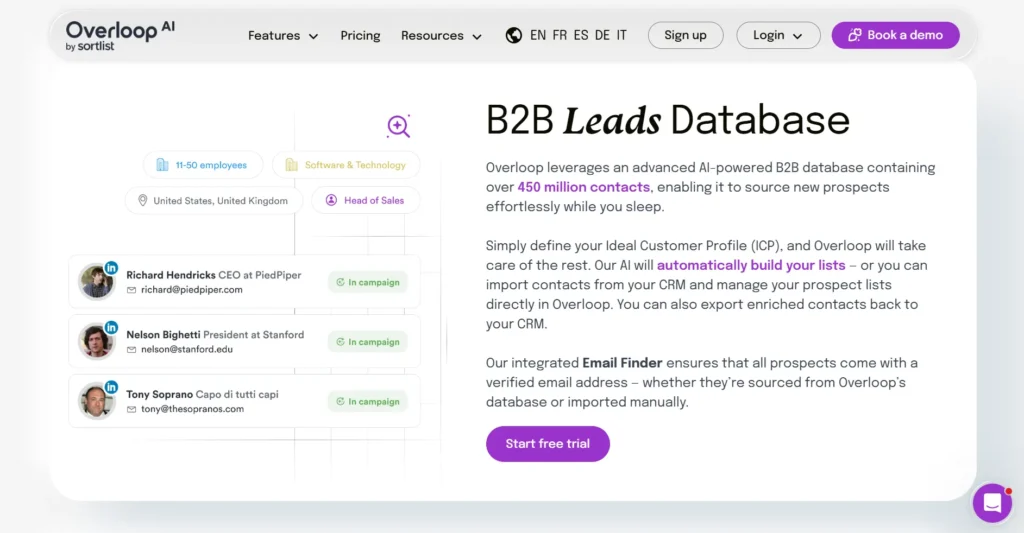
Overloop AI offers an integrated email finder. It combines lead discovery with cold email automation.
Users can find emails, verify them, and launch personalized email campaigns. The tool also offers detailed email engagement tracking, allowing sales teams to measure open rates, click-throughs, and reply rates for better outreach optimization.
In terms of pricing, the Starter plan costs $69/user/month with 250 credits and 3 campaigns. A 14-day free trial is available with no credit card required.
Key Features:
Users can find emails, verify them, and launch personalized email campaigns. The tool also offers detailed email engagement tracking, allowing sales teams to measure open rates, click-throughs, and reply rates for better outreach optimization.
In terms of pricing, the Starter plan costs $69/user/month with 250 credits and 3 campaigns. A 14-day free trial is available with no credit card required.
Key Features:
- Email finder and cold outreach automation in one tool
- Engagement tracking for email performance analysis
- CRM integrations (Pipedrive, HubSpot, Salesforce)
Pros:
- Combines prospecting and outreach, reducing the need for multiple tools
- Advanced email tracking helps optimize follow-ups
Cons:
- Steep learning curve due to feature complexity
- Deliverability issues reported, with some emails landing in spam
- More expensive than standalone email finders
17. Skrapp
G2 Rating: 4.5/5 | Capterra Rating: 4.5/5
Best for: Sales teams and marketers looking for an affordable email finder with LinkedIn scraping.
Best for: Sales teams and marketers looking for an affordable email finder with LinkedIn scraping.
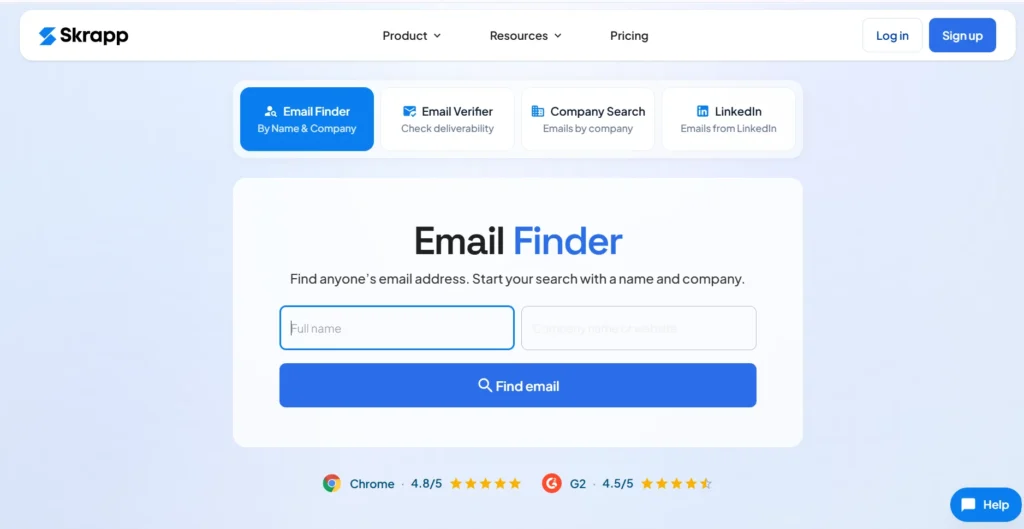
Skrapp is an email research and lead enrichment tool that helps B2B professionals find verified email addresses for outreach campaigns.
It primarily works as a LinkedIn email finder, extracting emails from public profiles to build prospect lists. Users can also use Skrapp’s domain search and company enrichment features to gather contact details from multiple sources. Its Chrome extension simplifies the process by allowing real-time email discovery while browsing LinkedIn.
As for pricing, the Free plan includes 50 credits per month for 1 user. The Professional plan starts at $29/month billed annually, with 2,000 credits for 2 users. Credits roll over monthly and are only charged for valid or catch-all emails. The Enterprise plan starts at $262/month billed annually, with 50,000 credits for 15 users. Custom plans are available for larger teams.
Key Features:
It primarily works as a LinkedIn email finder, extracting emails from public profiles to build prospect lists. Users can also use Skrapp’s domain search and company enrichment features to gather contact details from multiple sources. Its Chrome extension simplifies the process by allowing real-time email discovery while browsing LinkedIn.
As for pricing, the Free plan includes 50 credits per month for 1 user. The Professional plan starts at $29/month billed annually, with 2,000 credits for 2 users. Credits roll over monthly and are only charged for valid or catch-all emails. The Enterprise plan starts at $262/month billed annually, with 50,000 credits for 15 users. Custom plans are available for larger teams.
Key Features:
- LinkedIn email extraction for B2B leads
- Domain and company email search
- Bulk email lookup for contact enrichment
- Chrome extension for LinkedIn prospecting
Pros:
- Easy to use, even for beginners
- Affordable pricing for small teams
Cons:
- Customer support is slow or unresponsive
- Data accuracy issues with occasional outdated emails
G2 Rating: 4.4/5 | Capterra Rating: 4.5/5
Best for: Businesses needing real-time B2B data enrichment and lead insights.
Best for: Businesses needing real-time B2B data enrichment and lead insights.
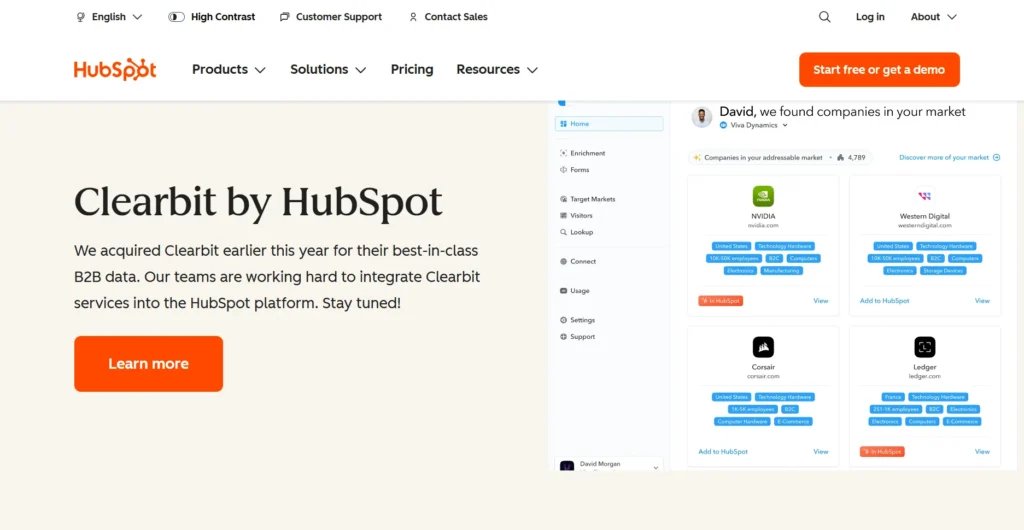
Clearbit, now acquired by HubSpot, is a data intelligence platform that enhances email prospecting with real-time contact and company information.
It helps businesses track website visitors, enrich CRM records, and find verified emails through its extensive database. Clearbit integrates seamlessly with Salesforce, HubSpot, and marketing automation tools, making it an essential solution for revenue teams. Its Chrome extension, Clearbit Connect, enables users to discover emails directly from Gmail.
Since the acquisition, Clearbit's features are available as part of HubSpot Marketing Hub. The free plan supports up to 2 users with no credit card required. The Starter plan begins at $7/seat/month, Professional at $800/month for 3 seats, and Enterprise at $3,600/month for 5 seats.
Key Features:
It helps businesses track website visitors, enrich CRM records, and find verified emails through its extensive database. Clearbit integrates seamlessly with Salesforce, HubSpot, and marketing automation tools, making it an essential solution for revenue teams. Its Chrome extension, Clearbit Connect, enables users to discover emails directly from Gmail.
Since the acquisition, Clearbit's features are available as part of HubSpot Marketing Hub. The free plan supports up to 2 users with no credit card required. The Starter plan begins at $7/seat/month, Professional at $800/month for 3 seats, and Enterprise at $3,600/month for 5 seats.
Key Features:
- Real-time email and contact data enrichment
- Integrations with CRMs and marketing tools
- Website visitor tracking for lead generation
- Chrome extension for in-email prospecting
Pros:
- High-quality, verified contact data
- Seamless CRM and marketing tool integrations
Cons:
- Expensive for startups, especially at Professional and Enterprise tiers
- Occasional outdated or missing contact details
- No longer available as a standalone tool
19. LeadLeaper
G2 Rating: 4.5/5 | Capterra Rating: 4.2/5
Best for: Sales reps, SMBs, and entrepreneurs looking for an easy LinkedIn email finder.
Best for: Sales reps, SMBs, and entrepreneurs looking for an easy LinkedIn email finder.
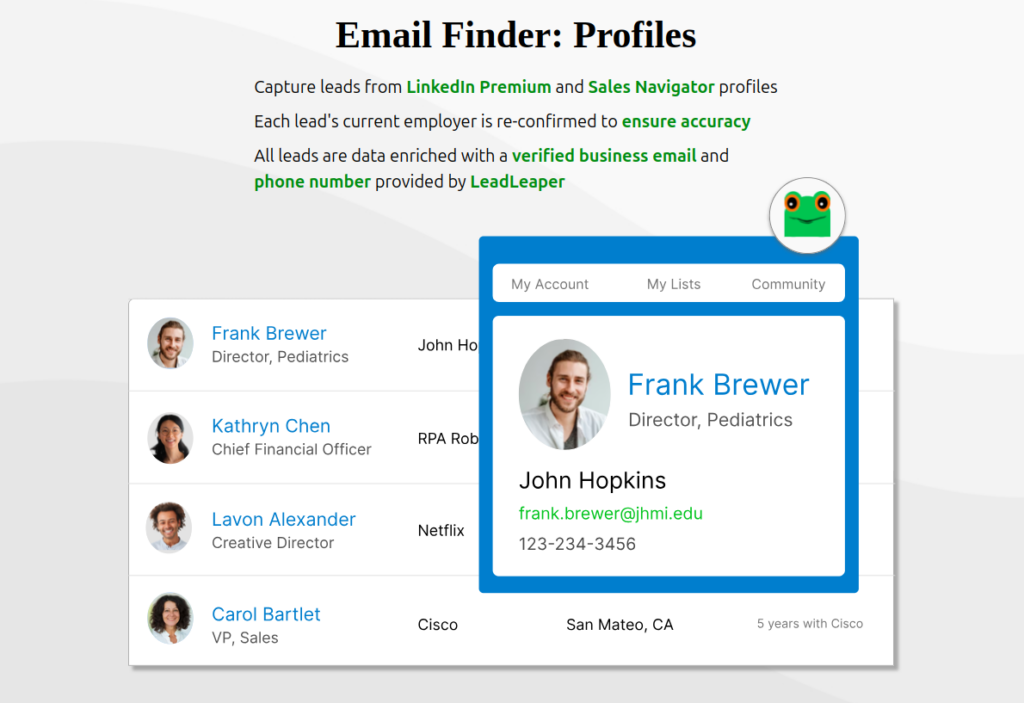
LeadLeaper is designed for LinkedIn users who need quick access to verified email addresses.
It simplifies lead generation by extracting contact details from LinkedIn profiles with a single click. The tool also includes a built-in lead manager, ensuring duplicate or invalid emails are removed for better accuracy. With free daily email credits and a regularly updated database, LeadLeaper is a cost-effective choice for those who rely heavily on LinkedIn prospecting.
As for pricing, the Free plan includes 100 email credits per month. The Starter plan costs $29/month with email finder, leads export, and duplicate detection. Annual and team discounts are available. Credits are only charged when a valid business email is returned.
Key Features:
It simplifies lead generation by extracting contact details from LinkedIn profiles with a single click. The tool also includes a built-in lead manager, ensuring duplicate or invalid emails are removed for better accuracy. With free daily email credits and a regularly updated database, LeadLeaper is a cost-effective choice for those who rely heavily on LinkedIn prospecting.
As for pricing, the Free plan includes 100 email credits per month. The Starter plan costs $29/month with email finder, leads export, and duplicate detection. Annual and team discounts are available. Credits are only charged when a valid business email is returned.
Key Features:
- Lead management to clean and organize contacts
- Chrome extension for easy prospecting
- Free daily email credits for limited usage
Pros:
- Seamless LinkedIn integration for quick lead extraction
- Simple and beginner-friendly interface
Cons:
- Some users experience login issues and slow loading times
- Free plan has strict limitations on daily searches
20. Adapt
G2 Rating: 4.6/5 | Capterra Rating: 4.3/5
Best for: Sales and marketing teams needing a robust B2B contact database.
Best for: Sales and marketing teams needing a robust B2B contact database.
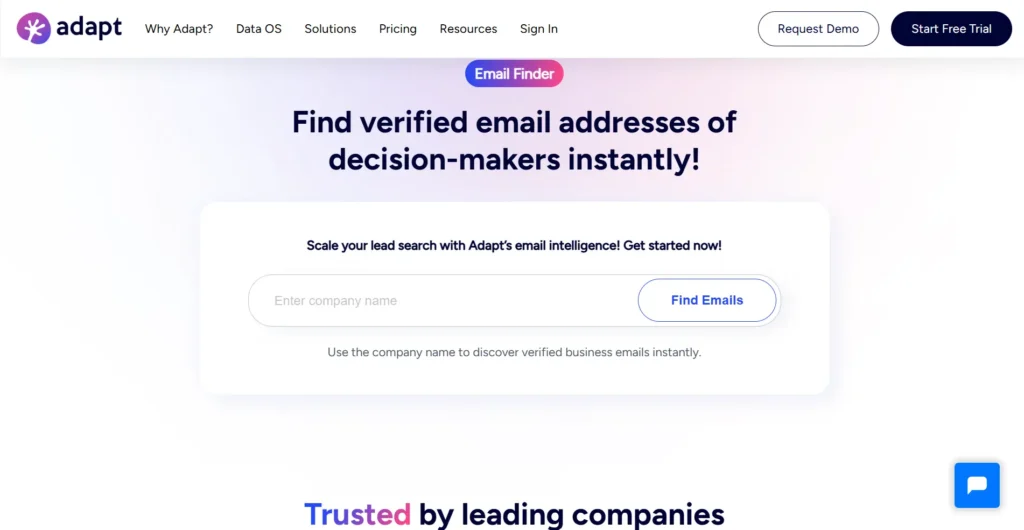
Adapt is a real-time email finder designed for targeted B2B prospecting. Users can search for emails by domain, job title, or company size.
Its AI-powered verification system filters out invalid or outdated emails before delivering results. The LinkedIn Chrome extension allows direct email extraction while browsing profiles.
Seamless CRM integrations with HubSpot, Salesforce, and Pipedrive push verified emails directly into your sales pipeline. Regarding pricing, the Free plan includes 25 email credits, 25 enrichment credits, and 25 contacts per day. The Starter plan costs $49/month with 500 email credits and 50 contacts per day. A 7-day free trial is available on all plans.
Key Features:
Its AI-powered verification system filters out invalid or outdated emails before delivering results. The LinkedIn Chrome extension allows direct email extraction while browsing profiles.
Seamless CRM integrations with HubSpot, Salesforce, and Pipedrive push verified emails directly into your sales pipeline. Regarding pricing, the Free plan includes 25 email credits, 25 enrichment credits, and 25 contacts per day. The Starter plan costs $49/month with 500 email credits and 50 contacts per day. A 7-day free trial is available on all plans.
Key Features:
- Real-time email discovery with AI validation
- Domain and job title-based lookup for targeted leads
- LinkedIn Chrome extension for profile-based searches
- Direct CRM sync (HubSpot, Salesforce, Pipedrive)
Pros:
- High-accuracy real-time email verification
- Advanced filters for precise lead targeting
Cons:
- No free plan available
- UI has a slight learning curve
21. ContactOut
G2 Rating: 4.5/5 | Capterra Rating: 4.6/5
Best for: Recruiters, agencies, and businesses needing both personal and professional emails.
Best for: Recruiters, agencies, and businesses needing both personal and professional emails.

ContactOut stands out for its ability to find not only work emails but also personal emails and phone numbers.
Its AI-powered verification system enhances accuracy, making it a valuable tool for recruiters and B2B professionals. The Chrome extension allows seamless email discovery on LinkedIn, and its vast database ensures a high match rate.
However, some users have reported occasional inaccuracies, especially outside major regions.
ContactOut offers four plans:
Its AI-powered verification system enhances accuracy, making it a valuable tool for recruiters and B2B professionals. The Chrome extension allows seamless email discovery on LinkedIn, and its vast database ensures a high match rate.
However, some users have reported occasional inaccuracies, especially outside major regions.
ContactOut offers four plans:
- Free ($0/month, 5 emails/phones/exports per day),
- Email ($49/month, unlimited emails, 300 exports/month),
- Email + Phone ($99/month, unlimited emails and phones, 600 exports/month),
- Team/API (custom-quoted with API access and ATS integrations).
Key Features:
- AI-powered email verification for accuracy
- Access to personal and professional emails
- Chrome extension for LinkedIn email extraction
- Candidate tracking and management tools
Pros:
- Strong database with both work and personal emails
- AI-enhanced verification improves email accuracy
Cons:
- Limited data coverage for niche industries and smaller regions
- Higher pricing compared to competitors for full features
22. Datanyze
G2 Rating: 4.1/5 | Capterra Rating: 3.7/5
Best for: Sales teams needing technographic data along with contact details.
Best for: Sales teams needing technographic data along with contact details.
Datanyze is more than just an email finder. It provides technographic insights, helping businesses understand the software and tools used by target companies. It integrates directly with LinkedIn and allows users to extract verified contact details along with company tech stack information. This feature makes it ideal for SaaS sales teams that need deep insights into their prospects.
However, its credit-based pricing can be restrictive for teams with high-volume prospecting needs.
Datanyze offers three pricing plans:
However, its credit-based pricing can be restrictive for teams with high-volume prospecting needs.
Datanyze offers three pricing plans:
- Nyze Lite: Free, 90-day trial, 10 credits/month, no credit card required
- Nyze Pro 1: $29/month or $21/month (billed annually), 80 credits/month
- Nyze Pro 2: $55/month or $39/month (billed annually), 160 credits/month
Each credit reveals one contact's email or phone number via the Chrome extension or Datanyze Directories.
Key Features:
Key Features:
- Extracts emails and phone numbers from LinkedIn
- Provides technographic data for B2B outreach
- Lead segmentation and tagging for better organization
- Direct CRM export for streamlined workflows
Pros:
- Combines email finding with company tech stack insights
- Easy-to-use LinkedIn Chrome extension
Cons:
- Low monthly credit limits make it restrictive for high-volume prospecting teams
- Some reports of occasional outdated contact information
23. SignalHire
G2 Rating: 4/5 | Capterra Rating: 4.3/5
Best for: Recruiters, marketers, and HR professionals looking for personal and professional email contacts.
Best for: Recruiters, marketers, and HR professionals looking for personal and professional email contacts.
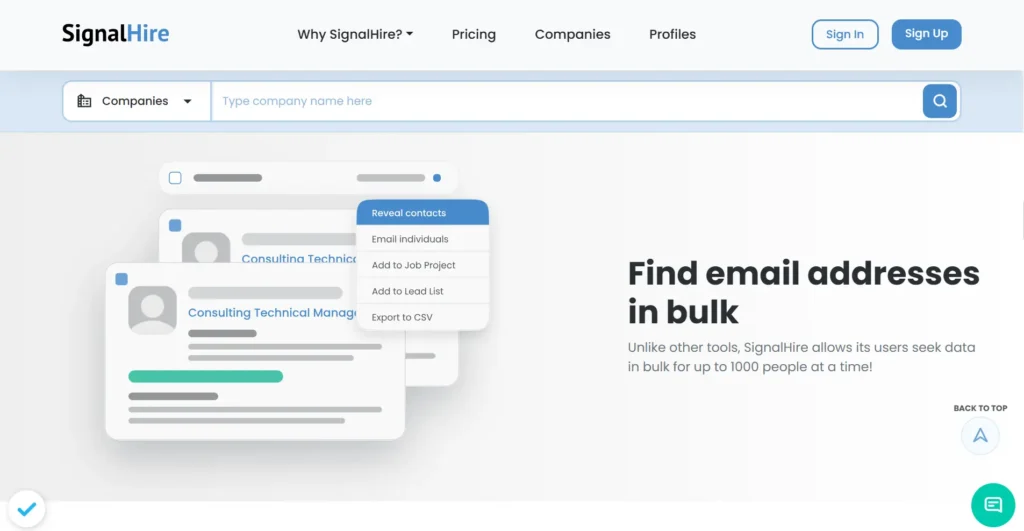
SignalHire is a powerful recruitment and lead generation tool that allows users to find verified contact details in real time. It provides access to over 800 million professional contacts across the US, Australia, and Europe, with advanced filters to identify candidates who are open to work. SignalHire’s predictive sourcing technology also helps recruiters find professionals most likely to switch jobs soon.
The platform integrates seamlessly with LinkedIn, GitHub, Twitter, and even MeetUp, making it a versatile choice for talent sourcing and B2B outreach. However, some users report outdated contact details and duplicate entries, requiring extra verification steps.
SignalHire offers four pricing options:
The platform integrates seamlessly with LinkedIn, GitHub, Twitter, and even MeetUp, making it a versatile choice for talent sourcing and B2B outreach. However, some users report outdated contact details and duplicate entries, requiring extra verification steps.
SignalHire offers four pricing options:
- Free: 5 to 10 credits/month, no credit card required
- Emails / Phones / Emails + Phones: $69/month or $57/month (billed annually), 1,000 credits/month
- Unlimited Credits: $99/month or $83/month (billed annually)
- Scale: Custom pricing for large-scale prospecting teams
Key Features:
- Provides professional and personal emails with high accuracy
- Bulk email search for up to 1,000 contacts at a time
- Advanced Boolean search filters for precise prospecting
- Chrome extension for LinkedIn and other platforms
Pros:
- Extensive database covering multiple industries and locations
- Predictive sourcing helps identify professionals likely to switch jobs
- Easy integration with ATS and CRM systems
Cons:
- Some contacts may be outdated, requiring additional verification
- Duplicate email results can cause confusion in outreach efforts
24. Interseller
G2 Rating: 4.7/5 | Capterra Rating: NA
Best for: Sales teams and recruiters looking for an all-in-one email finding and outreach solution.
Best for: Sales teams and recruiters looking for an all-in-one email finding and outreach solution.

Interseller simplifies email outreach by combining email finding, personalization, and sequencing in one platform. Its Chrome extension helps users find work and personal emails, personalize messages, and sync them with connected integrations like CRM systems.
The tool also supports domain-based searches, bulk lookups, and CSV imports for seamless prospecting. However, Interseller is only available for Google and Outlook users, with no support for third-party email providers.
Interseller offers one plan: the Recruiter Plan at $200/month per user. It includes email sequence sending and 250 work and personal email lookups per month.
Key Features:
The tool also supports domain-based searches, bulk lookups, and CSV imports for seamless prospecting. However, Interseller is only available for Google and Outlook users, with no support for third-party email providers.
Interseller offers one plan: the Recruiter Plan at $200/month per user. It includes email sequence sending and 250 work and personal email lookups per month.
Key Features:
- Chrome extension for quick email lookups and verifications
- Bulk search capability for large-scale lead generation
- Seamless CRM integrations for lead management
- Custom fields and CSV import for personalization
Pros:
- High accuracy in finding professional email addresses
- Strong LinkedIn integration for email extraction
- Supports bulk email finding for large campaigns
Cons:
- Only 250 email lookups per month, restrictive for high-volume teams
- No support for third-party email providers outside Google and Outlook
- Pricing at $200/month per user is expensive compared to alternatives
25. ZoomInfo
G2 Rating: 4.5/5 | Capterra Rating: 4.1/5
Best for: Enterprises and sales teams looking for comprehensive contact data and advanced prospecting capabilities.
Best for: Enterprises and sales teams looking for comprehensive contact data and advanced prospecting capabilities.
ZoomInfo is a leading contact data provider offering detailed information on businesses and professionals across various industries. It helps users find accurate email addresses and other key contact details by tapping into a vast, continuously updated database.
With powerful search filters, data enrichment, and integration with CRM systems, ZoomInfo supports sales, marketing, and recruitment teams in streamlining lead generation and outreach efforts.
ZoomInfo does not publish fixed pricing publicly. All plans are custom-quoted based on features, number of licenses, and credit usage. Three plan categories are available:
With powerful search filters, data enrichment, and integration with CRM systems, ZoomInfo supports sales, marketing, and recruitment teams in streamlining lead generation and outreach efforts.
ZoomInfo does not publish fixed pricing publicly. All plans are custom-quoted based on features, number of licenses, and credit usage. Three plan categories are available:
- Sales Plans: Professional, Copilot Advanced, and Copilot Enterprise covering contact data, buyer intent signals, AI-powered outreach, and advanced workflows
- Marketing Plans: Demand, ABM Lite, and ABM Enterprise covering audience targeting, intent data, display advertising, and CRM integrations
- Talent Plans: Custom-quoted for recruiting teams with candidate search and ATS integrations
A free trial is available across all plan types at zoominfo.com/free-trial.
Key Features:
Key Features:
- Advanced contact and company search with firmographic and technographic filters
- Buyer intent data to identify and prioritize in-market prospects
- Built-in data enrichment for accurate, up-to-date contact information
Pros:
- Vast, constantly updated database with millions of contacts
- Targeted searches using detailed criteria to identify ideal prospects
- Excellent customer support and onboarding
Cons:
- Complex pricing structure with no publicly listed rates
- Can be overwhelming for new users due to the number of features
- Occasional data accuracy issues for niche industries
26. FindThatLead
G2 Rating: 4/5 | Capterra Rating: 4.2/5
Best for: Marketers and sales professionals needing B2B contact data with built-in outreach.
Best for: Marketers and sales professionals needing B2B contact data with built-in outreach.
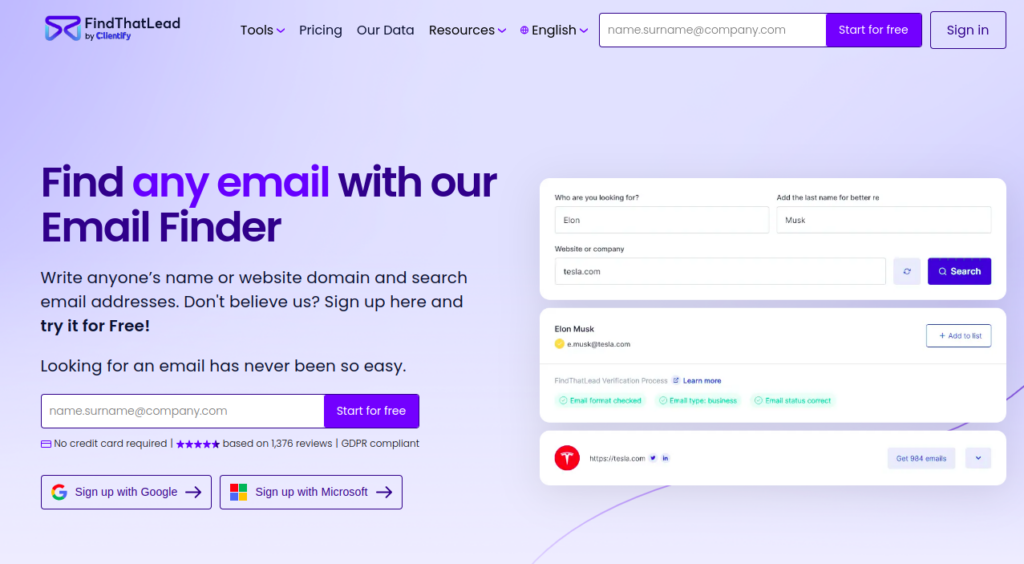
FindThatLead specializes in finding B2B contact information. The tool allows you to search for verified email addresses to ensure deliverability. It integrates with your CRM to streamline lead management, and its cold email outreach automation helps businesses reach potential clients faster and more efficiently.
FindThatLead is ideal for businesses looking for a cost-effective solution for outreach-focused sales campaigns, providing access to real-time data and the ability to track prospect engagement.
FindThatLead offers three plans:
FindThatLead is ideal for businesses looking for a cost-effective solution for outreach-focused sales campaigns, providing access to real-time data and the ability to track prospect engagement.
FindThatLead offers three plans:
- Free Trial: $0/month, 50 email credits, 2 phone credits, 150 emails/day, 1 user
- Starter: $49/month or $37/month (billed annually), 2,000 email credits, 50 phone credits/month, 400 emails/day, 1 user
- Ultimate: $99/month or $75/month (billed annually), unlimited email credits, 100 phone credits/month, unlimited users and email sending (subject to fair use policy)
Key Features:
- B2B prospecting with targeted email search
- Email verification to ensure high deliverability
- Automated cold email outreach with CRM integrations
Pros:
- Affordable, providing excellent value for outreach campaigns
- Streamlined CRM integration for effective lead management
Cons:
- Limited features for broader outreach outside of B2B
- Data accuracy issues in some cases
27. LeadFuze
G2 Rating: 4.6/5 | Capterra Rating: 4.6/5
Best for: Businesses needing an AI-driven lead generation platform.
Best for: Businesses needing an AI-driven lead generation platform.
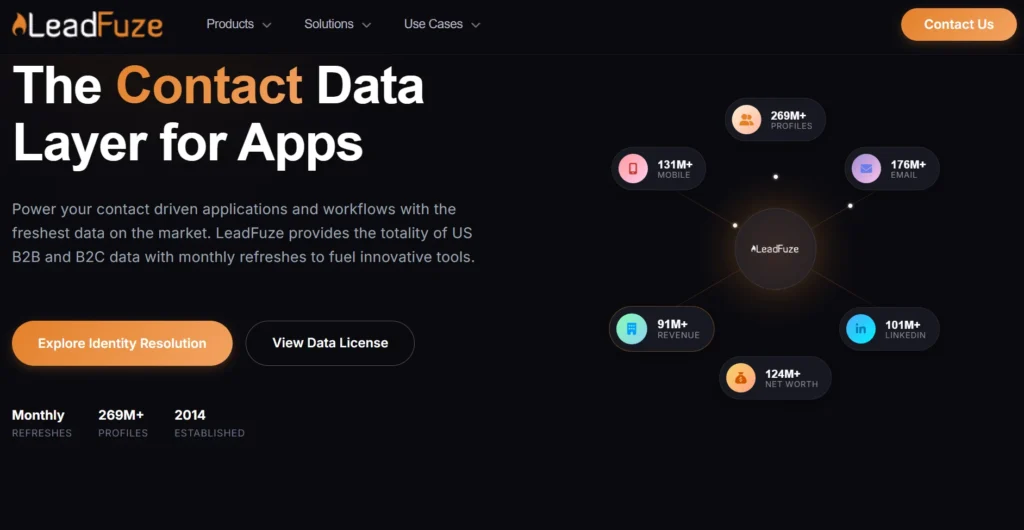
LeadFuze helps businesses identify potential customers and automatically build prospect lists, making it easy to find targeted email addresses. By searching through millions of contacts across various industries, LeadFuze enables users to locate emails, domains, and social profiles with ease. The platform also integrates directly with CRM and outreach tools for multi-channel campaigns.
LeadFuze also offers the ability to perform email lookups and export lists, simplifying the lead generation process with accurate, actionable data.
LeadFuze offers flexible pricing to match different prospecting needs:
LeadFuze also offers the ability to perform email lookups and export lists, simplifying the lead generation process with accurate, actionable data.
LeadFuze offers flexible pricing to match different prospecting needs:
- Free Trial: Available to test the platform
- Scaling: $397/month, 2,500 lead credits/month
- Custom: Quote-based for larger teams or 5+ users
Key Features:
- Automatic email discovery and contact list building
- Email and domain search for targeted outreach
- Seamless CRM and outreach tool integration
- Exportable contact lists in CSV format
Pros:
- Automated list building and contact syncing
- Ideal for multi-channel outreach campaigns
Cons:
- Email search may not be as advanced as competitors
- Limited advanced filters
28. Kaspr
G2 Rating: 4.4/5 | Capterra Rating: 3.3/5
Best for: Sales teams and recruiters who need quick access to LinkedIn prospect data.
Best for: Sales teams and recruiters who need quick access to LinkedIn prospect data.
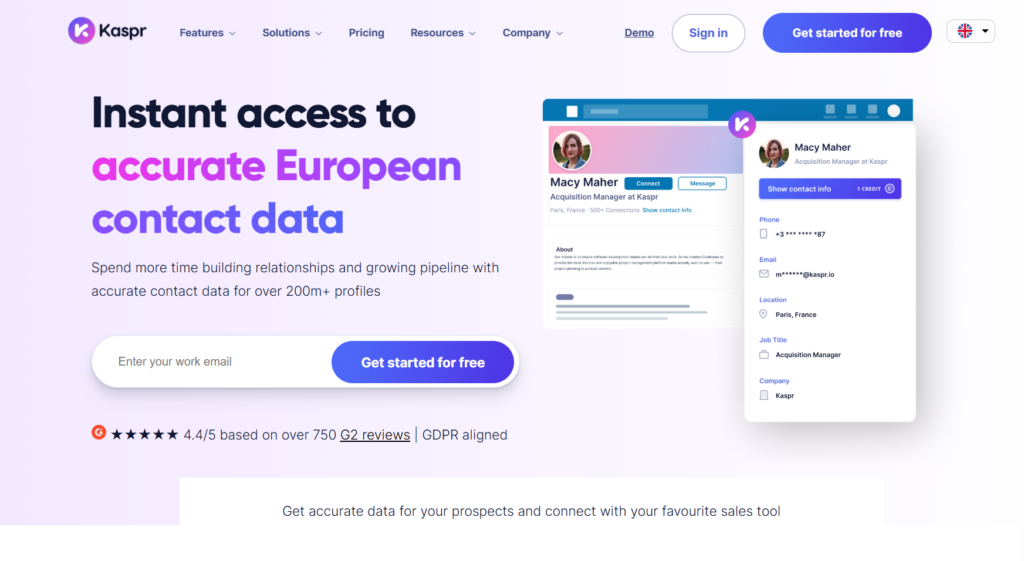
Kaspr makes it easy to extract and organize contact information of your leads. Its Chrome extension for LinkedIn allows users to retrieve emails and phone numbers with a single click. Its bulk export feature enables large-scale lead collection. It also offers LinkedIn automation (currently in beta), allowing users to send connection requests and follow-ups automatically. However, Kaspr’s credit-based pricing can be expensive, and its data accuracy is inconsistent.
Some users report incomplete or outdated contact details, which can lead to wasted credits. Additionally, the dashboard feels cluttered, and onboarding can be overwhelming for new users.
Kaspr offers four plans to suit different team sizes and prospecting needs:
Some users report incomplete or outdated contact details, which can lead to wasted credits. Additionally, the dashboard feels cluttered, and onboarding can be overwhelming for new users.
Kaspr offers four plans to suit different team sizes and prospecting needs:
- Free: $0/month, 15 B2B email credits, 5 phone credits, 5 direct email credits/month
- Starter: $49/month (or $45/month billed annually), unlimited B2B emails, 1,200 phone credits/year, 12,000 exports/year
- Business: $79/month (or $79/month billed annually), unlimited B2B emails, 2,400 phone credits/year, 30,000 exports/year
- Enterprise: Custom pricing for larger teams with unlimited credits and advanced compliance features
Key Features:
- Bulk exports for scaling lead generation
- Automated workflows for LinkedIn messaging and CRM integration
- Lead tracking and organization with tags, notes, and reminders
- GDPR & CCPA compliance with data opt-out options
Pros:
- Automation reduces manual work in lead management
- Bulk data extraction enhances efficiency for outreach
Cons:
- Pricing is high, with a restrictive credit-based system
- Data accuracy can be inconsistent
- Dashboard and onboarding can be confusing for new users
29. Name2Email
G2 Rating: NA | Capterra Rating: NA
Best for: Sales reps and marketers looking for a simple, Gmail-integrated email finder.
Best for: Sales reps and marketers looking for a simple, Gmail-integrated email finder.

Name2Email (by Reply.io) is a free Chrome extension that allows users to find email addresses directly from Gmail. By entering a name and domain, users can generate potential corporate email addresses in seconds.
While the tool has a simple interface and is easy to use, it lacks bulk search capabilities and advanced verification. As a result, it is better suited for occasional email lookups than high-volume lead generation.
Key Features:
While the tool has a simple interface and is easy to use, it lacks bulk search capabilities and advanced verification. As a result, it is better suited for occasional email lookups than high-volume lead generation.
Key Features:
- Chrome extension that works directly within Gmail
- Free search functionality for corporate emails
- Quick email generation using name and domain
- Ideal for Gmail Sales Navigator users
Pros:
- Simple interface for quick email lookups
- Free access with no additional setup required
- Focused on corporate emails, making it useful for B2B outreach
Cons:
- No built-in email verification
- No bulk search functionality
- Accuracy depends on available public data and email patterns
- Limited functionality compared to full-featured email finder platforms
30. LeadBoxer
G2 Rating: 4/5 | Capterra Rating: 4.8/5
Best for: B2B sales teams looking for lead scoring, email tracking, and CRM integration.
Best for: B2B sales teams looking for lead scoring, email tracking, and CRM integration.
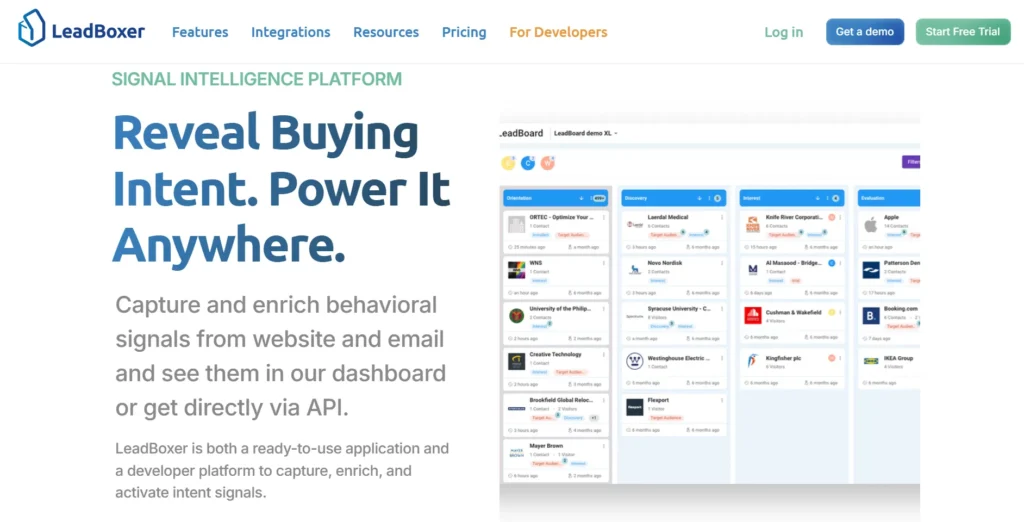
LeadBoxer goes beyond simple email finding by integrating lead scoring and engagement tracking into its platform. The tool helps sales teams prioritize prospects based on their activity and intent, sending real-time notifications when leads engage with emails or website content.
With a strong LinkedIn integration, LeadBoxer allows users to extract email addresses directly from profiles. It also supports CRM integrations, making it easier to manage leads and track interactions.
However, LeadBoxer offers four plans to match different team sizes and usage needs:
With a strong LinkedIn integration, LeadBoxer allows users to extract email addresses directly from profiles. It also supports CRM integrations, making it easier to manage leads and track interactions.
However, LeadBoxer offers four plans to match different team sizes and usage needs:
- Free/PAYG: €0/month, 25,000 credits/month, pay-as-you-go beyond the limit
- Starter: €99/month, 100,000 credits/month, lead scoring, ICP and persona matching, 3 users
- Growth: €199/month, 250,000 credits/month, workflow automation, native integrations, 5 users
- Scale: €399/month, 1,000,000 credits/month, ABM, SSO, advanced integrations, 10 users
Key Features:
- Dynamic lead scoring to prioritize high-value prospects
- Chrome extension for LinkedIn-based email extraction
- Real-time engagement tracking and notifications
Pros:
- Strong LinkedIn integration for lead generation
- Bulk email finding for large-scale outreach
- Lead enrichment features for gathering additional prospect details
Cons:
- Some inaccuracies in email results may require extra verification
- The interface could be more user-friendly
- Free tier offers limited functionality
Best Free Email Finder Tools at a Glance
| Tool | Free Credits |
|---|---|
| Clearout | 100 free lifetime credits |
| Hunter | 50 credits/month |
| GetProspect | 50 valid emails/month |
| LeadMine | 10 credits |
| Skrapp | 50 credits/month |
| Snov | Trial only |
| SignalHire | 5–10 credits/month |
| Kaspr | 15 B2B email credits/month |
| ContactOut | 5 emails/day |
| Adapt | 25 email credits/day |
How To Choose The Right Email Finder Tool?
With countless email finders available, choosing the right one can be challenging. Here are the key features to consider before making a decision:
- Bulk Search – Upload a list of contacts (CSV format) and find verified email addresses in bulk, improving efficiency and accuracy.
- Domain Search – Enter a company’s URL to retrieve verified email contacts of key decision-makers.
- Email Verification – Filters out invalid emails using syntax checks, domain validation, and real-time verification to reduce bounce rates
- Detailed Reporting – Provides insights into email search, domain search, and verification results for data-driven decision-making.
- Integrations – Seamlessly connects with CRMs, ESPs, and sales platforms to streamline workflows.
- API Access – Enables direct integration with your existing tools and workflows for automated, high-volume email finding and verification.
- Pricing Options – Choose a plan based on your business size and budget, ensuring the best value for your needs.
- Free Trial – Test the tool before purchasing to evaluate its effectiveness.
- Ease of Use – A user-friendly interface with clear guidance ensures a smooth experience.
- Customer Support – 24/7 assistance for technical issues and queries.
- User Reviews – Check review platforms to verify claims and compare tools before making a final choice.
Find Emails With Highest Accuracy & Compliance
FAQs:
Is there a free email finder?
Yes, there are tools that offer free plans or credits to find emails. Clearout offers a free email finder tool as well as free credits that can be used to find emails.
What is the most accurate email finder?
Clearout leads with a 99.73% accuracy rate, backed by more than 20 validation checks and pre-verified email delivery. Other tools known for accuracy include Snov.io, Hunter.io, and Apollo.io, though accuracy rates vary by use case and region.
What is the best free email finder tool?
Clearout offers the best free email finder experience with 100 free lifetime credits that never expire, paired with a 99.73% accuracy rate. Hunter and Skrapp also offer solid free tiers with 50 credits per month, though credits reset monthly rather than rolling over.
Can I find unlimited emails for free?
No email finder tool offers unlimited free email finding. Most free plans cap usage between 5 and 100 credits per month or as a one-time lifetime allowance. Clearout's 100 free lifetime credits with no expiry offer the most flexibility among free tiers, since unused credits are not lost to a monthly reset.
Are email finder tools legal to use?
Yes, if they comply with privacy laws like GDPR and CCPA by sourcing public data, respecting consent, and avoiding spam. Clearout is ISO 27001:2022, SOC 2 Type II, and GDPR compliant.
How is an Email Finder different from other email research tool?
Unlike simple search tools, an advanced email finder not only locates emails but also verifies their validity, reducing bounces. It also provides bulk search, domain search, and integration with CRMs and sales tools for better efficiency.
Why doesn’t the Email Finder return any result, and how it can be fixed?
If an email isn’t found, it may be due to strict privacy settings, limited online presence, or an uncommon email format. To improve results, try using variations of the name, checking alternative domains, or combining it with LinkedIn search using a chrome extension.